
8 MCP Documentation Servers to Speed Up Setup
Discover 8 MCP documentation servers that streamline setup for developers, AI tool builders, and technical teams. Improve efficiency with targeted solutions for coding assistants.
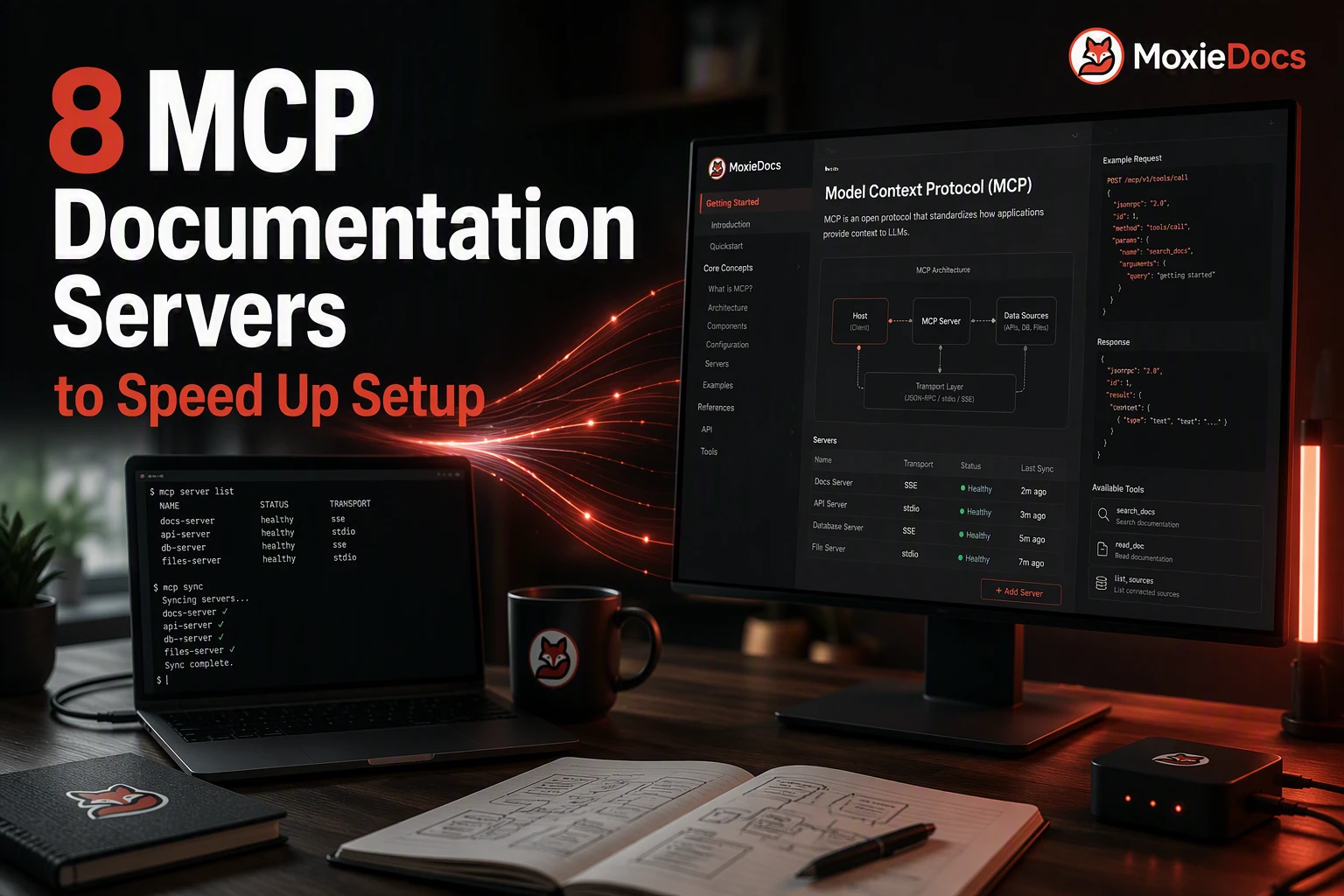
Quick Summary: Using the right MCP documentation server improves AI assistant accuracy by providing live, version-specific, and internal docs instead of stale training data. Options like MoxieDocs offer branded, synced guides; Context7 delivers current API references; and GitHub MCP integrates repo workflows. Choosing the best fit depends on your source of truth, privacy needs, and team workflow for faster setup and more reliable AI support.
If your AI assistant keeps pulling stale package names or old setup steps, the fix is often simple. The right Documentation Servers setup can turn a messy search across five tabs into one clean retrieval step.
Teams hit the same wall again and again. They bounce between docs sites, GitHub repos, Slack threads, Notion pages, and whatever the model half-remembers from older training data. That slows setup, creates bad installs, and leads to code examples that no longer match the current version.
This guide compares Documentation Servers that help with fast setup, fresh Code Documentation, accurate API Documentation, repo context, and internal workspace knowledge. The goal is not to force every tool into one bucket. It is to help you pick the server that actually fits your stack, team habits, and security rules.
We picked Documentation Servers that are active, useful, and built for real implementation work. Where possible, we gave more weight to official or project-owned options. Then we compared each one on docs freshness, setup friction, transport and auth choices, and how well it supports code docs, API docs, repo workflows, or team knowledge.
Quick Comparison#
| Server | Best for | Documentation focus | Setup style | Ideal team size |
|---|---|---|---|---|
| MoxieDocs | Branded documentation hubs and setup content | Setup guides, code docs, and API docs | Brand-owned docs experience | Teams building a docs-centric workflow |
| Context7 | Current library and API docs | Code documentation and API documentation | Remote MCP server with API key support | Individuals and teams building software |
| GitHub MCP Server | Repository workflows and code review | Repo docs and code context | Remote MCP server with OAuth/PAT options | Development teams using GitHub |
| Grounded Docs MCP Server | Private docs indexing and search | Multi-source technical documentation | Local MCP server with CLI/Web UI options | Teams with privacy or self-hosting needs |
| Microsoft Learn MCP Server | Microsoft and Azure documentation | Official platform docs and code samples | Hosted MCP endpoint with simple client config | Enterprise and platform teams |
| Notion MCP Server | Internal documentation and specs | Workspace pages and knowledge bases | Hosted remote MCP with OAuth | Startups through enterprise teams |
| Slack MCP Server | Team conversations and decision history | Slack messages and threads | Hosted remote MCP with OAuth/app setup | Teams with active Slack knowledge sharing |
| Docs MCP Server | Custom docs and project-specific search | Your own documentation sets | Self-hosted or local MCP deployment | Teams building bespoke doc workflows |
What to know about MCP Documentation Servers#
MCP documentation servers give coding assistants a better source of truth. Instead of guessing from old training data, the assistant can pull from live docs, versioned guides, API references, or internal knowledge. That means fewer wrong steps, fewer made-up methods, and less time spent checking every answer by hand.
This matters more now because teams expect AI tools to help with real setup work, not just explain concepts. If your docs change often, or your stack mixes public docs with private repo notes, context quality decides whether the assistant is useful or risky.
The main win is simple: better context in, better answers out.
For developers and AI tool builders, that turns into faster onboarding, cleaner setup flows, and less back-and-forth across docs, repos, and chat. The servers in this list solve that problem in different ways, so the right choice depends on your docs source, workflow, and control needs.
1. MoxieDocs#
MoxieDocs fits this list because fast setup is often a docs problem first. It gives teams a branded home for setup guides, code documentation, and API documentation, while also serving live MCP context to coding agents through its MCP server and GitHub-based living docs workflow.

Highlights
- Official GitHub-maintained server
- Strong support for repository, issue, and pull request workflows
- Useful for code review, issue triage, and repo exploration
Specs
- Best for: Repository workflows and code review
- Documentation focus: Repo docs and code context
- Setup style: Remote MCP server with OAuth or PAT options
- Ideal team size: Development teams using GitHub
Pros
- Official support from GitHub
- Strong fit when setup help depends on source code context
- Useful across issues, PRs, and repository search
Cons
- Less focused on curated doc indexes than dedicated docs servers
- Best value for GitHub-heavy teams
It ranks high because many real setup steps live in the repo history itself, not a separate docs portal.
Last updated: July 31, 2026
4. Grounded Docs MCP Server#
Grounded Docs is a local-first documentation server built for exact-version, source-grounded answers. It fits teams that want private control over indexing across public and internal docs, without sending sensitive material to a hosted service.

Highlights
- Runs locally and keeps docs on your machine or network
- Indexes websites, GitHub, npm, PyPI, and local files, as shown in the project repository
- Built to reduce hallucinations by grounding answers in current, version-specific docs
Specs
- Best for: Private docs indexing and search
- Documentation focus: Multi-source technical documentation
- Setup style: Local MCP server with CLI and Web UI options
- Ideal team size: Teams with privacy or self-hosting needs
Pros
- Private and local-first
- Handles many source types and formats
- Strong for version-specific docs lookups
- Offers standalone, embedded, and Docker setup paths in the installation guide
Cons
- More ops work than a hosted tool
- Broader setup than a one-click docs connector
It ranks this high because it covers the widest real-world ingestion mix while staying privacy-friendly.
Last updated: July 31, 2026
Also Read: Mcp For Agentic Programming Practical Ways Ai Helps Dev Qa And Product
5. Microsoft Learn MCP Server#
Microsoft Learn MCP Server is a strong pick for teams deep in Azure, .NET, Microsoft 365, or related stacks. It gives coding assistants direct access to trusted Microsoft docs and code samples through a hosted MCP endpoint, which helps cut guesswork during setup and API documentation lookups. Microsoft’s overview says it supports doc search, page fetch, and code sample search, and the official repo highlights no-auth, one-click setup.
 Highlights
- Official Microsoft documentation source
- No-key, quick-start friendly access
- Strong for Azure and Microsoft development workflows
Specs
- Best for: Microsoft and Azure documentation
- Documentation focus: Official platform docs and code samples
- Setup style: Hosted MCP endpoint with simple client config
- Ideal team size: Enterprise and platform teams
Pros
- Trusted first-party documentation
- Very relevant for Microsoft ecosystems
- Low friction to connect in supported clients
Cons
- Narrower value outside Microsoft-centric stacks
- Less useful for general open-source library search
It ranks here because official Microsoft docs are often the safest source for setup steps, SDK usage, and platform limits.
Last updated: July 31, 2026
Also Read: Ship Cleaner Prs With Agentic Ai Use Mcp Context And Living Docs
6. Notion MCP Server#
Notion MCP fits teams that already live in Notion. It gives AI tools secure access to workspace pages through OAuth, so setup work can pull from specs, runbooks, and onboarding docs instead of scattered tabs. Notion’s overview describes it as a hosted server with secure workspace access, and Notion Help notes that it respects existing workspace permissions.
![sunlit product team workshop with laptops open to planning docs and diagrams]
Highlights
- Official hosted Notion MCP experience
- Strong for internal docs, specs, and knowledge bases
- OAuth-based access with workspace permissions
Specs
- Best for: Internal documentation and specs
- Documentation focus: Workspace pages and knowledge bases
- Setup style: Hosted remote MCP with OAuth
- Ideal team size: Startups through enterprise teams
Pros
- Great for internal docs discovery
- Strong fit for product and engineering knowledge
- OAuth keeps access management simpler
Cons
- Depends on how well your workspace is organized
- Less focused on code and library docs than Context7
It ranks high because many setup blockers come from messy internal docs, and Notion MCP helps surface the right pages fast.
Last updated: July 31, 2026
Also Read: How We Dogfood A Continuous Documentation Workflow To Keep Code Docs And Ai In S
7. Slack MCP Server#
Slack MCP works best when your real setup docs live in channels, threads, and quick team replies. Slack says its MCP server lets AI assistants securely search messages, read channel history, and take actions in Slack, which makes old decisions easier to find during setup work in its help guide.
 Highlights
- Best for conversational team knowledge
- Useful across threads, DMs, and message history
- Strong fit for support, engineering, and ops
Specs
- Best for: Team conversations and decision history
- Documentation focus: Slack messages and threads
- Setup style: Hosted remote MCP with OAuth/app setup
- Ideal team size: Teams with active Slack knowledge sharing
Pros
- Excellent for surfacing tribal knowledge
- Great when formal docs lag behind real decisions
- Slack also notes MCP access respects workspace permissions and supports secure app connections in its rollout docs
Cons
- Conversation history is not the same as curated docs
- Access and auth need tighter governance review
It ranks here because fast-moving teams often answer setup questions in Slack long before anyone updates the docs.
Last updated: July 31, 2026
Also Read: Automated Code Documentation That Kills Onboarding Debt
8. Docs MCP Server#
Docs MCP Server is a strong pick for teams that want a flexible, open-source way to turn their own doc sets or repos into searchable context. It fits best when you need project-specific search without tying your workflow to a big hosted platform, as shown in the GitHub repo and the Grounded Docs project.

Highlights
- Flexible content source support
- Good for project-specific documentation
- Open-source and adaptable
Specs
- Best for: Custom docs and project-specific search
- Documentation focus: Your own documentation sets
- Setup style: Self-hosted or local MCP deployment
- Ideal team size: Teams building bespoke doc workflows
Pros
- Highly flexible
- Good for custom documentation sources
- Fits specialized internal workflows
Cons
- Requires more setup than hosted official servers
- Less turnkey than brand-native options like Notion or Slack
It ranks here because it is the safest fallback when you want searchable docs for a custom stack, repo documentation MCP, or internal knowledge flow without lock-in.
Last updated: July 31, 2026
How to choose the right MCP documentation server#
Pick based on where your assistant needs truth from, not just which server looks easiest to install.
- Choose Context7 if you need current code docs, API references, and version-aware examples. It fits teams that ask, "What changed in this package version?"
- Choose GitHub MCP Server if answers depend on repo files, pull requests, issues, or review history. It is best when setup work lives inside GitHub.
- Choose MoxieDocs if you want that same repo-level context, but you also need living documentation that stays synced as code changes. For teams shipping fast with AI agents, this is the strongest default pick because it cuts drift and keeps docs tied to real code.
- Choose Notion MCP or Slack MCP if your real answers sit in internal notes, runbooks, chats, and team memory, not public docs.
- Choose Grounded Docs or Docs MCP Server if you need self-hosted control, private indexing, or custom retrieval rules.
- Choose Microsoft Learn MCP if your stack leans hard on Azure, Microsoft 365, Windows, or .NET.
Use these criteria before you decide:
| Criteria | Best fit |
|---|---|
| Public docs and APIs | Context7 |
| Repo workflows and code review context | GitHub MCP Server or MoxieDocs |
| Internal knowledge systems | Notion MCP or Slack MCP |
| Private or custom-hosted docs | Grounded Docs or Docs MCP Server |
| Microsoft-heavy teams | Microsoft Learn MCP |
| Tight governance and control | Local-first options |
Rule of thumb: OAuth-hosted servers are faster to roll out. Local-first servers give you more control. If your biggest risk is stale repo docs, MoxieDocs is the safest bet.
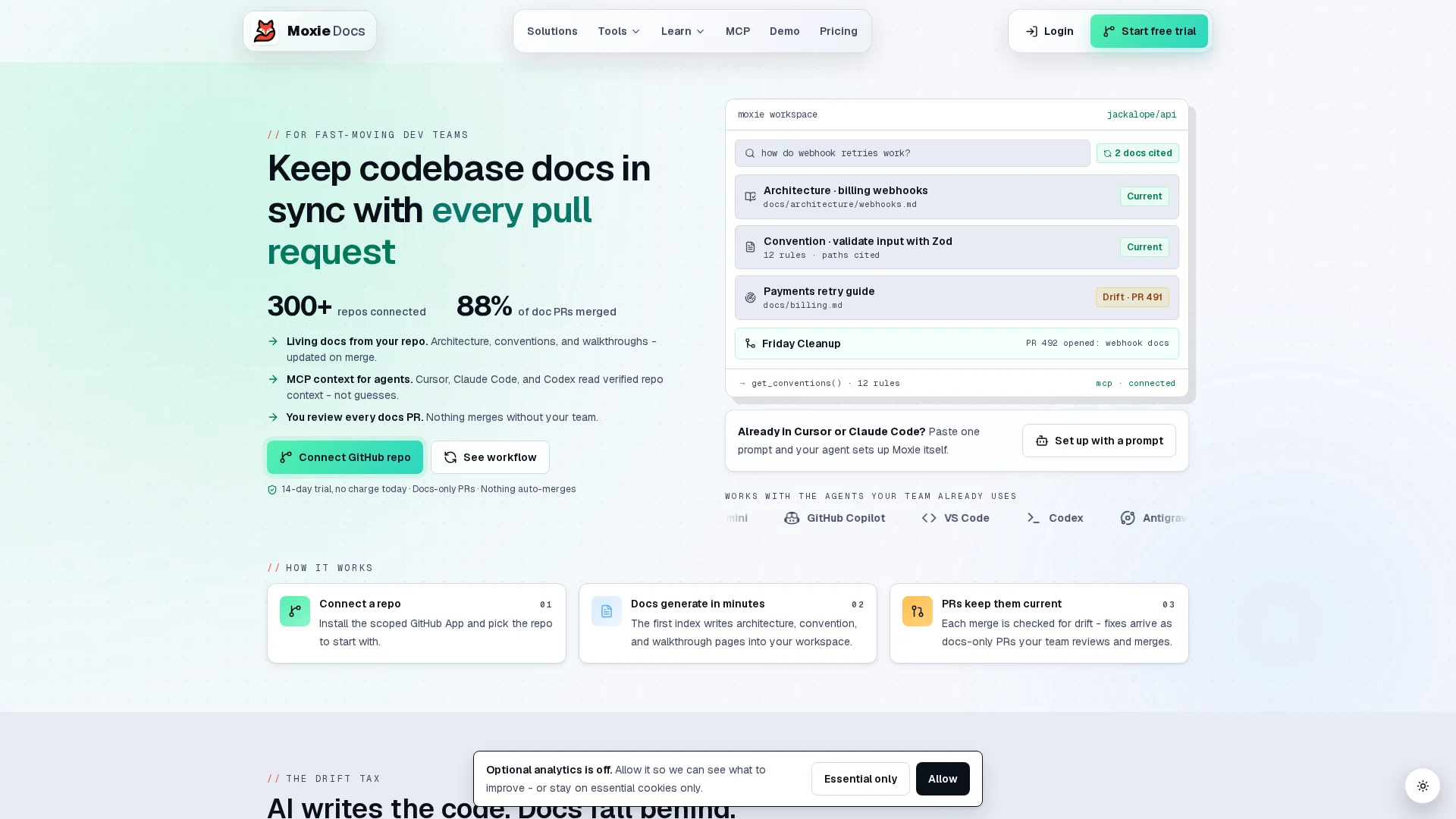
If you want MCP setup to stay fast after day one, use a docs source that updates with your repo. MoxieDocs gives AI coding agents real-time codebase context through MCP, auto-updates docs on every merge, and flags drift before stale docs slow your team down. That means less context switching, fewer wasted tokens, and fewer bad guesses from assistants. If your team ships fast, start with MoxieDocs and keep your documentation honest.
Frequently Asked Questions#
Q1: What are the top MCP servers for accelerating GitHub repository workflows and code reviews?#
For GitHub-heavy teams, pick servers that expose repo structure, pull requests, issues, and code history with low setup work. The best fit depends on whether you need review context, doc sync, or change tracking. MoxieDocs stands out when you want living docs tied to every merge.
Q2: How do MCP servers like Context7 and Playwright improve real-time API documentation and browser automation?#
Context7 helps assistants pull current docs and API references into chats, so answers stay closer to source truth. Playwright adds browser actions, testing, and UI checks. Together, they reduce guesswork when an agent must read docs, validate flows, and confirm behavior live.
Q3: Which MCP servers are recommended for team collaboration tools like Slack and Notion in enterprise environments?#
Choose Slack and Notion MCP servers when your team stores decisions outside code. They help assistants pull meeting notes, runbooks, tickets, and internal guides into one workflow. For enterprise use, prioritize permission controls, audit trails, workspace scoping, and clean admin setup.
Q4: Do I need one MCP server or several?#
Most teams need more than one. A code doc server solves one problem, while API docs, browser testing, and workplace knowledge need separate sources. Start with one high-value server, then add others only when your assistant keeps missing key context.
Q5: What should I check before choosing an MCP documentation server?#
Check five things first:
- Data source coverage
- Permission model
- Freshness of content
- Setup time
- Agent usefulness
If docs drift fast, pick a server that updates from merges, not manual edits.
Republish or cite this article
You're welcome to republish this piece in full or in part. We just ask that you credit the original with a link back. See our republishing guidelines.
Attribution snippet
<p>This article was originally published on <a href="https://moxiedocs.com/blog/8-mcp-documentation-servers-to-speed-up-setup">Moxie Docs</a>.</p>Cite this article
The Moxie Docs team. "8 MCP Documentation Servers to Speed Up Setup." Moxie Docs, July 31, 2026, https://moxiedocs.com/blog/8-mcp-documentation-servers-to-speed-up-setup.
The best MCP servers for coding
A reviewed shortlist of MCP servers for coding agents, with what each one is for and how to install it.
Read the reference guideRead next
How to Write a CONTRIBUTING.md: A Guide Humans and Coding Agents Actually Follow
Most CONTRIBUTING.md files are either a code of conduct with a link to the issue tracker or a wall of process nobody reads. A practical guide to writing one that gets a first pull request merged: what goes in it, what to leave out, how it fits next to AGENTS.md, and how to keep it true.
MCP Security Risks Explained: Tool Poisoning, Confused Deputies, and the Lethal Trifecta
MCP servers introduce a new attack surface: tool poisoning, rug pulls, confused deputy, and the lethal trifecta. What is real, and how to mitigate it.