
Documentation Drift: 7 Warning Signs Your Docs Are Outdated
Discover 7 warning signs that indicate your documentation is outdated, risking accuracy and efficiency. Essential insights for software teams, technical writers, and DevOps engineers.
You rarely catch Outdated Docs in a dashboard. You catch them when a teammate copies an example and it fails. When code moves faster than docs, the first signs are repeat questions, broken samples, and support friction. This list shows seven clear signals of Content Drift and weak Documentation Accuracy. We picked signs teams can see in daily work so you can check Documentation Accuracy fast, fix risk early, and protect Documentation Accuracy before trust drops.
Warning Signs at a Glance#
| Warning sign | Best for spotting | What it usually means | How urgent |
|---|---|---|---|
| Examples fail when someone copies them verbatim | The clearest sign your docs no longer match the product or code. | The implementation changed but the doc was not updated | Critical |
| People keep asking the same question | Shows the docs are not answering the same questions they used to. | The doc is missing a key update or is too unclear to trust | High |
| Onboarding takes longer than it should | A strong signal that setup steps or conventions have drifted. | The repo, tooling, or process changed after the doc was written | High |
| The doc names things the code no longer does | Often points to a direct code-to-doc mismatch. | A rename, refactor, or migration was not propagated into the docs | Critical |
What to know about documentation drift#
Documentation drift starts when docs no longer match the product, code, or process they explain. A small mismatch can look harmless, but it spreads fast. Teams stop trusting the docs, ask teammates instead, and waste time checking what is still true.
This matters more now because teams ship faster, change tools often, and update workflows every week. Outdated docs slow onboarding, cause support churn, and lead to avoidable rework. If people keep saying "the docs are wrong," you already have a drift problem.
1. Examples fail when someone copies them verbatim#
The clearest sign of outdated docs is a command or snippet that fails in a fresh setup. If a reader can copy, paste, and break things right away, your docs are misleading, not just old.
 Highlights
- Copy-paste steps fail in a clean repo, sandbox, or dev box.
- Flags, params, and endpoints drift fast in API docs and onboarding guides.
- Teams often catch this first in stale onboarding guides. Specs
- Best for: Detecting hard mismatches in code, API, CLI, and setup docs
- What it usually means: The implementation changed but the doc was not updated
- How urgent: Critical
Pros
- Easy to verify
- High user impact
Cons
- Needs a live test environment It ranks first because it proves a direct mismatch between written docs and reality.
Last updated: June 17, 2026
Also Read: Ultimate Guide to Auto Documentation for Development Teams
2. People keep asking the same question#
Repeated questions are a strong sign your docs are not doing their job. If the same ask keeps showing up in Slack, GitHub, or support, the gap is persistent, not random.
Highlights
- Recurring tickets often expose knowledge base gaps, not one-off confusion.
- If engineers answer from memory instead of linking docs, tribal knowledge becomes the system.
- This spike usually follows product or process changes.
- Fix the page or update search paths fast.
Specs
- Best for: Identifying friction patterns across engineering and support
- What it usually means: The doc missed a key update or feels too unclear to trust
- How urgent: High
Pros
- Shows a real-world pain point
- Easy to track in chat or support history
- Often points to the exact page that needs work
Cons
- Can reflect weak search or poor discoverability
- Team culture can skew how often people ask
It ranks here because it is easy to spot and usually maps straight to a documentation accuracy problem.
Last updated: June 17, 2026
3. Onboarding takes longer than it should#
Slow ramp-up usually means your getting-started docs no longer match the real setup. When new engineers need help just to install, auth, or run the app, your onboarding path has drifted. Research on novice tool setup found recurring pain in unclear docs and version conflicts during installation.
Highlights
- New hires stall on install, auth, env setup, or first-run steps.
- Senior engineers get pulled in to unblock basic tasks.
- The doc no longer reflects current tools, flags, or repo structure.
Specs
- Best for: Spotting drift in getting-started and setup guides
- What it usually means: The repo, tooling, or process changed after the doc was written
- How urgent: High
Pros
- Easy to measure through ramp-up friction
- Directly affects developer experience
Cons
- Can mix doc issues with environment issues, as stale onboarding guides often do
Why it ranks here: onboarding pain is one of the clearest business-visible signs of outdated docs.
Last updated: June 17, 2026
Also Read: 8 Top AI Documentation Tools for Engineering Teams in 2026
4. The doc names things the code no longer does#
Renamed endpoints, fields, and workflows are one of the clearest signs of drift. If docs still mention old flags, folders, or routes, they are almost certainly outdated, a pattern seen in both Docsie’s drift examples and Scribelet’s fix plan.
Highlights
- API routes, parameters, or field names no longer match current code.
- Deprecated tools, old dashboards, or retired infra still appear.
Specs
- Best for: Finding direct mismatches between docs and implementation
- What it usually means: A rename, refactor, or migration was not propagated into the docs
- How urgent: Critical
Pros
- Very specific and easy to trace
Cons
- Often hidden behind generic wording
It ranks here because this is one of the cleanest content-to-code mismatches to verify and fix.
Last updated: June 17, 2026
Honourable Mentions#
A few weaker clues still matter, but they are easier to misread than the main signs. Treat these as supporting evidence, not your first diagnosis.
- 5. Support tickets cite the docs - helpful signal, but users may also misread clear docs.
- 6. Screenshots, links, or steps 404 - strong drift clue, usually secondary.
- 7. Release notes and docs disagree - common when shipping moves faster than doc updates.
How to decide which warning sign matters most#
Pick the sign that hurts users now, not the one that looks most obvious. Start here:
- User-blocking errors first - broken examples, failed setup, and repeat questions beat cosmetic issues.
- Fresh-change pages next - check docs tied to releases, refactors, migrations, and onboarding.
- Fast proof wins - prioritize signs you can verify against live code or a running environment today.
- Support noise matters - repeated tickets or chat questions show which stale pages damage trust most.
- Stacked signals win - if one page has multiple warning signs, fix it before scanning everything else.
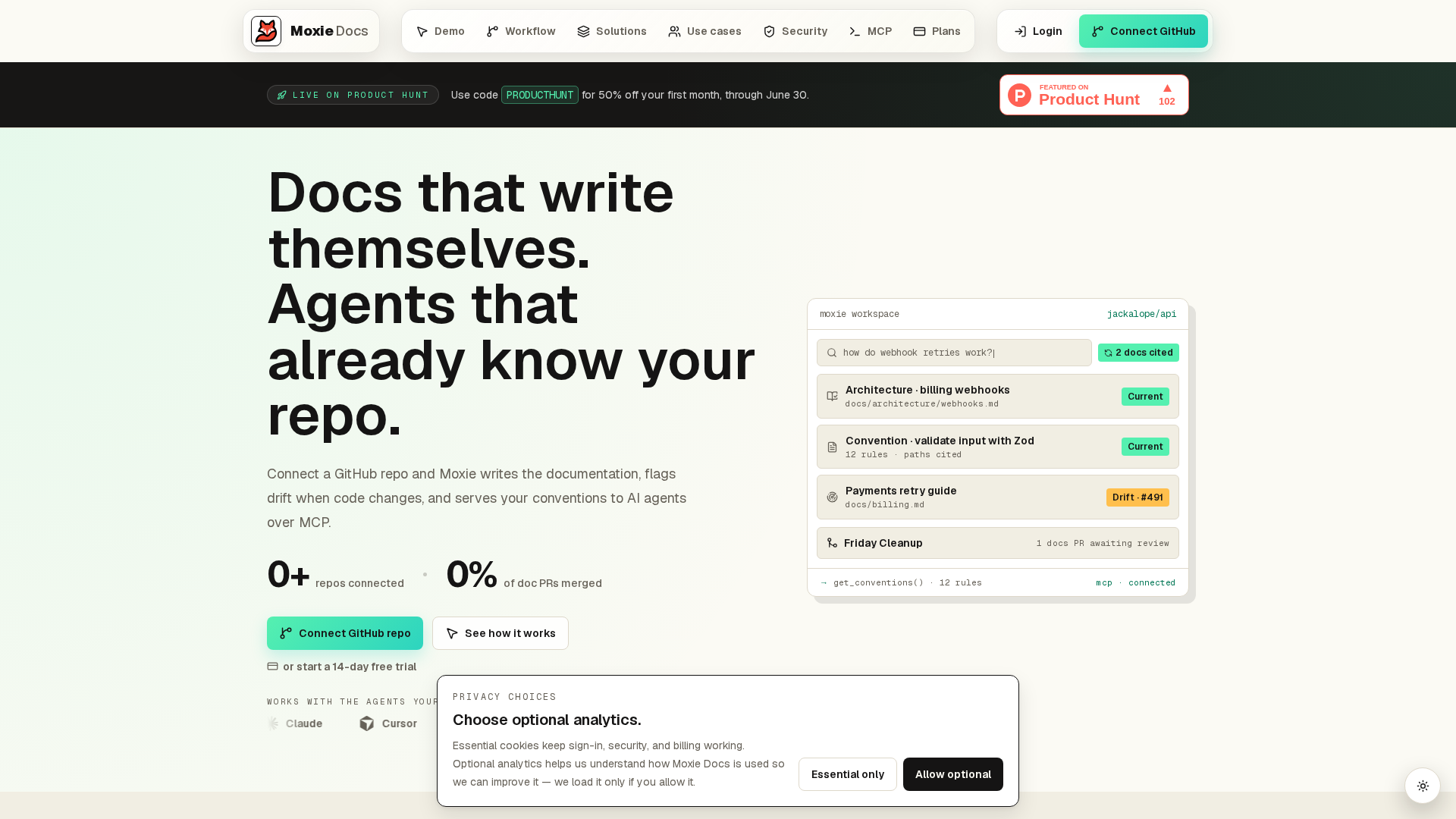
- Open a prevention issue - assign an owner, review date, and PR check. MoxieDocs helps here.
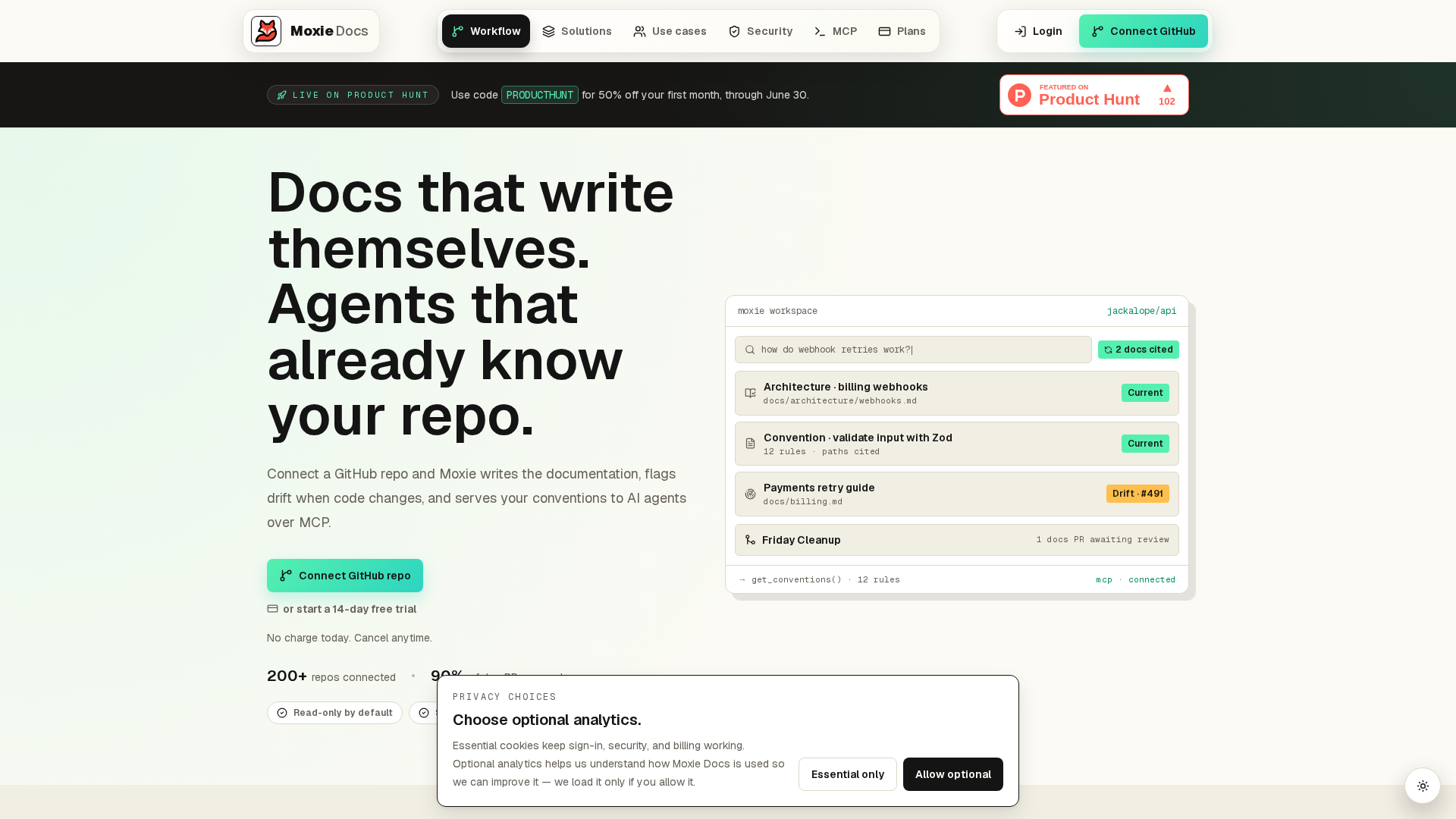
Stop chasing doc drift by hand. MoxieDocs keeps GitHub docs current with every merge, flags mismatches fast, and gives your team trusted context.
Frequently Asked Questions#
Q1: What are the key signs that my product documentation is outdated due to drift?#
Key signs include broken setup steps, renamed files, missing feature notes, stale screenshots, and support questions that docs should answer. If engineers trust code comments more than docs, drift is already hurting your team.
Q2: How can automation tools help detect and prevent documentation drift in engineering teams?#
Automation can watch merges, compare code changes to docs, flag mismatches, and trigger updates before release. Tools like MoxieDocs help teams catch drift early instead of waiting for bugs, confusion, or onboarding delays.
Q3: What strategies do top tech companies use to keep technical documentation aligned with ongoing development?#
Strong teams tie docs to pull requests, assign doc ownership, review docs in release workflows, and track stale pages. They treat docs like product work, with clear standards, deadlines, and regular cleanup.
Republish or cite this article
You're welcome to republish this piece in full or in part. We just ask that you credit the original with a link back. See our republishing guidelines.
Attribution snippet
<p>This article was originally published on <a href="https://moxiedocs.com/blog/documentation-drift-7-warning-signs-your-docs-are-outdated">Moxie Docs</a>.</p>Cite this article
The Moxie Docs team. "Documentation Drift: 7 Warning Signs Your Docs Are Outdated." Moxie Docs, June 17, 2026, https://moxiedocs.com/blog/documentation-drift-7-warning-signs-your-docs-are-outdated.
Read next
Ship cleaner PRs with agentic AI: use MCP context and living docs
Improve code quality with agentic AI (Claude Code, Cursor) using MCP context and living docs. Benchmarks, prompts, and PR tips—plus how Moxie Docs helps.
Stop Writing Novels in Your Wiki: A Minimal Internal Developer Documentation Template That Survives Change
Why wiki pages rot in fast codebases and how a lightweight, git-backed internal developer documentation template keeps docs accurate without busywork.