
8 Top AI Documentation Tools for Engineering Teams in 2026
Discover the top 8 AI documentation tools for engineering teams in 2026. Compare features, pricing, and ease of use for managers evaluating platforms.
- industry-trends
- documentation

Quick Summary: By 2026, nearly half of documentation traffic comes from AI agents, not people, so the real test of a docs tool is whether it keeps pages useful for both your team and your coding assistants. The article reviews eight tools that sync docs on every merge, catch drift before it lands, and serve structured context through MCP and llms.txt. Moxie Docs leads for GitHub teams that want living docs tied to PR workflows, while Mintlify shines for polished publishing with AI-native features. The key takeaway: pick a tool that treats doc drift like a CI/CD issue, not a publishing task.
By 2026, almost half of documentation traffic comes from AI agents, not people. That changes the job. Teams still using docs as a static publishing task end up with stale pages that confuse developers and feed bad context to LLMs.
The core problem is simple. AI-assisted shipping speeds up code changes, but docs rarely keep pace. That gap creates slow onboarding, more support tickets, and wasted agent tokens as tools keep re-learning repo rules your docs should already explain.
This list looks at eight AI documentation tools built to fix that gap. The best AI documentation tools do more than write pages from code. They sync docs on every merge, catch drift early, and give structured context to humans and agents through MCP, llms.txt, and PR-driven updates.
We reviewed AI documentation tools across five areas: generation quality, Git depth, drift prevention, agent readiness, and price clarity. We also checked real repos, official docs, and product demos, including Moxie Docs features relevant to engineering documentation AI.
Tool Comparison#
| Tool | Best for | AI Docs Generation | MCP / Agent Ready | Doc Drift Detection |
|---|---|---|---|---|
| Moxie Docs | GitHub teams wanting living docs + MCP agent context + automated PR checks | Yes - indexes codebase, generates architecture pages and conventions | Yes - native MCP server for Cursor, Claude Code, Codex | Yes - per-PR doc-impact checks + Friday Cleanup PRs |
| Mintlify | Polished developer docs with interactive API playground and AI assistant | Yes - Workflows agent drafts from code changes; AI writing agent | Yes - auto-hosted MCP server, llms.txt, Markdown serving | Partial - Workflows agent can watch repos; no per-PR drift checks |
| DeepDocs | Continuous docs sync with every GitHub commit | No - updates existing docs rather than generating from scratch | No - focused on GitHub PR workflow, not agent-facing outputs | Yes - scans entire repo on every commit, detects drift automatically |
| DocuWriter.ai | Generating docs, tests, and UML diagrams from any codebase | Yes - 12+ generators including code, API, UML, test, and README | Yes - MCP server for Claude Code, Cursor, ChatGPT, VS Code | Yes - Autopilot AI Agent monitors repos and suggests updates |
| GitDocAI | Rapid doc generation from GitHub repos, PDFs, and video recordings | Yes - full page generation from repos, PDFs, OpenAPI, audio, and video | No - focuses on publishing, not agent-facing protocols | No - one-time generation, not continuous sync |
| Docs.dev | Teams wanting AI doc generation with human-in-the-loop PR workflows | Yes - generates docs from code changes and opens PRs | No - focuses on GitHub-native PR workflows | Yes - listens for code changes and triggers documentation updates |
What to know about AI documentation tools#
AI documentation tools are no longer just Markdown helpers. The best ones now read your codebase, map services, generate API and architecture docs, and keep that info easy to search. They also feed clean context to AI coding agents, not just human engineers.
That shift matters because stale docs slow down reviews, onboarding, and incident response. A strong platform now works like a living knowledge layer. It spots doc drift on each merge, updates docs inside the PR flow, and gives agents structured access through MCP, llms.txt, and related context layers.
In 2026, the real test is simple: can the tool keep docs useful for both your team and your AI assistants?
1. Moxie Docs#
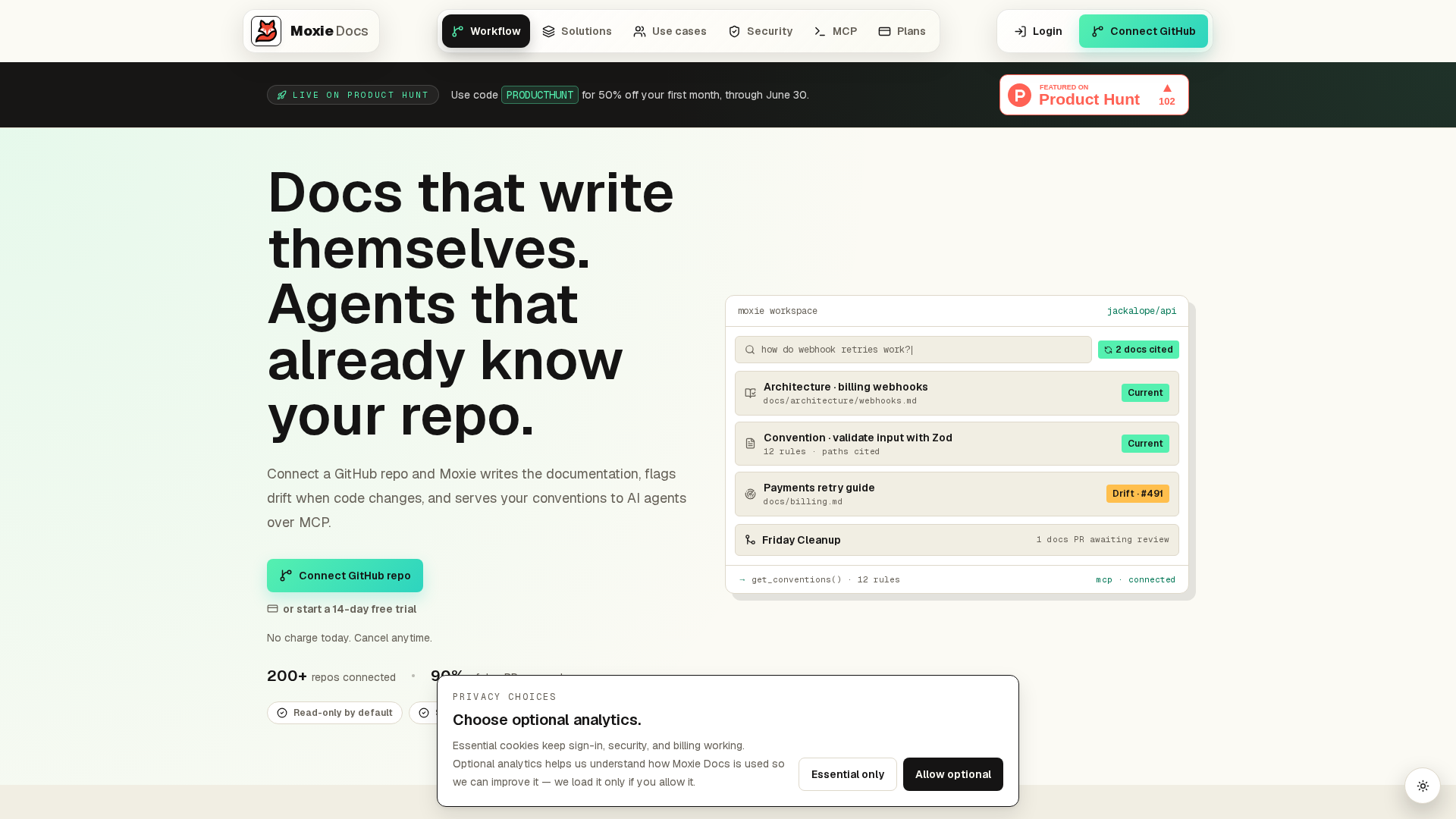
Moxie Docs turns a GitHub repo into living docs for engineers and scoped MCP context for coding agents. It indexes source, tests, docs, and history once, then keeps that view fresh on every merge, as shown on the product overview and pricing page.
Highlights
- Native MCP server for Cursor, Claude Code, Codex, and Copilot
- PR description alignment, doc-impact checks, and Friday Cleanup PRs
- Searchable architecture pages, conventions, and walkthroughs with source citations
Specs
- Best for: GitHub teams wanting living docs, MCP agent context, and automated PR checks
- AI Docs Generation: Yes - architecture pages and conventions
- MCP / Agent Ready: Yes - native MCP server
- Doc Drift Detection: Yes - per-PR checks plus weekly cleanup
- Starting price: $29/month for up to 5 repos
Pros
- Lower token waste and fewer wrong-first-tries
- Catches doc drift before merge
Cons
- GitHub only
- No interactive API playgrounds
It ranks here because it ties docs, agent context, and PR-based drift control into one workflow.
Last updated: June 15, 2026
Also Read: How To Sync Documentation With Github And Keep It Alive As Your Codebase Evolves
2. Mintlify#
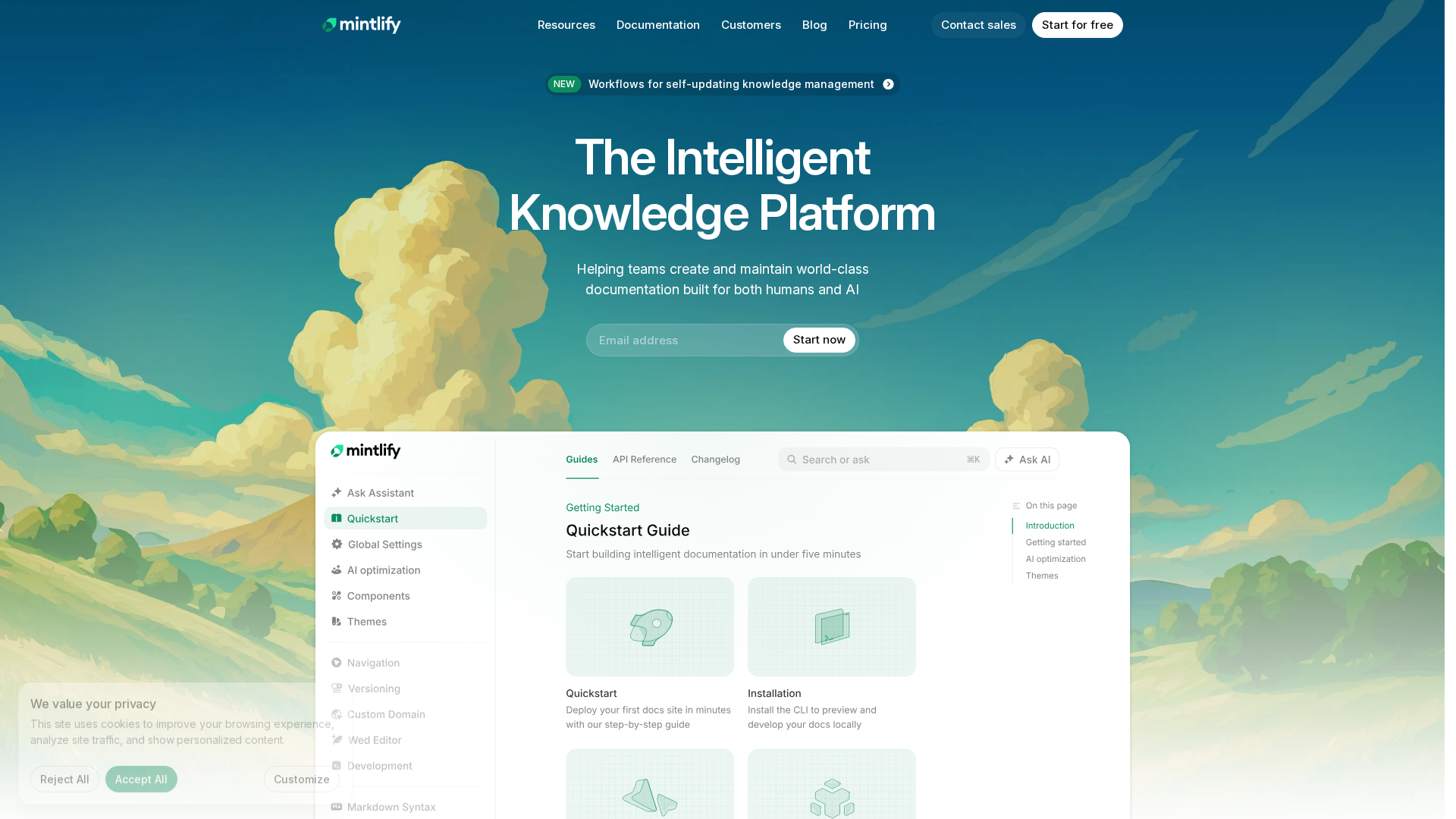
Mintlify is a strong AI documentation platform for teams that want polished developer docs and AI-ready delivery. It blends docs-as-code in Git with a web editor, API playground, assistant, and agent workflows.
Highlights
- Every site auto-generates llms.txt and llms-full.txt, serves Markdown to agents, and includes a hosted search MCP server.
- Workflows can draft doc updates from code changes, and the agent opens pull requests instead of writing straight to main.
- Best-in-class API playground supports live endpoint testing from OpenAPI specs.
Specs
- Best for: Polished developer docs with API playground
- AI Docs Generation: Yes - Workflows agent drafts from code changes
- MCP / Agent Ready: Yes - auto-hosted MCP server, llms.txt, Markdown serving
- Doc Drift Detection: Partial - repo watching, but no per-PR drift checks
Pros
- Strong LLM-readiness features, even on free
- Bi-directional Git sync helps both engineers and non-technical contributors
Cons
- Pricing and credit overages can rise fast for small teams
- No native pre-merge doc-impact checks
It ranks here because Mintlify leads on AI-native publishing, but not on doc-drift prevention.
Last updated: June 15, 2026
3. DeepDocs#
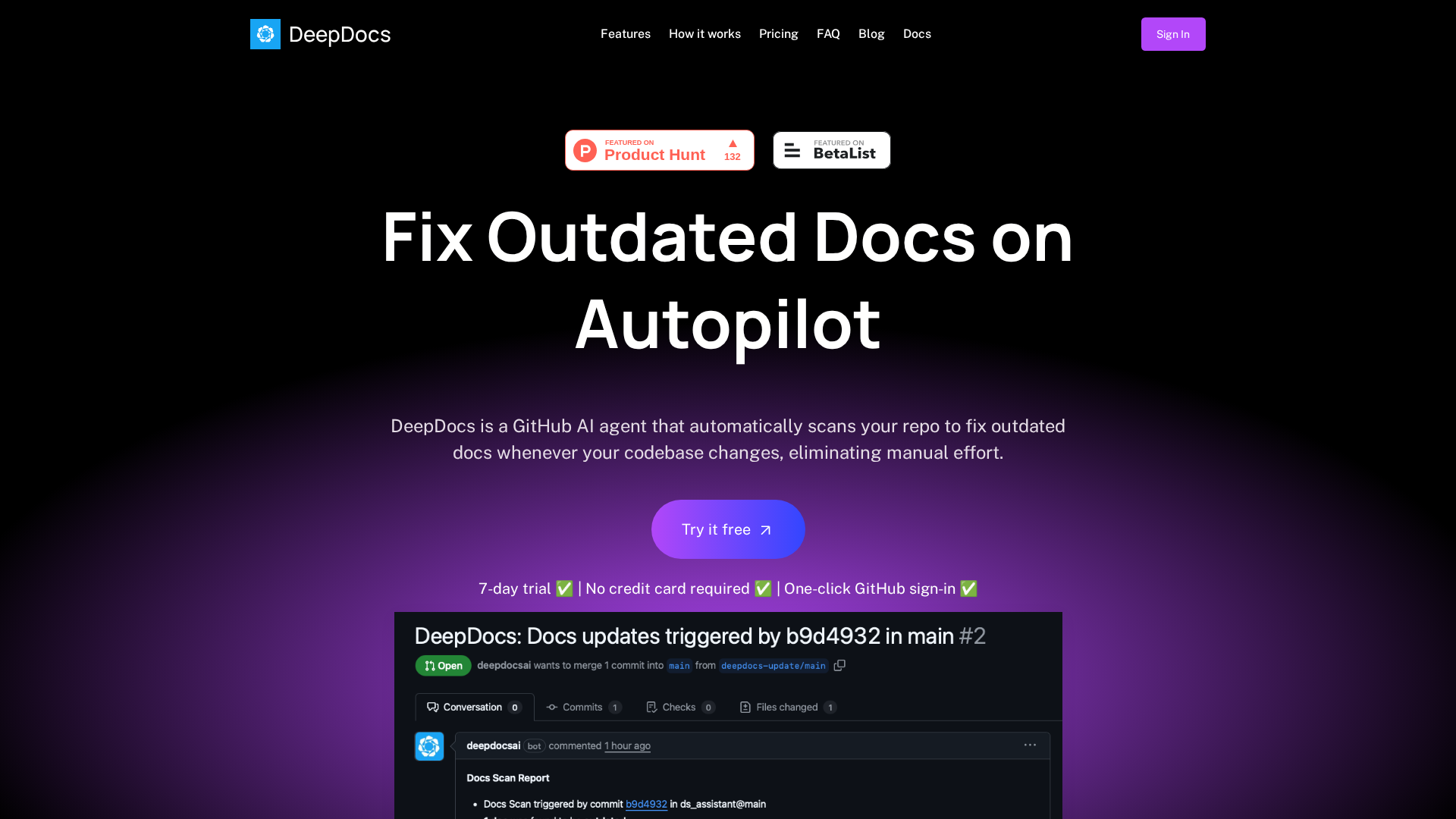
DeepDocs is built for one job: keep docs synced with code without manual prompts. It scans your repo on every commit, finds drift, and opens targeted PRs, as shown on the product site and homepage.
Highlights
- Autonomous doc updates on every commit
- Preserves current formatting and style
- Detailed logs show what changed and why
- Works with Docusaurus, Mintlify, Read the Docs, and MkDocs
Specs
- Best for: Continuous docs sync with every GitHub commit
- AI Docs Generation: No - updates existing docs only
- MCP / Agent Ready: No
- Doc Drift Detection: Yes
Pros
- No prompting or manual triggers
- Free tier with 10 scans per month
Cons
- No new doc generation
- GitHub-only
- No MCP or llms.txt output
It ranks here because DeepDocs solves doc drift better than almost anything else.
Last updated: June 15, 2026
4. DocuWriter.ai#
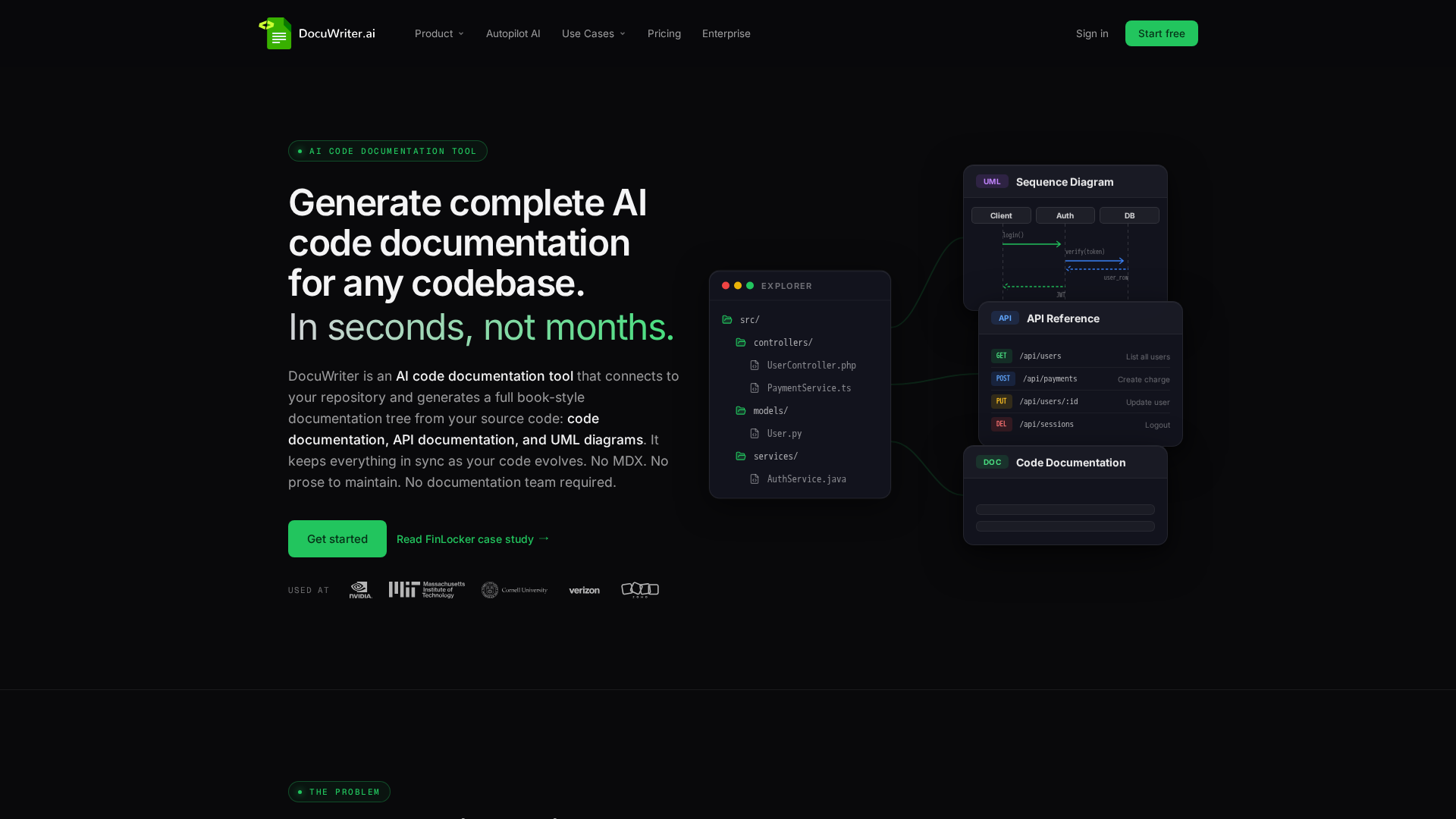
DocuWriter.ai is built for teams that want more than an AI code documentation generator. It turns source code into docs, API specs, UML diagrams, tests, and README files, with Git repo connections across GitHub, GitLab, Bitbucket, and Azure DevOps.
Highlights
- 12+ generators for code docs, OpenAPI, UML, tests, and tree-style repo docs
- Autopilot watches changes and creates reviewable doc update suggestions
- MCP support for Claude Code, Cursor, ChatGPT, and VS Code
Specs
- Best for: Generating docs, tests, and UML diagrams from any codebase
- AI Docs Generation: Yes - 12+ generators
- MCP / Agent Ready: Yes
- Doc Drift Detection: Yes
- Pricing: Free trial, Professional at $49/month, Enterprise custom
Pros
- Broad output range in one platform
- Strong repo and agent support
Cons
- Too many options for simple needs
- Autopilot is gated on higher tiers
It ranks here because it covers generation, agent access, and ongoing maintenance in one tool.
Last updated: June 15, 2026
Also Read: Stop Copy Pasting How Mcp Is Re Engineering The Ai Coding Loop
5. GitDocAI#
GitDocAI is built for teams that want docs fast. You can feed it a GitHub repo, PDF, OpenAPI spec, or even a Loom recording, and it generates full pages in minutes with a visual or MDX editor, based on GitDocAI’s product page and its lifetime deal offer.

Highlights
- Generates full docs from GitHub repos, PDFs, OpenAPI specs, audio, and video
- Supports 15+ import sources with live progress during generation
- Custom domain with automatic SSL starts at $12/month
- No per-seat pricing, so you can invite unlimited team members
Specs
- Best for: Rapid doc generation from GitHub repos, PDFs, and video recordings
- AI Docs Generation: Yes - full page generation from repos, PDFs, OpenAPI, audio, and video
- MCP / Agent Ready: Yes - MCP server for Claude, Cursor, and ChatGPT
- Doc Drift Detection: Partial - auto-sync on commits, but no per-PR drift checks
Pros
- Video and audio import is rare in this category
- No per-seat pricing helps larger teams control cost
Cons
- Auto-sync is commit-based, not per-PR drift-aware
- No llms.txt support
It ranks here because its import range is unusually broad, but it is still weaker for agent-ready workflows.
Last updated: June 15, 2026
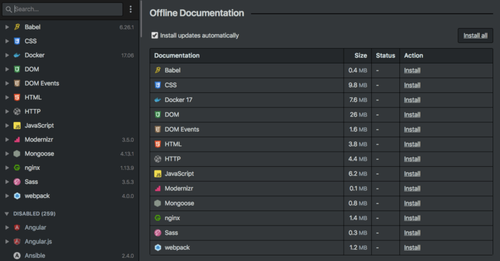
6. Docs.dev#
Docs.dev is a GitHub-native AI documentation generator built for teams that want less doc drift and more review control. Its site says it can generate docs directly from your codebase and keep them updated as code changes, with Markdown and MDX workflow support baked in.
Highlights
- Listens to GitHub code changes and opens doc update PRs, which fits teams already trained to review work through pull request workflows
- Offers copilot mode for human review and autopilot mode for fuller automation
- Markdown-native output works with Docusaurus, Next.js, and other MDX setups
- Chrome extension helps capture step-by-step UI guides
Specs
- Best for: Teams wanting AI doc generation with human-in-the-loop PR workflows
- AI Docs Generation: Yes
- MCP / Agent Ready: No
- Doc Drift Detection: Yes
Pros
- Flexible review flow
- No platform lock-in
- Useful for UI docs too
Cons
- No OpenAPI-first API docs
- No MCP or llms.txt support
- Publishing polish feels less mature
It ranks here because it balances automation with review discipline well.
Last updated: June 15, 2026
Honourable Mentions#
The top six cover most team needs, but two more tools deserve a quick look. Each brings a specific angle that may fit your stack better if agent access or multi-destination publishing matters most.
- 7. Documentation.AI - AI-native publishing platform with a strong MCP server and solid agent-driven doc upkeep.
- 8. Syscribe - PR-centric workflow that drafts docs and pushes them to Confluence, GitBook, and Notion at the same time.
These are strong picks if your team values AI agent context or broad publishing reach.
How to choose the right AI documentation tool#
Pick based on how your team works, not the feature list.
- Start with your AI agent setup. If engineers use Cursor, Claude Code, or Codex, favor tools with native MCP servers. Moxie Docs, Mintlify, and DocuWriter.ai give agents scoped, fresh context without wasting tokens on full repo scans.
- Treat doc drift like a CI/CD issue. If stale docs hurt reviews or handoffs, choose a tool that updates docs from code changes automatically. DeepDocs and Moxie Docs fit this model better than publishing-first tools that need manual or scheduled runs.
- Match depth to the job. Need more than pages and search? DocuWriter.ai is stronger for UML diagrams and test suite generation. Need polished publishing plus an AI helper? Mintlify is a clean fit.
- Check the real cost. Look past base price. Add per-seat fees, AI credit overages, and extra tools for search or analytics. Moxie Docs and GitDocAI are easier to budget with flat-rate pricing.
- Be honest about Git skills. Docs-as-code tools work best for Git-heavy teams. If writers or PMs need visual editing, pick a platform with a strong editor and two-way Git sync.
The best choice is usually the one your team will keep updated without extra effort.
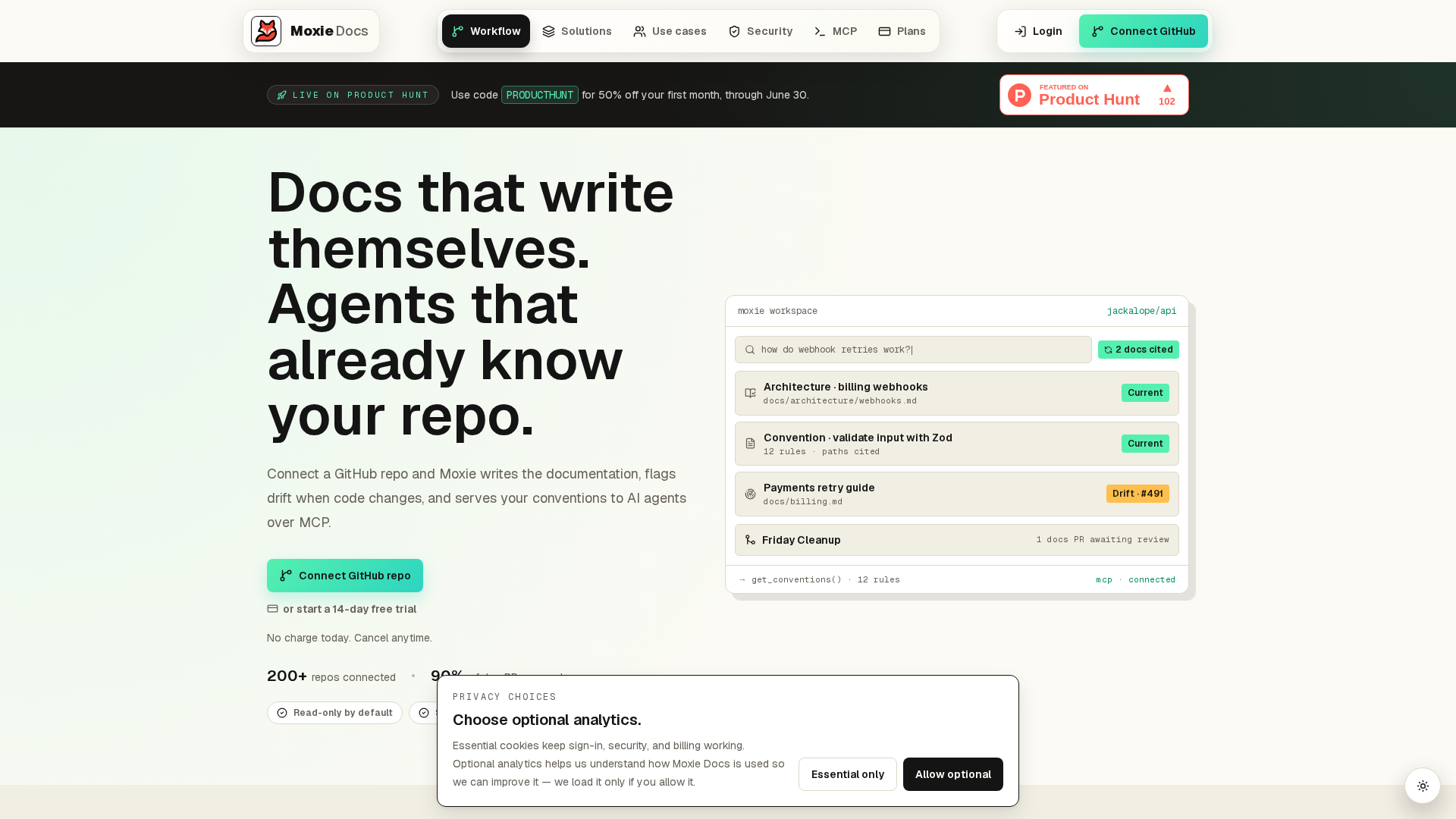
If your team needs docs that stay useful for engineers and AI agents, start with Moxie Docs. It updates docs on every merge, flags drift fast, and serves real-time MCP context from your repo. See how it fits your workflow, then test it on one active GitHub project.
Frequently Asked Questions#
Q1: What are the best AI documentation tools for engineering teams in 2026?#
The best tools help both engineers and AI agents. Look for strong GitHub sync, doc-drift checks, search, MCP support, and clean review flows. Teams usually shortlist Moxie Docs, Mintlify, GitBook, Confluence with AI, and Archbee.
Q2: How does Moxie Docs keep documentation up to date with code changes?#
Moxie Docs watches merges in GitHub, detects what changed, and updates related docs so they stay aligned with the code. It also flags drift, keeps living docs current, and gives AI coding agents real codebase context through MCP.
Q3: What is the top AI documentation tool for GitHub repositories?#
For GitHub-heavy teams, Moxie Docs stands out because it works close to the pull request flow instead of treating docs as a separate task. That makes updates faster, cuts stale pages, and gives agents better context during code generation.
Q4: What should I compare before choosing an AI documentation tool?#
Use a short checklist:
- GitHub and PR workflow fit
- drift detection
- AI agent support
- review controls
- search quality
- setup time
Pick the tool your team will actually keep in the workflow, not the one with the longest feature list.
Republish or cite this article
You're welcome to republish this piece in full or in part. We just ask that you credit the original with a link back. See our republishing guidelines.
Attribution snippet
<p>This article was originally published on <a href="https://moxiedocs.com/blog/8-top-ai-documentation-tools-for-engineering-teams-in-2026">Moxie Docs</a>.</p>Cite this article
The Moxie Docs team. "8 Top AI Documentation Tools for Engineering Teams in 2026." Moxie Docs, June 15, 2026, https://moxiedocs.com/blog/8-top-ai-documentation-tools-for-engineering-teams-in-2026.
Read next
Answer Engine Optimization for Developer Docs: How to Get Cited by AI Assistants
Developers now ask AI assistants before they read your docs. Learn how answer engine optimization (AEO) works for documentation: llms.txt, answer-first writing, stable URLs, and why accuracy is the real ranking factor.
AI Code Conventions in 2026: Emerging Trends and Industry Insights
Discover the latest AI code standards and emerging trends in 2026 shaping the industry. Insights for engineering teams, developers, and tech decision-makers.