
Ultimate Guide to Auto Documentation for Development Teams
Discover the ultimate guide to auto documentation for development teams, covering best practices, tools, and strategies for reliable documentation workflows.
- documentation
- developer-experience
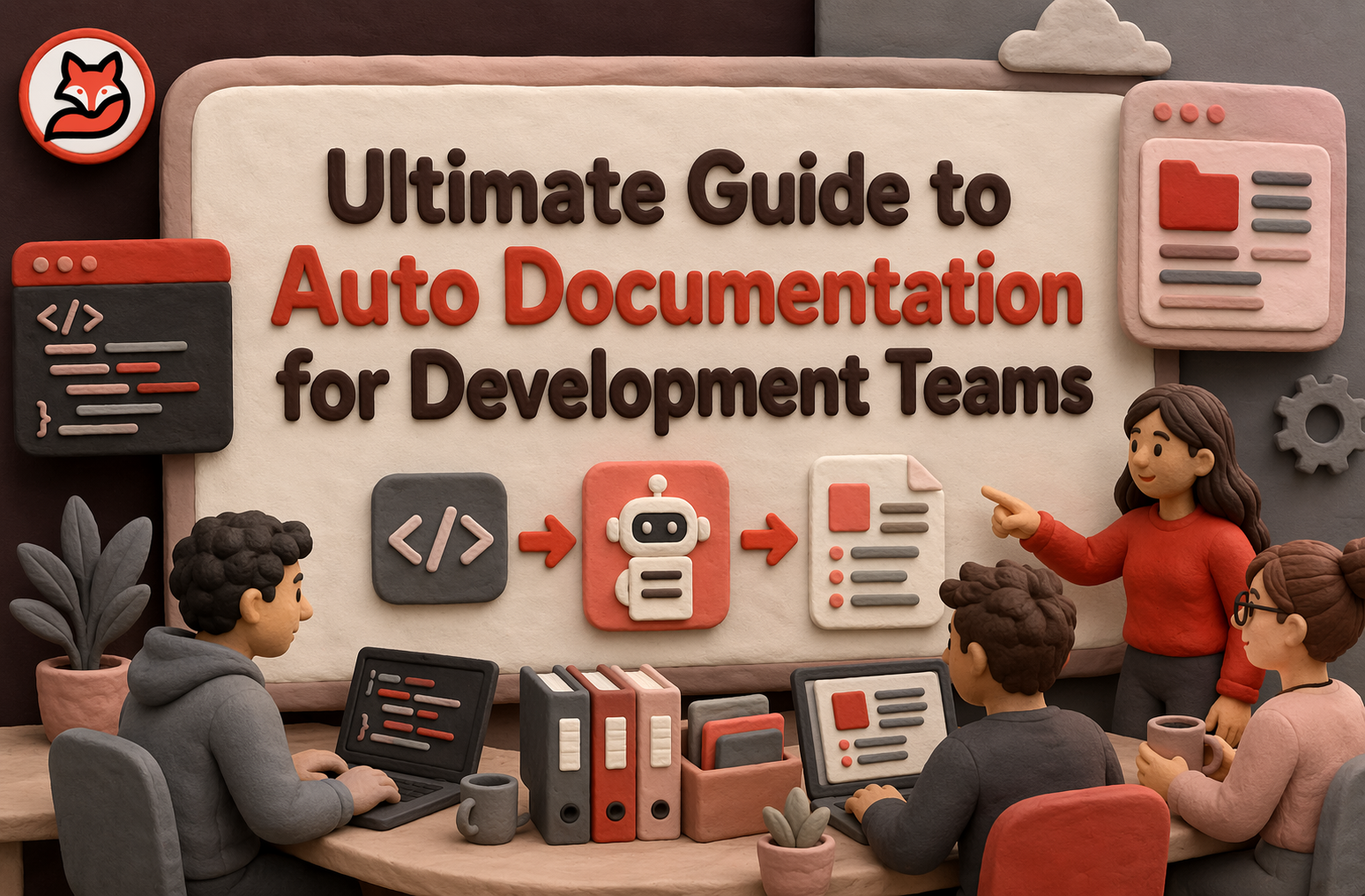
Quick Summary: Auto documentation keeps your docs in sync with code changes, reducing drift and review time. It works by analyzing code, comments, and configs, then automatically updating relevant documents after merges or PRs. Teams adopt it to speed onboarding, improve trust, and support AI tools, but need to set clear ownership and review rules. The best solutions integrate smoothly into existing workflows and focus on high-value, frequently changing docs.
A PR updates an auth helper, but the README example, API reference, and onboarding note still show the old signature. That mismatch slows reviews, breaks trust, and wastes ramp-up time. Auto Documentation exists to stop that drift.
This guide explains where Auto Documentation fits, what it can and cannot automate, and how teams use it to keep Development Docs and Code Documentation in sync with real changes. It draws on how engineering teams evaluate doc workflows in practice, so you can compare options, set rules, and build Auto Documentation that lasts.
What Auto Documentation Means in Modern Development Teams#
Auto documentation means your docs update from real code changes, not from someone's memory. Manual docs depend on people stopping work to rewrite pages. Static docs usually freeze after launch, then drift. Tools built around drift checks now flag stale signatures, renamed env vars, and missing references right after changes land, as shown by projects like living-docs and docdrift.
| Approach | How it stays current | Main risk |
|---|---|---|
| Manual docs | Human updates | Gets skipped |
| Static generated docs | Rebuild from comments or schemas | Misses wider context |
| Auto documentation | Watches code and docs together | Needs rules and review |
The real shift is simple: docs stop being a side task and become part of the delivery flow.
Living documentation is the next step. It treats docs like a system that changes with every merge. Instead of one-time pages, teams keep a trusted layer tied to symbols, APIs, decisions, and architecture. SpecWeave describes this as docs that stay synchronized with code automatically after work completes living documentation.
In practice, good living docs usually include:
- Change detection tied to commits or PRs
- Drift alerts when code and docs disagree
- Auto-updates for low-risk sections
- Human review for meaning, tradeoffs, and policy
MoxieDocs fits this model well because it updates docs with each merge and flags drift before your team starts trusting stale answers.
Also Read: Automated Code Documentation That Kills Onboarding Debt
How Auto Documentation Works Behind the Scenes#
Auto documentation starts by building a map of your codebase and nearby knowledge. The system parses files, symbols, comments, configs, schemas, and sometimes tickets or ADRs. Tools often rely on syntax trees and cross-reference graphs to understand what code means, not just what words it contains. For example, Tree-sitter supports incremental parsing and Kythe indexes code in a language-agnostic graph.
- Source files
- Comments and docstrings
- API specs and configs
- Repo history and docs folders
Next, the system watches for change. That usually means Git commits, pull requests, merge events, and build outputs. It compares old and new code structure, not just raw text. Good systems also mine repo history to spot files that often change together, which helps map one code edit to several doc pages or knowledge nodes.
- Detect changed files and symbols
- Trace affected APIs, classes, and flows
- Link those changes to existing docs
- Flag likely drift where coverage is missing
Last, it drafts updates and checks them before publish. A generator may pull facts from comments, signatures, test names, or architecture notes, then rewrite only the stale sections. Verification matters most.
| Step | What gets checked | Why it matters |
|---|---|---|
| Drafting | Accuracy of facts | Stops made-up claims |
| Validation | Links, symbols, examples | Catches broken references |
| Review | Human approval rules | Keeps trust high |
If your team ships fast, treat docs like a CI artifact, not a side task.
Also Read: How To Sync Documentation With Github And Keep It Alive As Your Codebase Evolves
Why Teams Adopt Auto Documentation#
Faster onboarding and better team memory#
Teams adopt auto documentation because senior engineers should not be the only search engine. New hires need fast answers on architecture, service boundaries, and common flows. Living docs turn scattered repo knowledge into one readable map. That cuts ramp time and protects team memory when people switch teams or leave.
Lower documentation drift and review overhead#
Manual docs usually rot because code changes faster than pages do. Quickstarts and API references often require frequent maintenance, so teams need a system that updates on a schedule, not on goodwill. Auto documentation helps by tying updates to merges, pull requests, or release events.
If docs depend on someone remembering later, they will drift.
- Fewer stale pages
- Less reviewer guesswork
- Clearer ownership signals
Better context for AI coding assistants#
AI tools work better when they can see project rules, architecture, and repo facts. Microsoft’s VS Code guidance says context engineering improves code quality by giving agents targeted project information VS Code context engineering guide. That is why teams use auto documentation to feed assistants current context, reduce repeated prompting, and make outputs more repo-specific. MoxieDocs fits here when teams want docs and AI context to stay synced from every merge.
The Main Types of Auto Documentation Solutions#
Auto documentation tools usually fall into three buckets. The right pick depends on whether you need generation, ongoing accuracy, or AI-ready context.
- Code-to-doc generatorsThese tools turn source code into docs from comments, types, schemas, or API contracts. They work well for SDKs, REST APIs, and internal libraries. Their main strength is speed. You can ship usable reference docs fast. Their weak spot is depth. They explain what exists, but not always why it matters.
- Best for stable interfaces
- Weak for tribal knowledge and design intent
- Drift detection and docs maintenance toolsThese tools watch for gaps between code and docs after the first draft exists. That matters because stale docs hurt trust faster than missing docs. Some newer tools compare structure, behavior, or claims against the current repo and flag changes before release, like Bellwether’s drift detection workflow. This is where products like MoxieDocs fit well.
- Best for fast-moving repos
- Useful in CI, pull requests, and release checks
If teams stop trusting docs, adoption drops fast. Maintenance matters more than first-pass generation.
- AI documentation workspaces and MCP-based systemsThis group gives AI tools live access to repo context, docs, and related systems. Anthropic introduced MCP as an open standard for connecting AI assistants to data sources and tools in its MCP announcement.
- Best for agent workflows and living docs
- Strong for reducing context switching and token waste
Also Read: How We Dogfood A Continuous Documentation Workflow To Keep Code Docs And Ai In S
How to Evaluate an Auto Documentation Tool#
Coverage and freshness#
Check what the tool can actually read and keep current. It should cover code, pull requests, APIs, configs, and runbooks. Fresh docs matter more than pretty docs. NIST stresses that CI/CD security depends on visibility across source, build, and deploy stages in SP 800-204D.
- Ask how updates trigger
- Check drift detection
- Review repo and language coverage
Workflow fit and integrations#
A good tool should fit your team, not force new habits. Look for GitHub, GitLab, Jira, Slack, CI, and wiki support. The best setup runs in the path your team already uses.
- Test setup time
- Check review flow support
- Confirm output lands where people already search
If docs live outside daily work, they go stale fast.
Trust, security, and control#
Do not buy a black box. You need audit trails, role controls, and clear approval rules. NIST says supply chain risk grows when teams lack visibility into how software is developed and managed in SP 800-161 Rev. 1.
| Area | What to verify | Why it matters |
|---|---|---|
| Access | SSO, RBAC, least privilege | Limits who can change docs |
| Evidence | Change history, approvals | Builds trust in outputs |
| Hosting | SaaS or self-hosted options | Matches policy needs |
Also Read: 8 Top AI Documentation Tools for Engineering Teams in 2026
How to Roll Out Auto Documentation Without Breaking Trust#
Start with high-change, high-value docs#
Do not start by auto-generating everything. Pick docs that change often and hurt people when they drift. Good first targets are API references, runbooks, setup guides, and service overviews tied to active repos.
- Start with 5 to 10 documents teams already use
- Choose pages linked to merges, incidents, or onboarding pain
- Keep manual docs in place for low-change policy content
A phased rollout works better because trust grows from accuracy, not coverage. Teams that lack governance usually lose trust when “source of truth” pages go stale or conflict, as noted in Docsio’s governance guide.
If a document is rarely read, automating it first will not prove value.
Set review rules and ownership#
Automation should draft and refresh docs, not remove accountability. Give each document one named owner, one review trigger, and one approval path. “The team owns it” usually means nobody does, a point also stressed in this ownership playbook.
- Name an owner for each doc
- Define when updates auto-publish vs need review
- Tie reviews to PRs, releases, or incidents
If you use MoxieDocs, position it as a trust layer: it flags drift fast, but humans still set the rules.
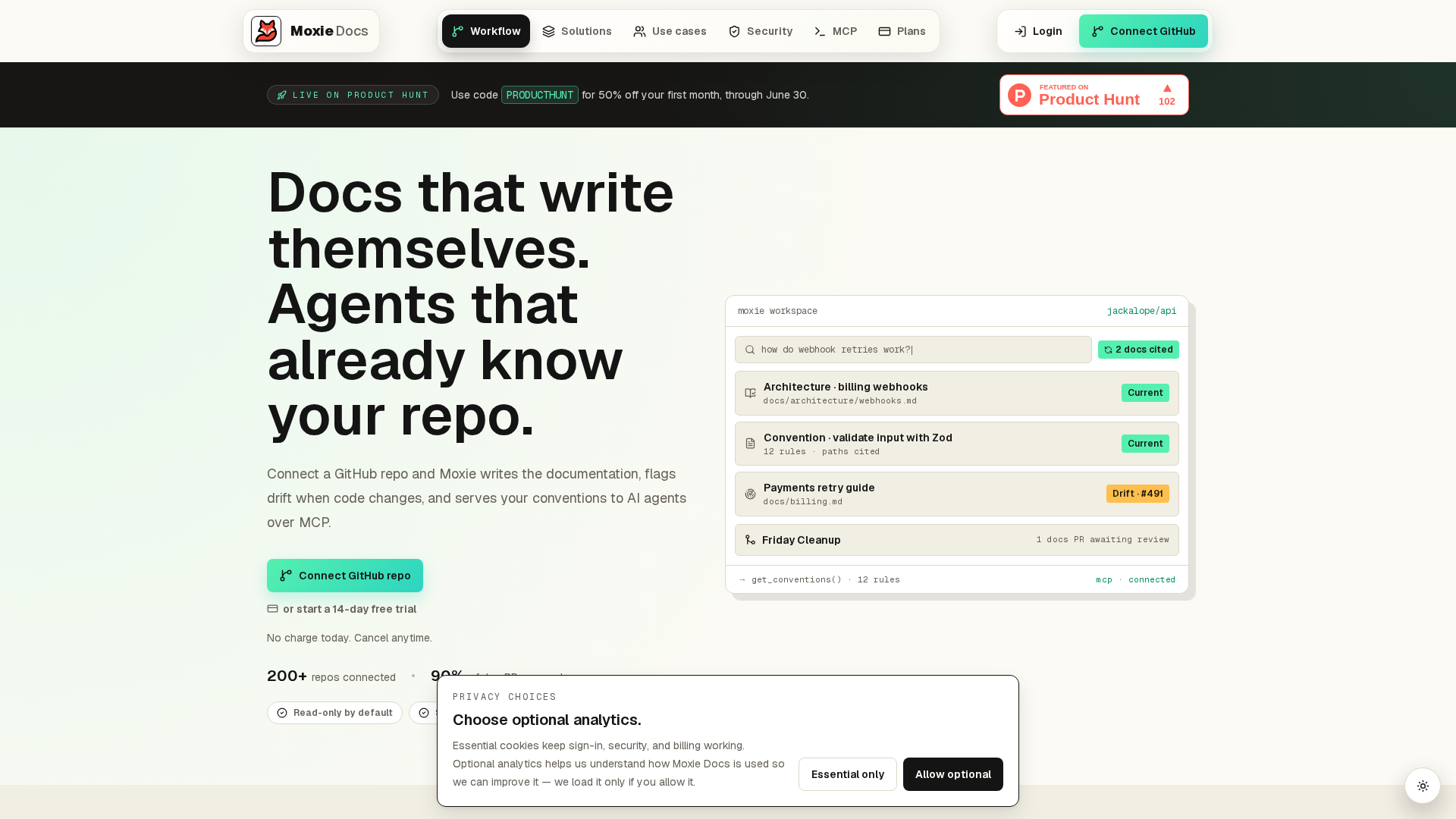
Keep docs accurate without adding more review work. MoxieDocs generates living docs from your GitHub repos, flags drift, and updates content with every merge. If your team wants trusted docs that keep up with AI-made code, start there.
Frequently Asked Questions#
Q1: How does MoxieDocs automate real-time code documentation for development teams?#
MoxieDocs watches GitHub merges, reads code changes, updates docs, and flags drift fast. Teams get living docs that match the current repo, so engineers spend less time checking stale pages or rewriting setup notes by hand.
Q2: What are the main benefits of integrating auto documentation tools like MoxieDocs into GitHub workflows?#
The biggest gains are speed, trust, and lower overhead. Docs stay closer to the code, reviews catch gaps earlier, onboarding gets easier, and teams avoid the usual scramble to fix outdated internal docs before releases or audits.
Q3: How can development teams prevent documentation drift with automated living documentation solutions?#
Tie documentation updates to pull requests and merges, not separate manual tasks. Set ownership rules, define what must stay current, and use drift alerts so missing or outdated docs show up while changes are still fresh.
Q4: What should teams evaluate before choosing an auto documentation platform? #
Check source coverage, update triggers, review flow, access controls, and how well the tool handles large repos. Good tools fit existing engineering habits instead of forcing a new process that people will ignore after launch.
Conclusion#
Auto documentation works best when you treat it as a system, not a one-click tool. The real win is faster onboarding, clearer design history, and less time wasted hunting for context. Good setups cover API, code, architecture, runbooks, and decision records together, which matches the core types of software documentation. They also stay tied to review, ownership, and freshness checks, because stale docs create drag and can add to technical debt. Teams that pair automation with standards, governance, and useful metrics build docs people can trust and keep using.
Republish or cite this article
You're welcome to republish this piece in full or in part. We just ask that you credit the original with a link back. See our republishing guidelines.
Attribution snippet
<p>This article was originally published on <a href="https://moxiedocs.com/blog/ultimate-guide-to-auto-documentation-for-development-teams">Moxie Docs</a>.</p>Cite this article
The Moxie Docs team. "Ultimate Guide to Auto Documentation for Development Teams." Moxie Docs, June 17, 2026, https://moxiedocs.com/blog/ultimate-guide-to-auto-documentation-for-development-teams.
Read next
Stop Writing Novels in Your Wiki: A Minimal Internal Developer Documentation Template That Survives Change
Why wiki pages rot in fast codebases and how a lightweight, git-backed internal developer documentation template keeps docs accurate without busywork.
How to sync documentation with GitHub and keep it alive as your codebase evolves
Sync documentation with GitHub using webhooks, CI/CD, and drift detection so docs stay accurate as your codebase evolves—and your AI tools stay grounded.