
GitHub Code Coverage on Pull Requests Now in Public Preview
GitHub Code Coverage on pull requests is now available in public preview. Enhance code quality and review confidence with seamless CI integration.
- developer-experience
- industry-trends
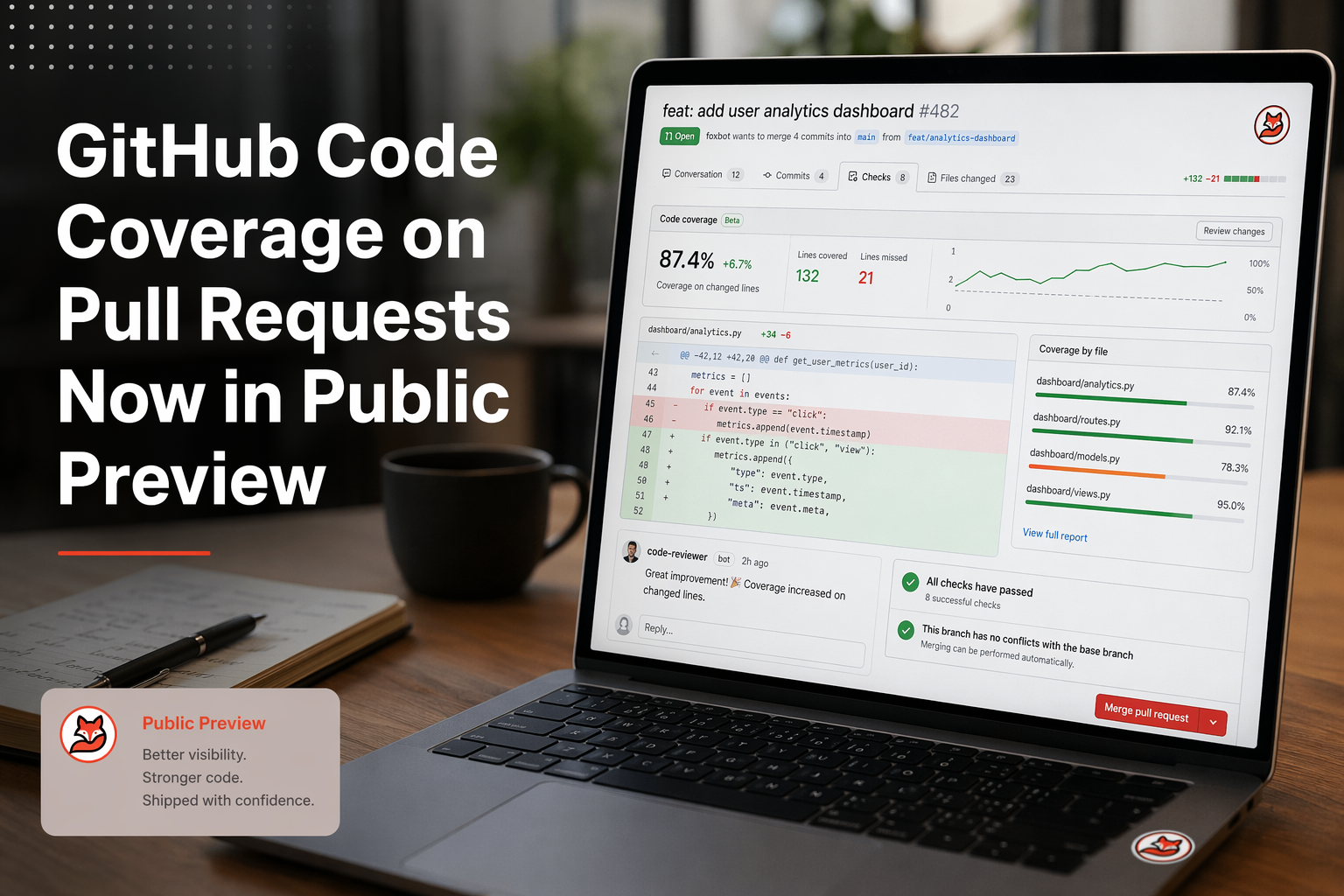
Quick Summary: GitHub now shows code coverage percentages directly inside pull requests for Code Quality users, so reviewers don't have to jump to Codecov or SonarQube. You just need to generate a Cobertura XML report in CI and upload it with the new
actions/upload-code-coverageaction. It's free during the public preview but requires GitHub Team or Enterprise Cloud. The feature is a review signal, not a merge blocker - there's no threshold-based gating or line-level annotations yet.
On May 26, 2026, GitHub put code coverage into public preview for GitHub Code Quality users on github.com. As of late July 2026, the feature remains in public preview. Reviewers can now see one coverage percent right inside a GitHub Pull Request, with no need to leave the PR tab. That matters because teams have spent years bouncing between GitHub and tools like Codecov, Coveralls, or SonarQube just to check if tests cover new paths.
That split adds setup work, slows reviews, and leaves gaps. Many PRs still get approved before anyone checks whether fresh code is tested at all.
Code Coverage GitHub changes that workflow. Code Coverage GitHub now lives where review happens. This guide breaks down what shipped, how to set up Code Coverage GitHub for Python, Java, JavaScript and TypeScript, Ruby, and Go, plus permissions, CI patterns, and the road to GA.
What the Public Preview Includes#
Where Coverage Appears#
GitHub puts coverage right inside the pull request flow. Reviewers can see an aggregate coverage percent on the PR instead of jumping to another tool. GitHub also says the github-code-quality[bot] posts a summary that compares the PR branch with the default branch, according to GitHub Docs.
- You get a single PR-level coverage summary
- It shows up where review decisions already happen
- It helps spot untested changes faster
- It works after you upload a Cobertura report from CI
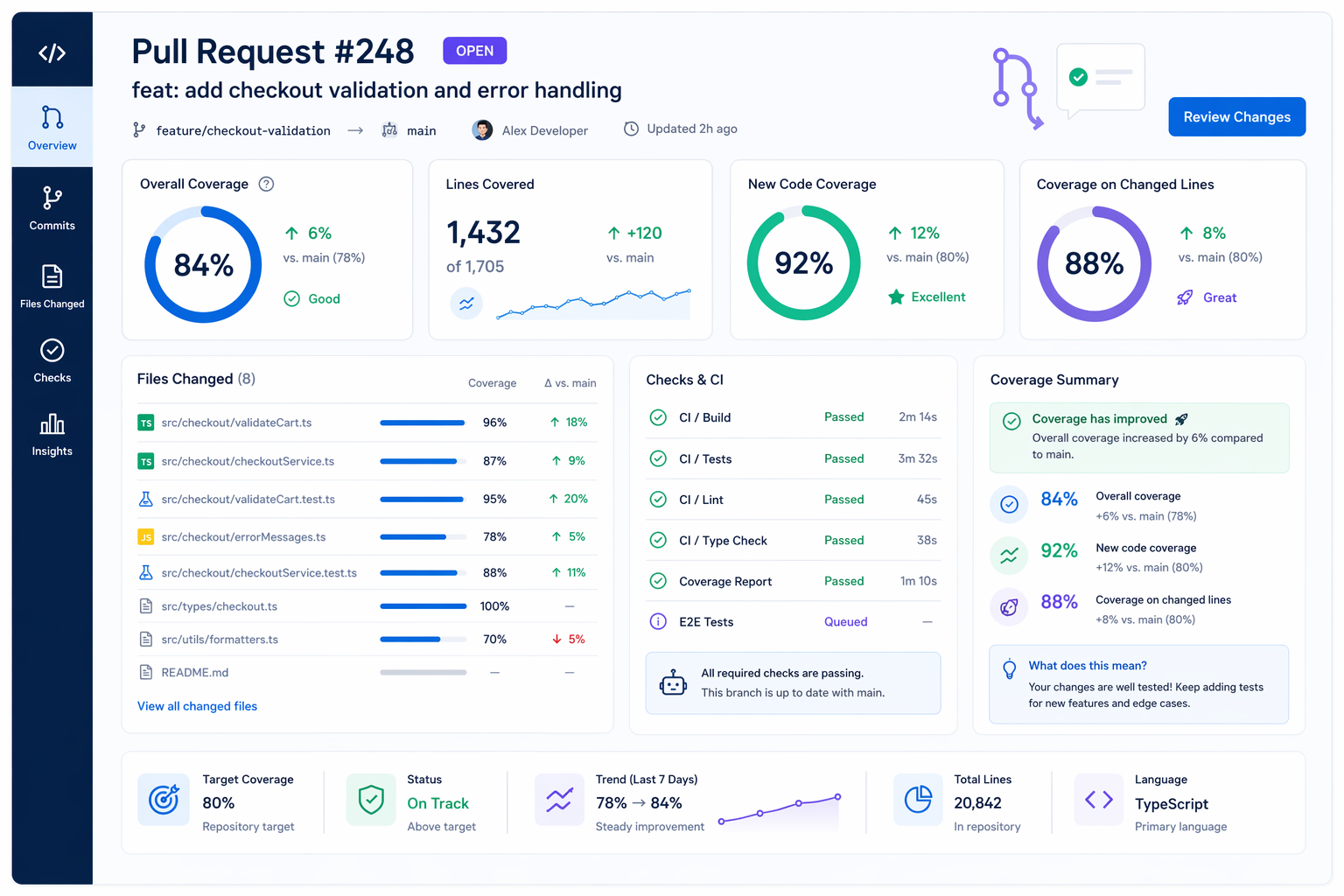
This is a review signal, not proof of good tests. High coverage can still hide weak assertions.
| Preview item | What you see |
|---|---|
| PR summary | Aggregate coverage percent |
| PR comparison | PR branch vs default branch |
| Delivery method | Uploaded from existing CI |
Availability and Pricing#
The preview is tied to GitHub Code Quality. GitHub says code coverage in PRs is available for GitHub Team and GitHub Enterprise Cloud on github.com, and it is free during the preview period (verify current pricing status on the GitHub changelog - GA may introduce pricing changes), based on the official changelog.
- Not available on GitHub Enterprise Server yet
- Requires Code Quality on the repo
- Actions minutes still apply for scans and workflow runs
- Team plan works
- Enterprise Cloud works
- Enterprise Server does not yet
Also Read: Ai Code Assistants And Living Documentation In 2026
How the Code Coverage Workflow Works#
Step 1: Generate a Cobertura XML Report#
GitHub’s native PR coverage flow starts with one file: Cobertura XML. GitHub’s own setup guide says your test job must generate coverage in that format before anything can show on a pull request in the official docs.
Use your current test tool, then add Cobertura output or a conversion step. Common patterns include:
- Python with pytest-cov
- JavaScript/TypeScript with nyc
- Java with JaCoCo plus conversion
- Go with
gocover-cobertura
Keep the report path stable in CI. That avoids brittle uploads later.
Tip: Run coverage on both pull_request and your default branch. GitHub compares the PR branch against the baseline on the default branch.
Step 2: Upload via the Official Action#
Once the XML exists, upload it with GitHub’s first-party actions/upload-code-coverage action. GitHub announced this flow in the public preview changelog, and the action handles commit SHA, ref, and PR detection for you.
Your upload step should define:
- file - path to the Cobertura report
- language - the repo’s language name
- label - a clear report name
You also need:
- code-quality: write permission
- a guard for fork PRs, since uploads from forks are not supported
Keep upload in a separate job if you want tighter permissions.
Also Read: Stop Copy Pasting How Mcp Is Re Engineering The Ai Coding Loop
Full CI Workflow Examples by Language#
Python with pytest-cov#
GitHub’s setup is simple: generate Cobertura XML, then upload it with the right permission. GitHub’s docs say PR coverage needs code-quality: write, plus runs on both push and pull_request so GitHub has a baseline to compare against GitHub Docs.
Use this pattern:
- Check out the PR head SHA.
- Set up Python.
- Install app deps plus pytest and pytest-cov.
- Run tests with XML coverage output.
- Upload
coverage.xmlto GitHub.
A clean Python workflow usually includes:
contents: readcode-quality: writepytest --cov=. --cov-report=xmlactions/upload-code-coverage@v1- a label like
code-coverage/pytest
If your repo accepts forked PRs, keep GitHub’s upload guard in place so untrusted forks do not try to upload coverage.
| Part | What to set |
|---|---|
| Test runner | pytest |
| Coverage tool | pytest-cov |
| Report format | coverage.xml in Cobertura XML |
| Upload permission | code-quality: write |
JavaScript / TypeScript with Jest or Istanbul#
The Node flow is the same. GitHub’s docs list Istanbul / nyc for JavaScript and TypeScript, with nyc report --reporter=cobertura as the key output step GitHub changelog.
Practical options:
- Jest with Cobertura output enabled
- nyc to convert coverage into Cobertura
- upload the XML file after tests finish
Keep the workflow tight:
- Install deps.
- Run coverage in CI.
- Confirm the XML path.
- Upload with
language: JavaScriptorTypeScript.
In monorepos, use clear labels per package so reviewers know which report maps to which app.
Also Read: Ship Cleaner Prs With Agentic Ai Use Mcp Context And Living Docs
Permissions and Security Best Practices#
Separate Upload Job for Production Repos#
For production repos, keep test execution and coverage upload in separate jobs. GitHub says coverage upload needs the new code-quality: write permission, while regular test jobs usually do not.
That split gives you tighter control:
- Test job: read-only access, runs untrusted build steps
- Upload job: only downloads the coverage artifact and sends it to GitHub
- Failure scope: easier to debug when test generation and upload break for different reasons
A simple policy table helps:
| Job | Token scope | Why |
|---|---|---|
| Test | contents: read | Clone, build, run tests |
| Upload | contents: read, code-quality: write | Send coverage report only |
GitHub also notes that missing permission keys become none, which supports a least privilege setup for GITHUB_TOKEN when you declare permissions explicitly.
Do not give
code-quality: writeto the whole workflow if only one job needs it.
- Generate Cobertura XML.
- Store it as an artifact.
- Upload it in a locked-down follow-up job.
Also Read: Mcp For Agentic Programming Practical Ways Ai Helps Dev Qa And Product
What's Not Included Yet - and What's Coming#
GitHub's public preview is useful, but it is still a first step. Right now, the changelog only confirms aggregate code coverage in pull requests, plus Cobertura upload support and the new code-quality:write permission in GitHub's announcement.
That means a few things are still missing:
- No native merge blocking based on coverage thresholds
- No diff-level line annotations in the PR view
- No long-term repo trend charts for coverage
- No GitHub Enterprise Server support yet
The private preview FAQ pointed to likely next steps: rulesets, repository metrics, and trend views. As of late July 2026, check the official GitHub changelog for the latest GA status and shipped features.
Treat the current release as a review signal, not a policy engine.
For leads, the smart move is simple:
- Roll out coverage visibility now.
- Keep branch protections separate for now.
- Expect GitHub to add stronger controls after preview feedback.
Also Read: How We Dogfood A Continuous Documentation Workflow To Keep Code Docs And Ai In S
background: How We Got Here#
Third-party coverage tools filled this gap for years. Teams used Codecov, Coveralls, SonarQube, or GitHub Actions that posted PR comments because GitHub did not show native coverage inside review flow. That worked, but it came with real friction:
- extra setup
- another UI to check
- separate permissions and billing
- noisy bot comments that aged badly
The private preview FAQ made GitHub’s goal clear: keep coverage in the pull request, cut context switching, and let teams reuse the coverage tools they already run as long as they upload Cobertura XML according to the preview FAQ.
By late May 2026, GitHub moved that idea into public preview and added an aggregate covered-percent view directly on pull requests, plus a new code-quality:write permission for uploads in the official changelog.
The big shift is not how coverage gets generated. It is where reviewers see it.
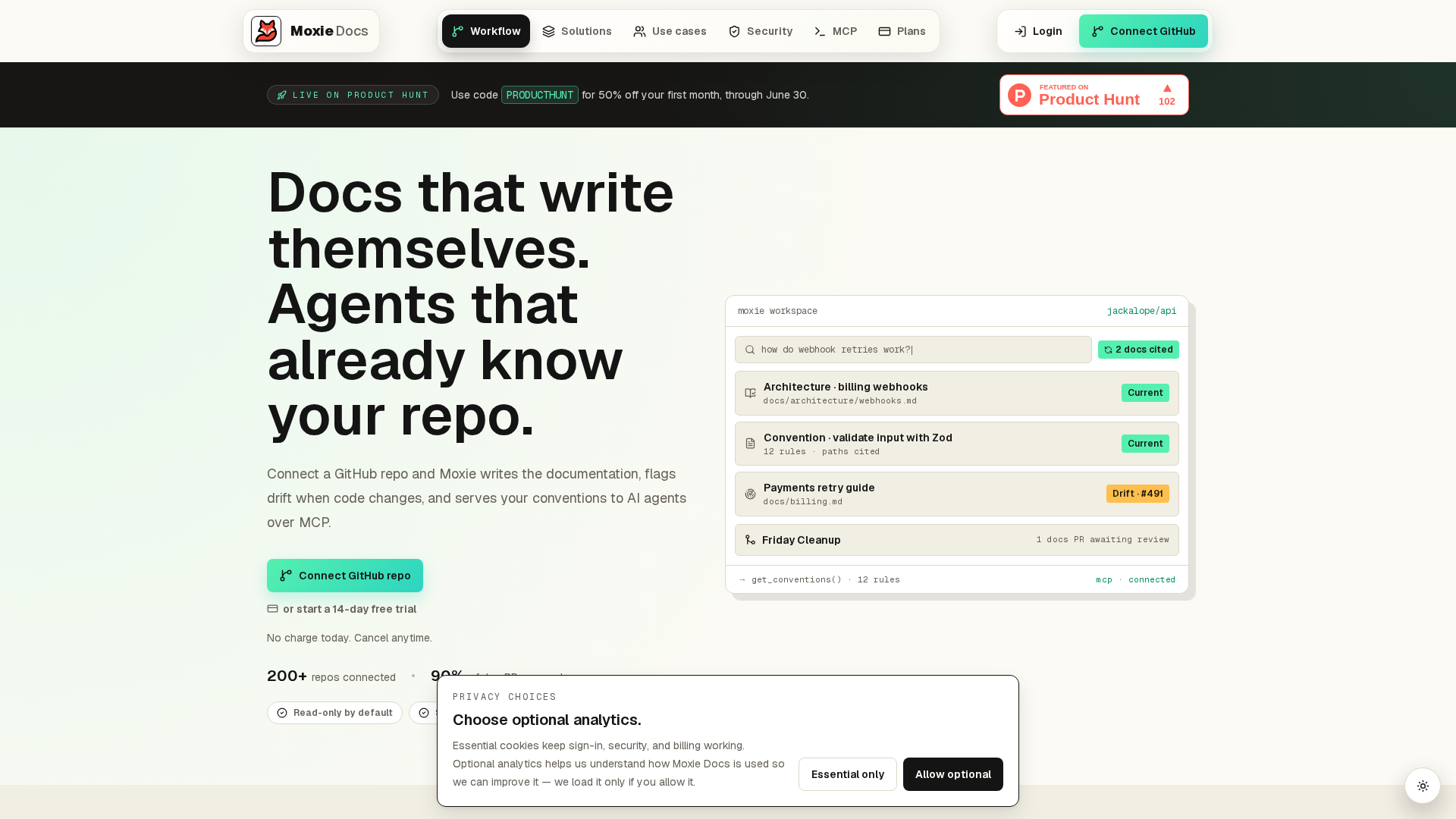
GitHub’s new PR coverage view helps reviewers move faster, but docs still drift as tests, rules, and pipelines change. MoxieDocs keeps repo docs in sync with every merge, flags drift, and gives AI agents real code context. If you want cleaner reviews and less team guesswork, start there.
Frequently Asked Questions#
Q1: How to enable code coverage on GitHub pull requests?#
Run tests in CI, generate a coverage report, and upload it in the format GitHub supports for pull request coverage. Then grant the workflow the right permissions so GitHub can read checks and post the PR view.
Q2: What is GitHub code coverage public preview?#
It is GitHub’s early native PR coverage view. It shows coverage changes inside pull requests without relying only on third-party status comments. Public preview means it works now, but setup details, limits, and features may still change.
Q3: Does this replace Codecov or similar tools?#
Not fully. GitHub covers the in-PR view well, but many teams still want history, trend charts, flags, and deeper reporting. Use native PR coverage for quick review, and keep external tools if you need broader analytics.
Q4: What permissions usually break the setup?#
The most common issue is missing workflow permissions for checks, pull requests, or actions to upload and surface results. Forked pull requests can also behave differently, so test both internal branches and outside contributor flows.
Q5: Which teams get the most value from this first? #
Teams that review lots of pull requests and want fast feedback benefit most. It is also useful when docs and tests drift. Tools like MoxieDocs help keep repository context clear while coverage shows whether new code stays tested.
Conclusion#
GitHub’s new PR coverage view matters because it puts one more useful review signal where teams already work. GitHub says the feature is in public preview for GitHub Code Quality users, shows aggregate coverage in pull requests, and needs a Cobertura report plus the new public preview coverage setup.
The main takeaways are simple:
- Native coverage is now real inside PRs
- Setup is mostly a CI and permissions job
- Coverage helps review, but does not replace good tests
- Teams should start with visibility before strict gating
The smart move is to treat coverage as a fast risk signal, not a score to game.
GitHub also made Code Quality easier to enable at scale with its new repository enablement API, which points to a bigger platform push.
Republish or cite this article
You're welcome to republish this piece in full or in part. We just ask that you credit the original with a link back. See our republishing guidelines.
Attribution snippet
<p>This article was originally published on <a href="https://moxiedocs.com/blog/github-code-coverage-on-pull-requests-now-in-public-preview">Moxie Docs</a>.</p>Cite this article
The Moxie Docs team. "GitHub Code Coverage on Pull Requests Now in Public Preview." Moxie Docs, June 19, 2026, https://moxiedocs.com/blog/github-code-coverage-on-pull-requests-now-in-public-preview.
Read next
Docs as Code on GitHub: A Workflow That Keeps Docs in the Pull Request
Docs as code means writing documentation with the same tools and review process as code. A practical GitHub workflow: repo layout, the CI checks worth running, a docs-required gate, and the gap none of them close — docs that are reviewed but no longer true.
Stop Writing Novels in Your Wiki: A Minimal Internal Developer Documentation Template That Survives Change
Why wiki pages rot in fast codebases and how a lightweight, git-backed internal developer documentation template keeps docs accurate without busywork.