
GitHub Documentation Improvements Drive Better Developer Support
Discover how GitHub documentation improvements enhance developer support, streamline workflows, and empower open-source projects. Learn more about these updates
- developer-experience
- documentation

Quick Summary: GitHub has improved its documentation with clearer layouts, better navigation, and faster updates tied to product releases. These changes help developers find answers quickly, reducing support tickets and onboarding time. Well-maintained docs also enable community contributions, keeping information accurate and current. Overall, better documentation leads to more efficient support and smoother developer experiences.
GitHub has spent 2025 and 2026 making docs.github.com easier to use. Recent updates to GitHub Documentation show clearer page layouts, better navigation, and stronger links to real tasks across Account and profile, Subscriptions and notifications, Copilot, and enterprise workflows. That matters because developers do not read docs for fun. They use GitHub Documentation to solve a problem fast.
When documentation is messy, teams pay for it right away. Support tickets climb, onboarding takes longer, and engineers waste time jumping between tabs, tools, and chats just to find one answer. Good docs reduce that friction and improve Developer Support at scale.
This article looks at how GitHub Documentation Improvements are changing support outcomes. It covers how GitHub Documentation is improving discovery, linking related content better, and making changes easier to follow through the changelog and open contribution workflow.
What Changed in GitHub Docs Recently#
GitHub Docs has been getting easier to scan and easier to trust. That shows up in both site structure and writing patterns.
Usability, scannability, and information architecture#
GitHub has spent years tightening docs navigation so readers can move faster between products, versions, and tasks. Its own write-up on launching docs.github.com says the goal was a unified reading experience plus better tools for writers, with support for versioned content and easier contribution across products How we launched docs.github.com. That matters because DevOps teams often jump between GitHub.com, GHES, and API docs in one session.
Recent patterns point to the same direction:
- cleaner paths between related pages
- better version handling for Enterprise content
- stronger metadata through YAML frontmatter
- more consistent page layout and mini TOCs
| Area | What improved | Why it helps |
|---|---|---|
| Navigation | clearer structure | faster page discovery |
| Metadata | stronger frontmatter rules | fewer stale or misfiled docs |
| Versioning | built into docs flow | less confusion for GHES admins |
Better information architecture cuts support load because users find the right page before opening a ticket.
New and updated docs tied to product launches#
GitHub Docs is also moving closer to product rollout speed. Recent release notes and changelog posts show docs tracking feature changes quickly, from Enterprise updates to UI shifts in pull requests. For example, GitHub's 2026 changelog for the improved pull request Files changed view highlights accessibility, keyboard navigation, and large-PR performance updates that docs teams then need to explain clearly Improved pull request "Files changed" page on by default.
You can see that trend in areas like:
- GHES release notes
- GraphQL schema changelogs
- Navigation and repository UI updates
That means support content now lands closer to the feature itself, which helps:
- developers adopt changes faster
- admins plan upgrades with less guesswork
- maintainers keep internal docs aligned
For teams using tools like Moxie Docs, this shift makes sense. Faster product docs are useful, but keeping repo-level docs synced after every merge is what keeps that clarity alive.
Also Read: Automated Code Documentation That Kills Onboarding Debt
Why Better Docs Mean Better Developer Support#
Faster answers, fewer support escalations#
Good docs cut support load at the source. If a developer can find the right page, scan it fast, and trust it, they do not need to open a ticket or ask in Slack. GitHub’s docs changelog says recent updates focused on better usability, scannability, and task-based structure so users can finish work without extra context switching in the GitHub docs changelog.
- Fewer repeat questions
- Less back-and-forth with support
- Faster issue triage
- More time for complex cases
| Documentation improvement | Support impact |
|---|---|
| Clear task pages | Users solve common problems alone |
| Better navigation | Fewer wrong turns and duplicate tickets |
| Fresh release notes | Teams trust what changed and when |
Better docs do not replace support. They protect support teams from basic, avoidable requests.
Cleaner onboarding for teams and enterprises#
Docs also shape how fast teams get productive. GitHub’s public docs include a dedicated enterprise onboarding path that covers access, policy, governance, automation, and support setup in one guided flow, as shown in GitHub enterprise onboarding docs.
- New hires learn the right path sooner.
- Admins set roles and policies with less confusion.
- Enterprise teams scale with fewer ad hoc workarounds.
- Clearer handoff from setup to daily use
- Less tribal knowledge
- Lower risk during rollout
Tools like Moxie Docs fit this same goal. When repo docs stay current with every merge, onboarding stays honest and support teams spend less time fixing stale guidance.
Also Read: 8 Top AI Documentation Tools for Engineering Teams in 2026
How GitHub Organizes Docs for Different Tasks#
From product pages to task pages#
GitHub does not group docs by product name alone. It also groups them by what the reader needs to do next. Its content model splits pages into concepts, how-tos, reference, troubleshooting, quickstarts, and tutorials, so each page has a clear job in GitHub’s style guide and content model. That keeps “learn what this is” separate from “do this now.”
- Get started pages stay short and focused
- Quickstarts help readers finish a small task fast
- Tutorials walk through a fuller workflow with more context
- Reference pages support lookups during active work
| Page type | Best for | Reader mindset |
|---|---|---|
| Concept | Understanding a feature | “What is this?” |
| Quickstart | Fast setup | “Help me start” |
| Tutorial | End-to-end workflow | “Show me the path” |
| Reference | Exact details | “I need specifics” |
This task-based structure cuts noise. Readers get the right depth without digging through product marketing copy.
Where readers are most likely to land#
Most people do not enter docs from a neat homepage path. GitHub’s own writing guidance says readers usually scan or skim pages and look for headings, lists, tables, alerts, and visuals tied to their task in its best practices guide.
That matters because many visitors land deep in search results, release notes, or links from issues and pull requests. So GitHub shapes pages for that reality:
- Put the core answer near the top
- Use headings that match likely tasks
- Keep intros short
- Link to the next useful action
-
This helps new users move faster
-
It also helps support teams send cleaner links
-
It makes docs easier to maintain as products change
The Role of the GitHub Docs Changelog#
Why changelog visibility matters#
GitHub ships fast, so docs can change before your team notices. The GitHub Docs repo keeps a public Docs changelog that shows what changed, when it changed, and why it matters. Recent entries cover enterprise app installs, Copilot CLI, Spark, and mobile agent workflows.
That visibility helps three groups:
- Developers spot new workflows before support tickets pile up.
- Admins catch policy and rollout changes early.
- Maintainers see where product updates force doc updates.
A changelog turns docs from a static help center into a live signal feed for product change.
| Benefit | What teams gain |
|---|---|
| Faster awareness | Fewer surprise changes |
| Better planning | Easier rollout prep |
| Lower support load | Fewer repeat questions |
How to use the changelog as a support tool#
Treat the changelog like a weekly support queue. Scan it, tag items that affect your stack, and share the top changes with your team. GitHub also runs docs in public at docs.github.com, so support, DevOps, and platform teams can trace updates back to the source.
A simple workflow:
- Review new entries each week.
- Match them to repos, teams, or enterprise settings.
- Update internal docs or onboarding notes.
- Flag areas where your docs may drift.
Use a short checklist:
- Does this change affect auth, billing, runners, or Copilot?
- Will users ask about it this sprint?
- Do internal guides need an update?
Teams using tools like Moxie Docs can close that gap faster by catching repo-to-doc drift as changes land.
Also Read: How To Sync Documentation With Github And Keep It Alive As Your Codebase Evolves
How Community Contributions Keep Docs Accurate#
GitHub Docs stays accurate because the work is public, tracked, and reviewed. GitHub says anyone can contribute to its docs repository through issues and pull requests, and merged changes go live within 24 hours in many cases, according to GitHub Docs contributing guidance.
Issues, pull requests, and review create a simple feedback loop:
- A user spots stale or unclear docs.
- They open an issue or comment on an existing one.
- A contributor sends a pull request with the fix.
- Reviewers check accuracy, style, rendering, and versioning.
- The update ships and helps the next reader.
That flow matters because docs fail fast when products ship fast.
- Issues catch missing steps, broken links, and edge cases.
- Pull requests make every change visible before it lands.
- Review filters out mistakes and keeps wording clear.
- Labels help contributors find useful work quickly.
Open contribution only works if maintainers set clear review rules and close support requests that do not belong in the docs repo.
GitHub’s 2026 open source outlook also notes that strong contribution guidelines and review expectations help projects scale across a global contributor base as communities grow.
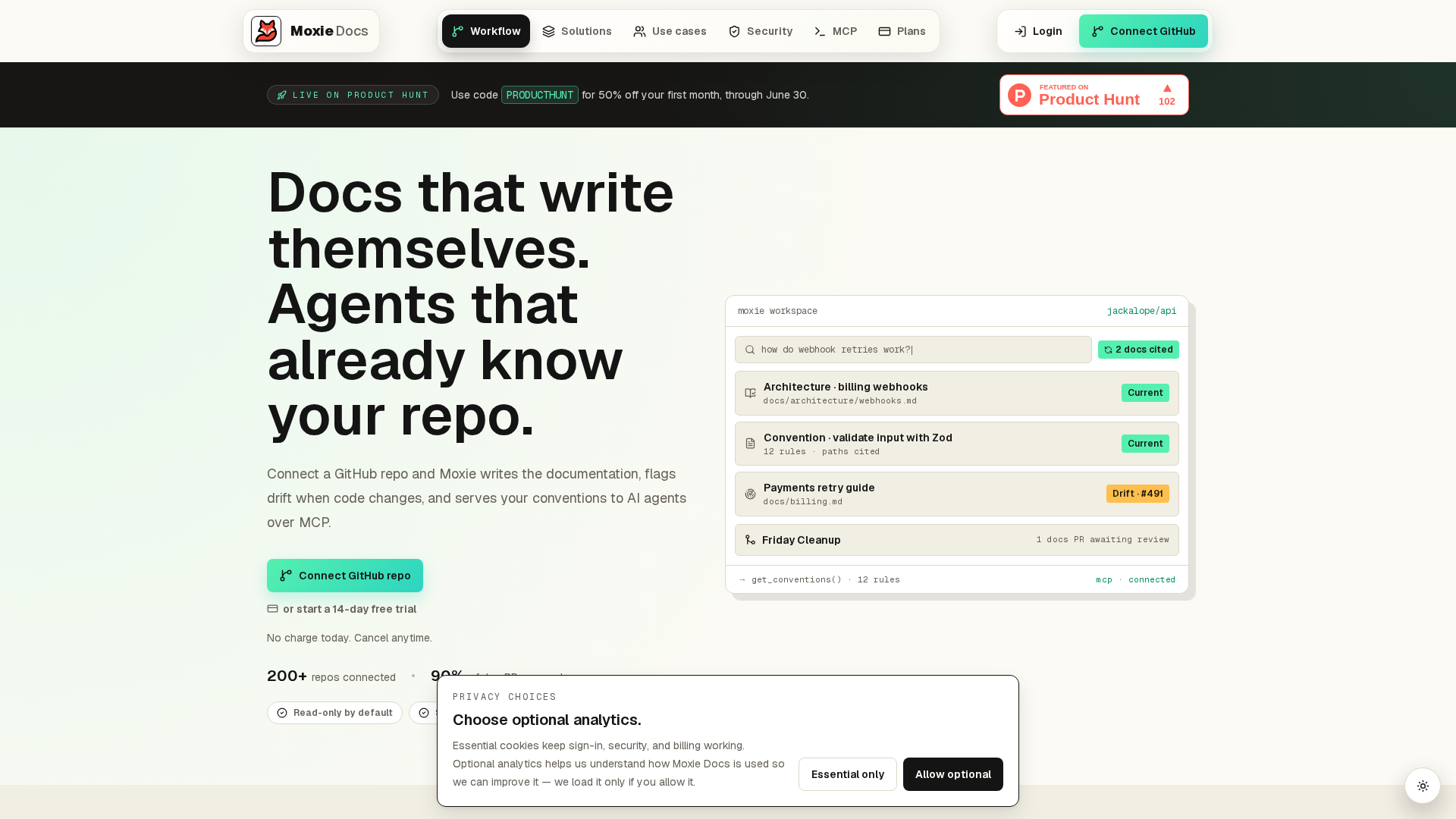
Better GitHub support starts with docs that stay right after every merge. If your team fights drift, stale READMEs, or missing context, try Moxie Docs. It keeps GitHub docs current, flags gaps fast, and gives engineers and AI agents the live context they need.
Frequently Asked Questions#
Q1: How do recent documentation improvements enhance developer support on GitHub?#
Clearer docs cut support load. Better navigation, changelog visibility, and updated setup guides help developers solve issues faster. Teams spend less time hunting for answers, and maintainers get fewer repeat questions in issues, discussions, and internal support channels.
Q2: What role does Moxie Docs play in maintaining accurate, real-time GitHub documentation?#
Moxie Docs helps teams keep docs synced with code changes. It flags drift, updates content after merges, and gives AI coding agents current repo context. That means fewer stale instructions, less context switching, and more trust in the knowledge base.
Q3: How are GitHub's documentation updates influencing developer onboarding and collaboration?#
Stronger docs speed up onboarding because new contributors can follow current steps without guessing. Shared guidance also improves collaboration across engineering, DevOps, and platform teams. People align faster on workflows, permissions, and standards, which cuts friction in daily work.
Q4: What should teams review first after a GitHub docs update? #
Start with changes that affect access, security, actions, and admin tasks. Then review onboarding pages and internal runbooks that link to GitHub guidance. A simple update checklist helps teams catch broken steps before they create confusion or support tickets.
Conclusion#
GitHub documentation improvements matter because they cut friction where teams feel it most - setup, troubleshooting, rollout, and change management. The big takeaway is simple: better docs act like better support.
- Developers get clearer paths to finish tasks faster.
- DevOps teams get more reliable guidance for security and automation work.
- Engineering managers get less repeat help work for internal experts.
- Maintainers and admins get a public system they can improve with issues and pull requests.
A few points stand out:
- GitHub keeps updating docs alongside product changes, as shown in the public Docs changelog.
- GitHub Docs stays open to community input, with a public contributing model that helps teams report gaps and fix them.
- Good documentation reduces support load by answering real user questions before a ticket starts.
Clear docs do not replace support teams. They make support more focused and far more useful.
Republish or cite this article
You're welcome to republish this piece in full or in part. We just ask that you credit the original with a link back. See our republishing guidelines.
Attribution snippet
<p>This article was originally published on <a href="https://moxiedocs.com/blog/github-documentation-improvements-drive-better-developer-support">Moxie Docs</a>.</p>Cite this article
The Moxie Docs team. "GitHub Documentation Improvements Drive Better Developer Support." Moxie Docs, June 18, 2026, https://moxiedocs.com/blog/github-documentation-improvements-drive-better-developer-support.
Read next
MCP for Agentic Programming: Practical ways AI helps Dev, QA, and Product
A clear overview of MCP and how it powers agentic programming across engineering, QA, and product—with examples and patterns to adopt today.
MoxieDocs vs DeepDocs: Which Fits Lean Startup Teams Better?
Struggling to keep docs up-to-date with a tiny team? Compare MoxieDocs and DeepDocs to see which AI docs generator saves your engineers time without sacrificing clarity—so you can ship faster.