
Documentation Drift Review: Detection Methods for Technical Teams
Explore effective detection methods for documentation drift to ensure accuracy in technical teams. A comprehensive review for software engineers, writers, and DevOps.
Quick Summary: Automated detection methods like PR-based checks catch documentation drift early during code reviews, preventing stale pages. Combining diff-aware tools with scheduled deep scans helps identify both recent and hidden issues. For GitHub teams, integrating drift checks into pull requests and scheduled scans keeps docs accurate without overwhelming reviewers. MoxieDocs enhances this process by providing real-time updates and AI-driven suggestions to maintain current, reliable documentation. Your README can look fine while routes, setup steps, or CLI flags already changed. That gap breaks Documentation Accuracy fast. This review focuses on the real issue: catching drift before teams trust stale pages in your Codebase Documentation. You will see which checks spot risk early, which fit GitHub review flow, and which Tech Documentation Tools create fixes instead of noise. The lens here is simple: better Documentation Accuracy, faster reviews, and stronger Documentation Accuracy in real engineering work.
What detection method catches drift earliest in a fast-moving repo?#
PR-based detection catches drift earliest. It checks docs at the moment code changes, not days later. Tools like Doc Drift and DriftDoc scan pull requests and comment before merge, which makes the fix small and reviewable.
Manual review vs automated detection#
- Manual review finds obvious misses, but it depends on reviewer focus.
- Automated checks run every time and do not get tired.
- Best pattern: use automation to flag risk, then let humans approve the fix.
If your repo ships fast, manual review alone will miss drift.
PR-based and merge-based scans#
- PR scans are the earliest useful gate.
- Merge-based scans still help, but they catch drift after it lands.
- Best teams run both: PR scans for prevention, merge scans for backup.
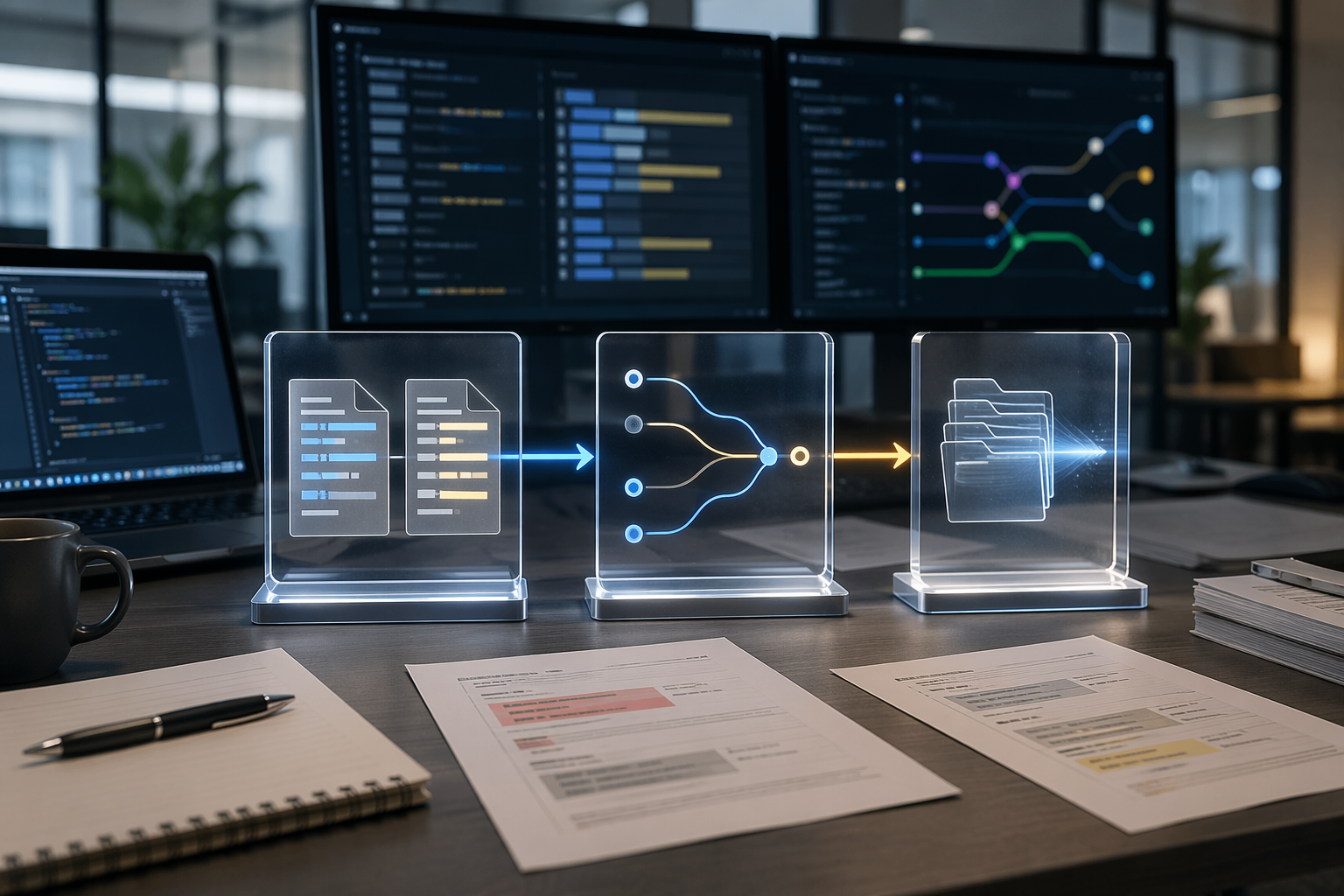
A PR scan works best when it reads the diff, maps changed files to docs, and posts one clear comment. MoxieDocs fits this workflow well because it flags drift with each merge and keeps fixes close to the code change.
Repository-wide deep scans#
- Use deep scans for older drift, hidden gaps, and missed links.
- They are better for audits than early warning.
- Docs Debt Radar shows why: full-repo scans catch stale claims like missing scripts, routes, env vars, and broken anchors.
Also Read: Why Documentation Drift Happens and How to Prevent It
How do automated tools reduce false positives and stale alerts?#
Automated tools cut noise when they watch only what changed. Diff-aware checks limit analysis to edited files, linked docs, and impacted symbols instead of scanning the whole repo every time. Tools like Pituitary's diff-aware mode and DriftDoc's related_files mapping show the pattern: narrow scope first, then score relevance.
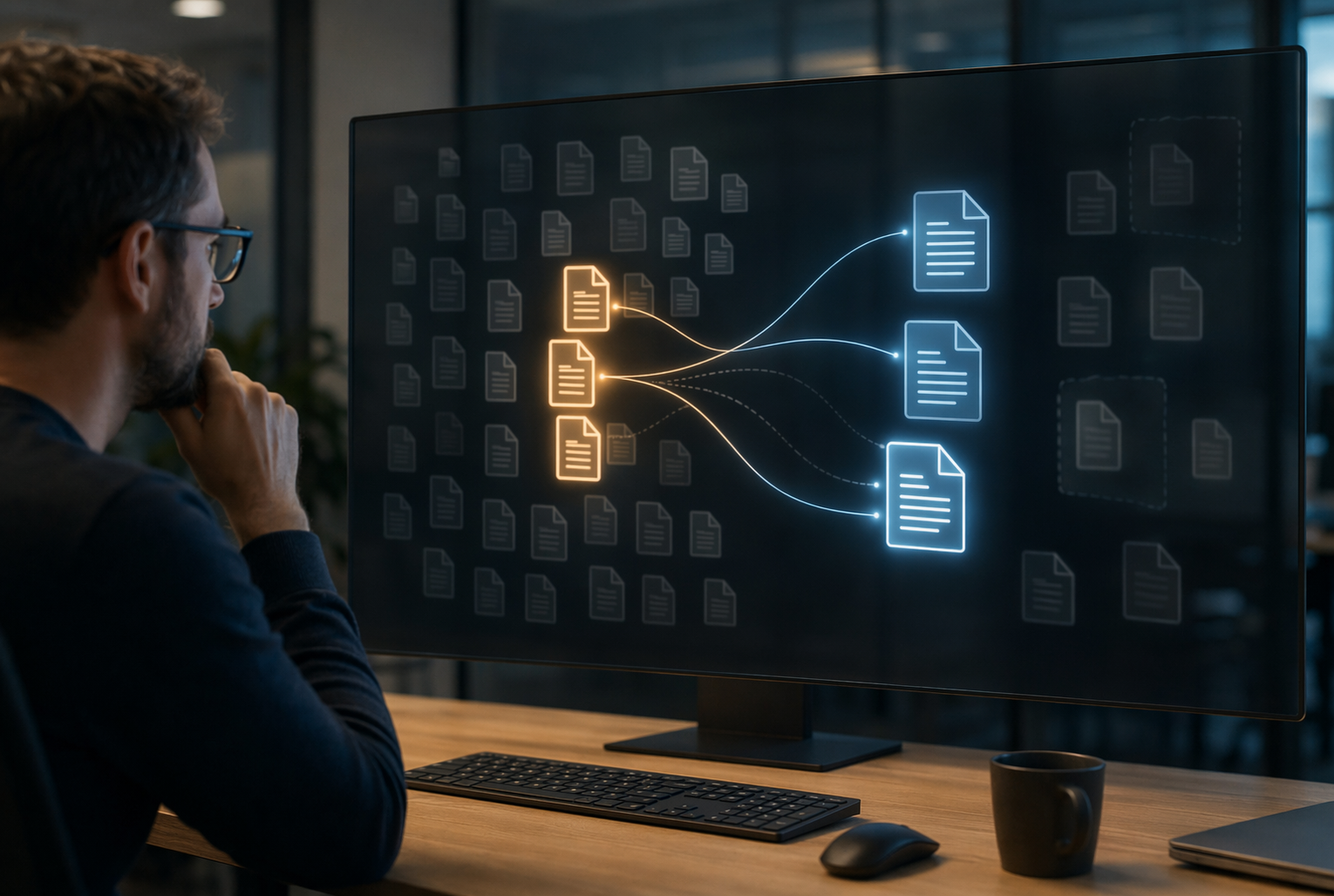
Reviewable suggestions beat raw alerts because they give maintainers something to accept, edit, or reject in the PR. That closes the loop fast. A stale warning with no fix sits open and gets ignored. MoxieDocs fits this well by turning drift into update-ready documentation changes instead of another dashboard item.
Accuracy improves when tools combine signals, not guesses. The best setups use:
- git diff context
- symbol or route matching
- explicit file-to-doc links
- confidence thresholds
- comment updates instead of repeated alerts
Also Read: Documentation Drift Spurs New Push to Tie Docs to Code
Which detection workflow is best for GitHub-centric teams?#
For most GitHub-first teams, the best workflow is simple: run doc drift checks on pull requests, then run a broader scheduled scan for anything missed. GitHub Actions supports both event-based and scheduled workflows in the repo itself, which keeps setup close to code and easy to review in PRs, per GitHub Actions workflow docs.
Best fit for small teams#
Small teams should start with one PR check and one nightly scan.
- PR check catches drift before merge
- Nightly scan catches hidden gaps
- Single repo workflow keeps ownership clear
Keep alerts reviewable. If every commit creates noise, people will ignore the check.
Best fit for larger engineering orgs#
Larger orgs need layered checks across many repos.
| Team size | Best workflow | Why it works |
|---|---|---|
| 1 to 10 devs | PR check plus nightly scan | Low setup, fast feedback |
| 10+ devs, many repos | Reusable GitHub Actions workflows plus repo rules | Consistent policy, less duplication |
GitHub says workflows can trigger on events like pull_request, push, and schedules, and can be reused across repos, which makes this model practical at scale in its workflow syntax reference.
When MoxieDocs is the strongest option#
MoxieDocs fits best when docs must stay current with every merge, not just get flagged.
- Teams using AI coding agents
- Repos with fast change volume
- Maintainers who want suggested fixes, not just alerts
It is strongest when drift review needs to happen inside the GitHub flow your team already uses. That cuts handoffs and helps stale docs get fixed while the change is still fresh.
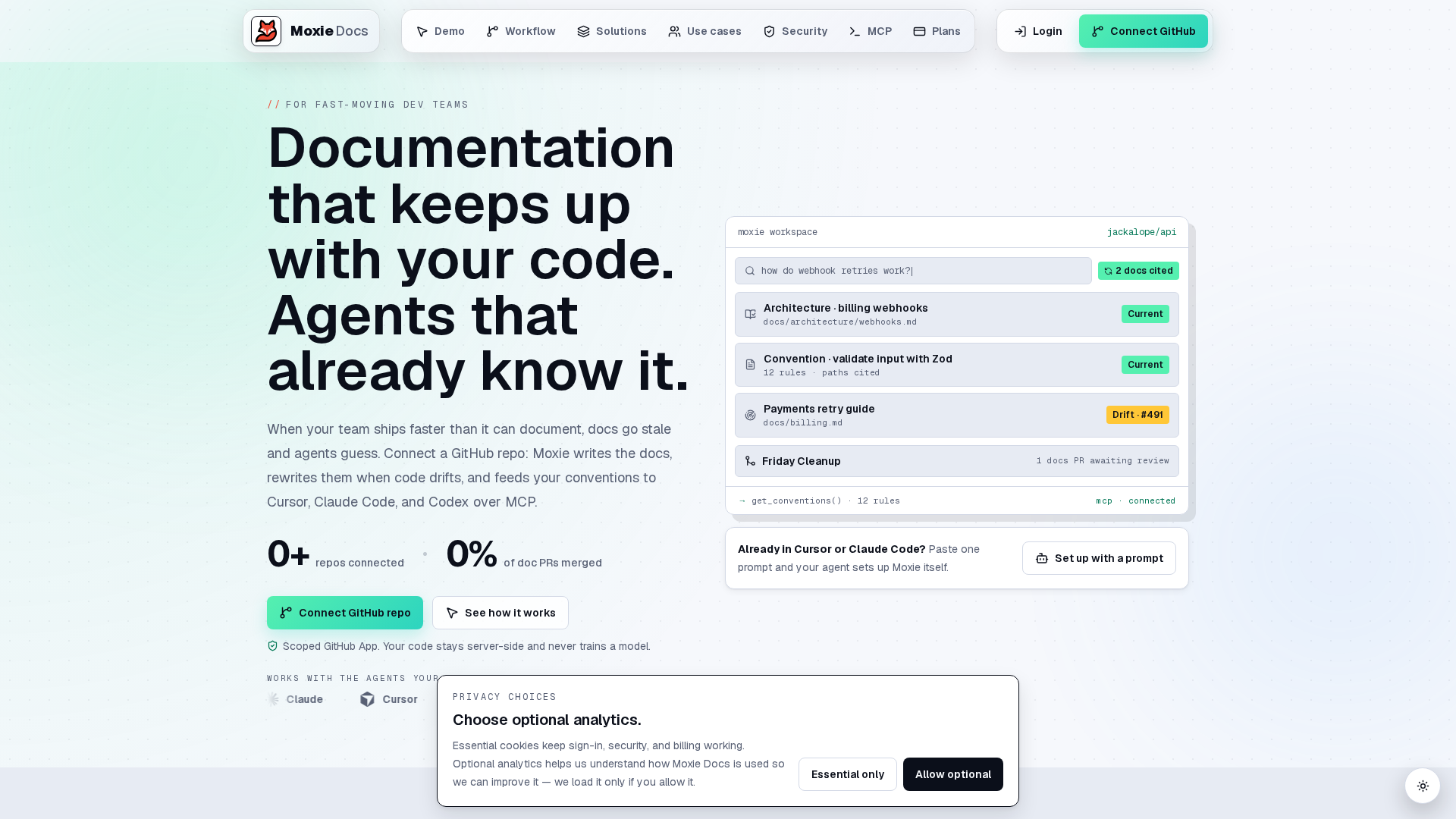
Stop chasing stale docs by hand. Use MoxieDocs to catch drift on every merge, keep GitHub docs current, and turn review noise into fixes your team can ship.
Frequently Asked Questions#
Q1: What are the best detection methods for identifying documentation drift in technical teams?#
Use PR checks, schema or API contract diffing, and docs-to-code ownership reviews. The best setup catches drift at merge time, not weeks later.
Q2: How can automation help prevent documentation drift in software development?#
Automation compares code changes to linked docs, flags mismatches, and opens reviewable updates. This cuts manual checking and reduces stale pages.
Q3: What tools does MoxieDocs offer to monitor and update living documentation for GitHub repositories?#
MoxieDocs tracks repo changes, flags drift after merges, updates living docs, and gives AI agents current code context so generated docs stay aligned.
Conclusion#
The best drift checks catch issues early, inside pull requests, and point to a fix. Research found outdated references in many GitHub projects over 3,000 repos studied, while GitHub-first checks work best when they produce reviewable PR annotations and fixes.
Republish or cite this article
You're welcome to republish this piece in full or in part. We just ask that you credit the original with a link back. See our republishing guidelines.
Attribution snippet
<p>This article was originally published on <a href="https://moxiedocs.com/blog/documentation-drift-a-comprehensive-review-of-detection-methods">Moxie Docs</a>.</p>Cite this article
The Moxie Docs team. "Documentation Drift Review: Detection Methods for Technical Teams." Moxie Docs, July 12, 2026, https://moxiedocs.com/blog/documentation-drift-a-comprehensive-review-of-detection-methods.
Read next
GitHub Documentation Improvements Drive Better Developer Support
Discover how GitHub documentation improvements enhance developer support, streamline workflows, and empower open-source projects. Learn more about these updates
GitHub Documentation Gets Real-Time Collaboration Feature Update
Discover the latest GitHub documentation update featuring real-time collaboration tools, enhancing teamwork for software developers, DevOps, and technical writers.