
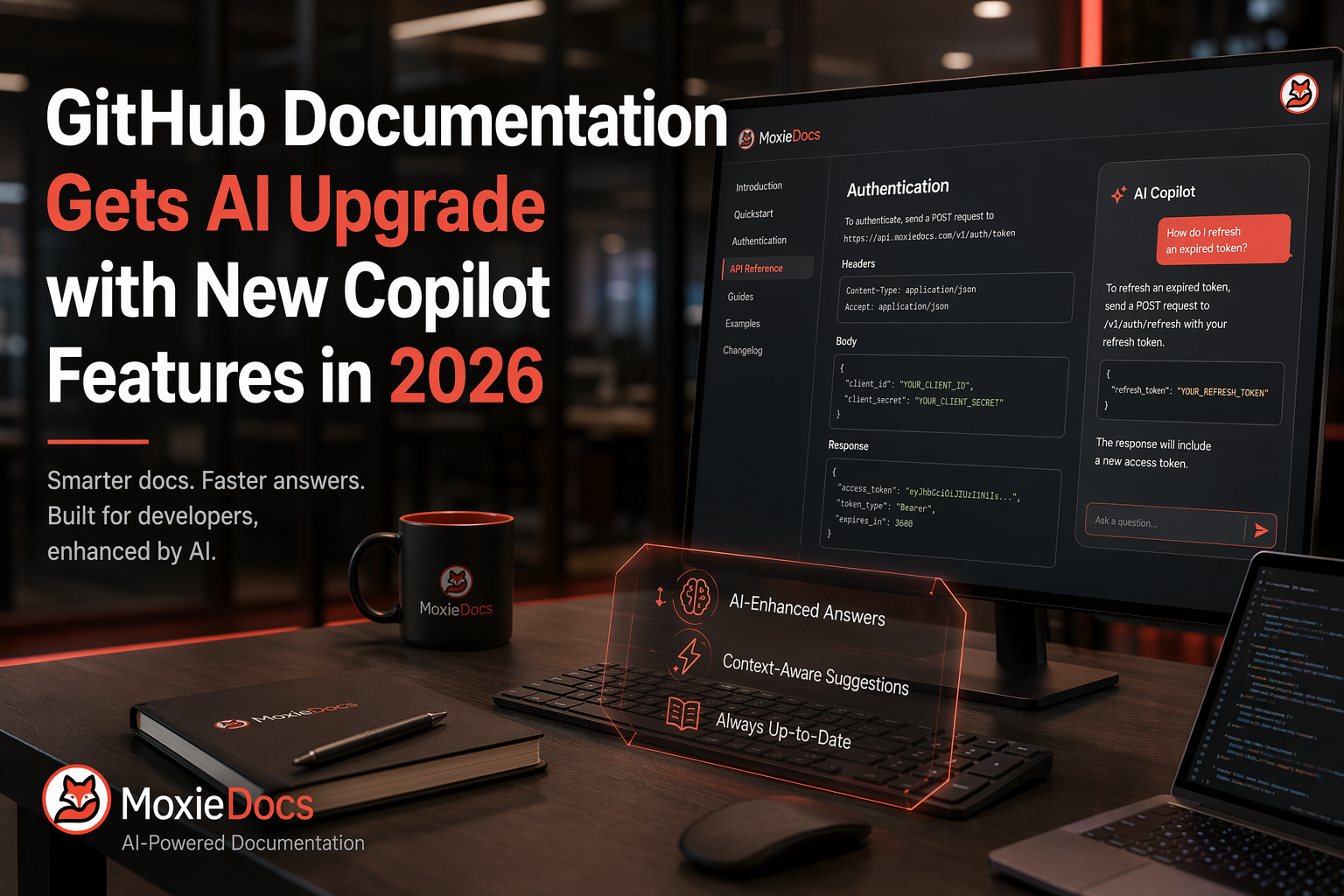
GitHub Documentation Gets AI Upgrade with New Copilot Features in 2026
GitHub Copilot's 2026 update adds a one-million-token context window and configurable reasoning levels across VS Code, the CLI, and code review. Here's what it changes for keeping documentation accurate as repos and context grow.
- ai-agents
- developer-experience
- documentation
Quick Summary: GitHub's 2026 Copilot update significantly boosts its ability to handle larger codebases and documents with a one-million-token context window. It also offers adjustable reasoning levels, helping teams balance speed and depth for different tasks. This makes maintaining accurate, consistent documentation easier, especially across multiple files and releases.
GitHub Documentation teams now get a much stronger Copilot. With one-million-token context, adjustable reasoning, and support across the app, CLI, and reviews, GitHub Documentation work can span longer files without losing repo context. The hard part is no longer drafting. It is keeping GitHub Documentation accurate and consistent across releases. This piece covers the Copilot changes that matter most for GitHub Documentation teams comparing AI Documentation Tools and Code Documentation AI in 2026.
What GitHub changed in Copilot for 2026#
GitHub’s biggest 2026 Copilot shift is simple: it can hold more context and let you choose how hard it thinks. GitHub says Copilot now supports a one-million-token context window in VS Code, Copilot CLI, and the Copilot app, which helps with larger codebases, longer docs, and multi-file work according to GitHub’s changelog.
For docs teams, that means fewer broken summaries when a repo has specs, READMEs, ADRs, and source files spread across folders. It also makes cross-file updates more realistic, especially when one product change touches setup guides, API docs, and release notes at once.
Bigger context helps quality, but GitHub also warns it uses more AI credits per interaction.
GitHub also added configurable reasoning levels, so you can trade speed for deeper thinking on harder tasks in its 2026 update. That matters for documentation because not every prompt needs the same effort.
-
Use lower reasoning for:
- Cleanup edits
- Style fixes
- Short summaries
-
Use higher reasoning for:
- Change impact analysis
- Conflicting docs across files
- Migration or architecture explanations
Also Read: A Comprehensive Guide to GitHub Documentation for Development Teams
How documentation teams can use Copilot more effectively#
Docs teams get better Copilot output when they treat context and writing rules like repo assets, not side notes. GitHub says Copilot now supports one-million-token context windows and configurable reasoning levels, which helps on larger repos and longer documents, but it also warns that bigger context and deeper reasoning use more credits according to GitHub’s 2026 changelog.
- Keeping style and terminology consistent across the repo
- Put your voice, product names, and banned terms in shared instruction files.
- Add canonical docs for API names, feature labels, and support wording.
- Ask Copilot to rewrite only against those sources.
| What to store | Why it helps |
|---|---|
| Style rules | Keeps tone steady |
| Term glossary | Stops naming drift |
| Source docs | Reduces made-up phrasing |

If Copilot keeps changing the same terms, your repo rules are too vague.
- Using context to improve complex edits
- Attach the exact files, open PR, and target audience.
- Use higher reasoning only for multi-file rewrites.
- Start a fresh session for a new docs task.
VS Code’s Copilot docs state that the model can only reason about what it can see, so explicit file references beat vague prompts in Microsoft’s context guide.
- Where technical writers and maintainers fit in
- Writers define structure, examples, and user language.
- Maintainers supply repo truth, edge cases, and review.
- Tools like Moxie Docs fit here by flagging doc drift after merges, so Copilot edits stay tied to live code.
Also Read: GitHub Documentation Improvements Drive Better Developer Support
What this means for GitHub Documentation teams now#
Start small and aim at high-drift docs first. GitHub says Copilot now supports one-million-token context windows plus configurable reasoning levels, which helps it keep more repo and doc context in view during bigger tasks according to GitHub’s changelog.
- Pick one repo with frequent doc drift.
- Test update flows for READMEs, runbooks, and PR summaries.
- Add shared instructions for tone, structure, and link rules.
- Review outputs against real code changes, not just grammar.

The tradeoff is cost and control. GitHub notes that larger context and deeper reasoning use more AI credits. Copilot code review can also pull in full project context, but deeper analysis uses more credits and Actions minutes in GitHub Docs.
- Use default settings for routine edits.
- Save deeper reasoning for cross-file doc changes.
- Keep a human check for policy, security, and product claims.
If you use Moxie Docs, pair it with Copilot for drafting and let Moxie Docs catch drift after each merge.
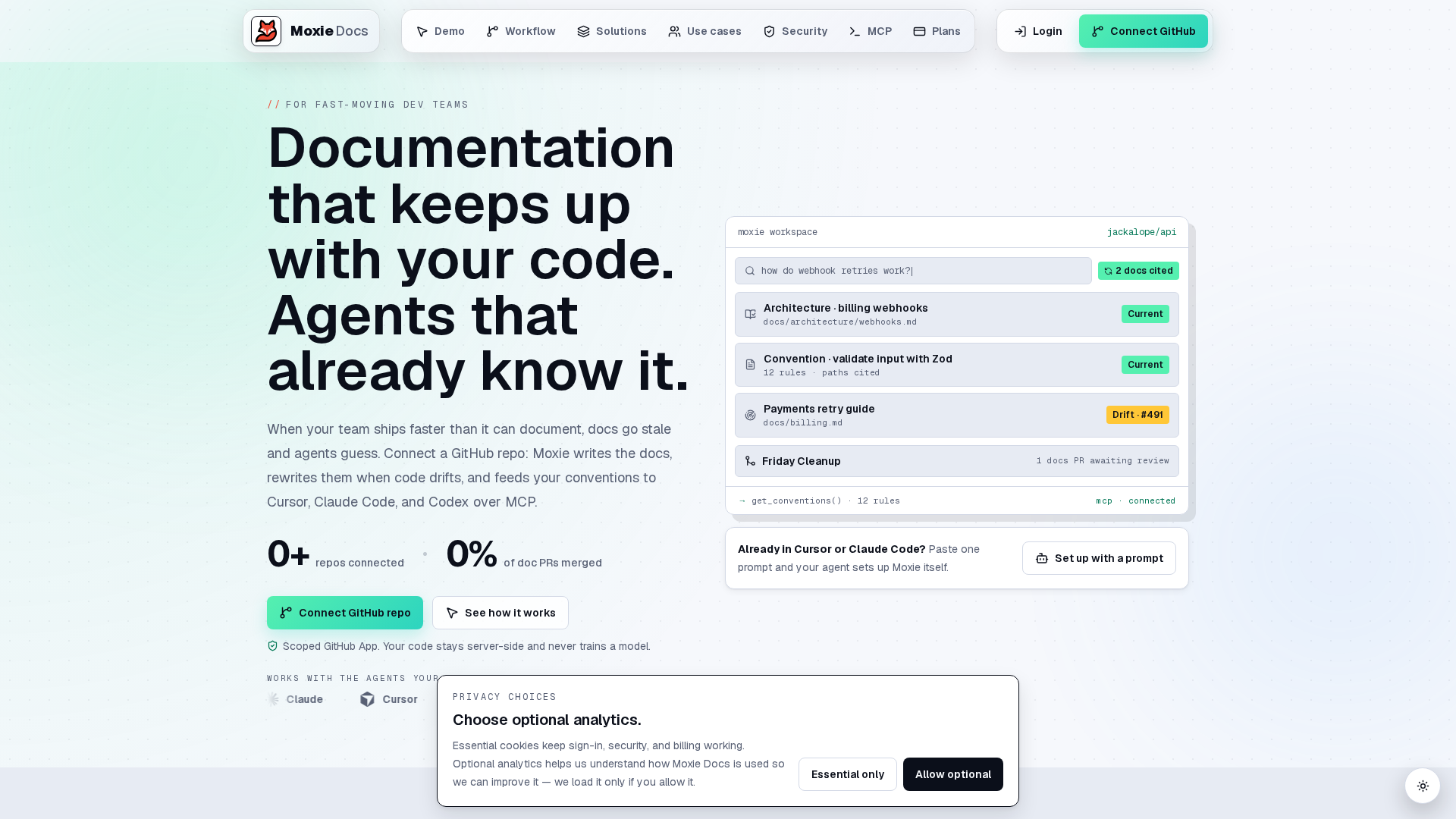
GitHub’s AI docs upgrades help, but they still need trusted repo context. Try Moxie Docs to keep GitHub documentation accurate, catch drift fast, and update docs with every merge.
Frequently Asked Questions#
Q1: What are the key AI features introduced in GitHub Copilot in 2026?#
GitHub Copilot in 2026 adds larger context windows, better repo-wide understanding, more control over reasoning depth, and wider support across docs, code, and review flows. That helps teams draft, update, and check documentation with less manual digging.
Q2: How does Moxie Docs enhance GitHub documentation with AI in 2026?#
Moxie Docs keeps docs tied to real code changes. It spots drift after merges, updates living docs, and gives AI agents current repo context through MCP. That makes Copilot outputs more accurate and cuts wasted tokens and context switching.
Q3: What are the differences between GitHub Copilot and Cursor for AI coding?#
GitHub Copilot fits teams already working inside GitHub and wants stronger docs, review, and repo workflows. Cursor focuses more on the editor experience. If your pain is doc upkeep across repositories, Copilot plus Moxie Docs is the stronger setup.
Conclusion#
GitHub’s 2026 Copilot updates give docs teams more useful context, broader workflow coverage, and tighter control. GitHub says Copilot now supports one-million-token context windows and configurable reasoning, which should help teams keep documentation accurate, consistent, and easier to maintain.
Republish or cite this article
You're welcome to republish this piece in full or in part. We just ask that you credit the original with a link back. See our republishing guidelines.
Attribution snippet
<p>This article was originally published on <a href="https://moxiedocs.com/blog/github-documentation-gets-ai-upgrade-with-new-copilot-features-in-2026">Moxie Docs</a>.</p>Cite this article
The Moxie Docs team. "GitHub Documentation Gets AI Upgrade with New Copilot Features in 2026." Moxie Docs, June 24, 2026, https://moxiedocs.com/blog/github-documentation-gets-ai-upgrade-with-new-copilot-features-in-2026.
Read next
Managing AI Agent Context Without the Bloat
Static rule files like .cursorrules get stale fast. We look at how to serve fresh codebase context to AI agents via Model Context Protocol without eating your token limits.
Comparing AI Coding Conventions in Auto Documentation and AI Documentation
Explore a comprehensive comparison of AI coding standards in auto documentation and AI documentation workflows, helping engineering leaders and developers optimize their practices.