
Living Documentation: How to Keep It Relevant with Continuous Updates
Outdated docs slow teams down. Discover how **living documentation tools** help engineering teams sync docs with code, reduce friction, and keep knowledge current—without the manual busywork.
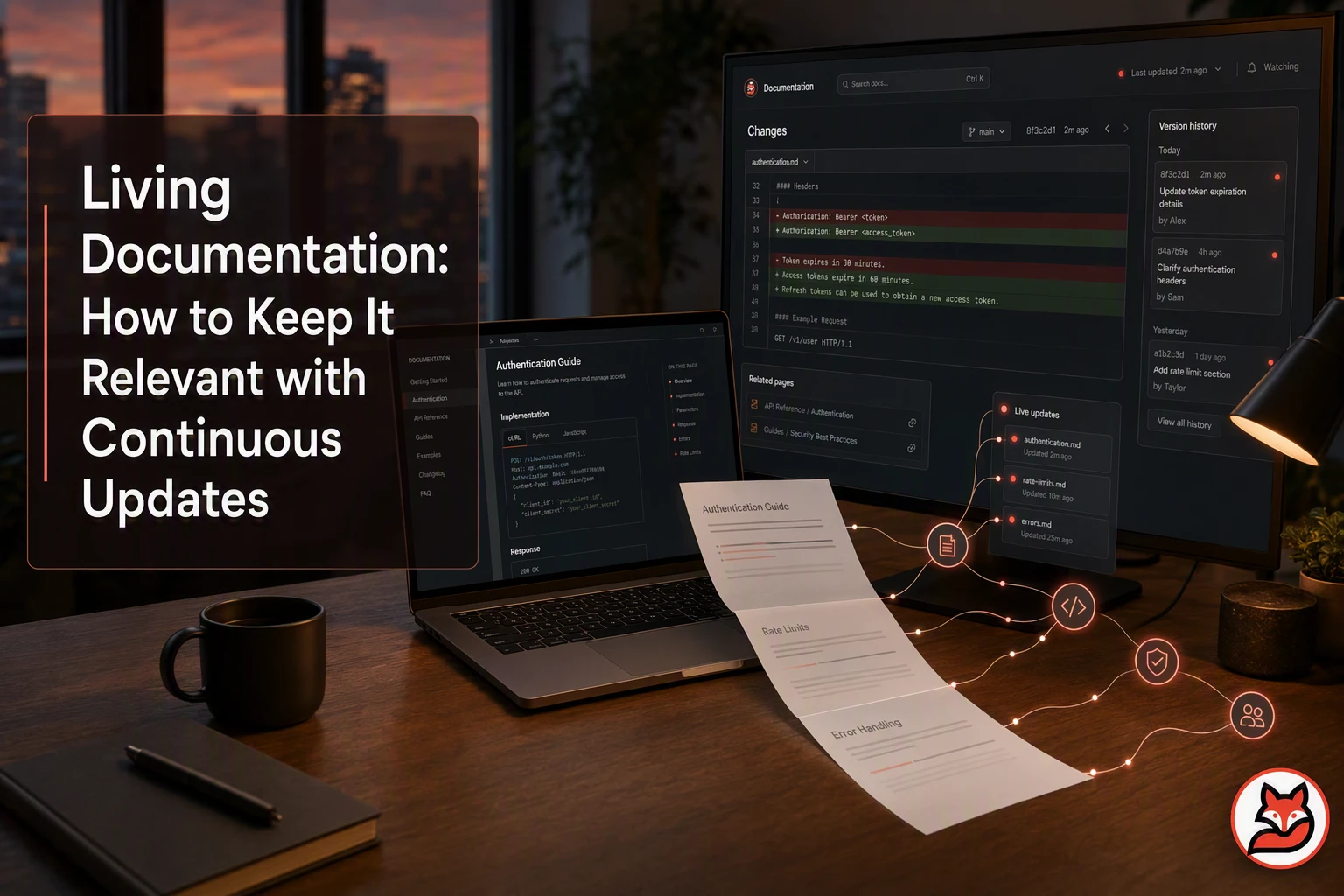
Quick Summary: Living documentation tools like MoxieDocs automatically detect when code changes-like renaming
userIdtoaccountId-break documentation, then flag the exact pages needing updates after each merge. Instead of overwriting content, they generate reviewable pull requests that preserve human context while fixing technical details, ensuring AI agents later pull only approved, up-to-date context via the Model Context Protocol. The key is linking docs to specific code paths, prioritizing behavioral drift (e.g., API changes), and keeping updates scoped to one feature at a time. Teams avoid stale guides by treating documentation updates as part of the merge process, not an afterthought.
A merged pull request changes userId to accountId, yet your guide and coding assistant still suggest the old field. That is documentation drift. Living documentation tools link code changes to the pages they may break. This guide shows how living documentation tools detect drift, scope updates, and route reviews to the right people. You will also see how automated documentation software can update technical documentation and feed trusted context to AI agents.
Step 1: Connect Documentation to the Code That Can Make It Stale#
Choose a High-Value Documentation Surface#
Start with docs that users rely on: an API reference, setup guide, or deployment runbook. Pick one tied to fast-changing code.
| Code change | Documentation at risk |
|---|---|
| API route or schema | API reference |
| Config default | Setup guide |
Tip: GitHub lets reviewers inspect changed files and line-level diffs, making pull requests a practical drift checkpoint. GitHub’s review guide explains the workflow.
Record the Code-to-Document Relationship#
For each doc page, list its source paths, owners, and trigger terms.
src/auth/-> authentication guideconfig/-> deployment runbook
Living documentation tools such as MoxieDocs can watch these links on every merge and flag the exact pages that need review.
Also Read: Living Documentation vs Traditional Docs: Which Approach Wins?
Step 2: Detect Drift After Merges and Identify the Affected Pages#
Prioritize Behavioral and Breaking Drift#
Run drift checks after each merge. Flag changes that alter user-facing behavior, not harmless refactors.
- API route, request, or response changes
- New required settings or env vars
- Changed defaults, permissions, errors, or limits
- Removed features and renamed commands
MoxieDocs can map these diffs to linked guides, API pages, and runbooks. GitHub recommends reviewing changed files one at a time, which keeps the review tied to clear evidence in the pull request diff.
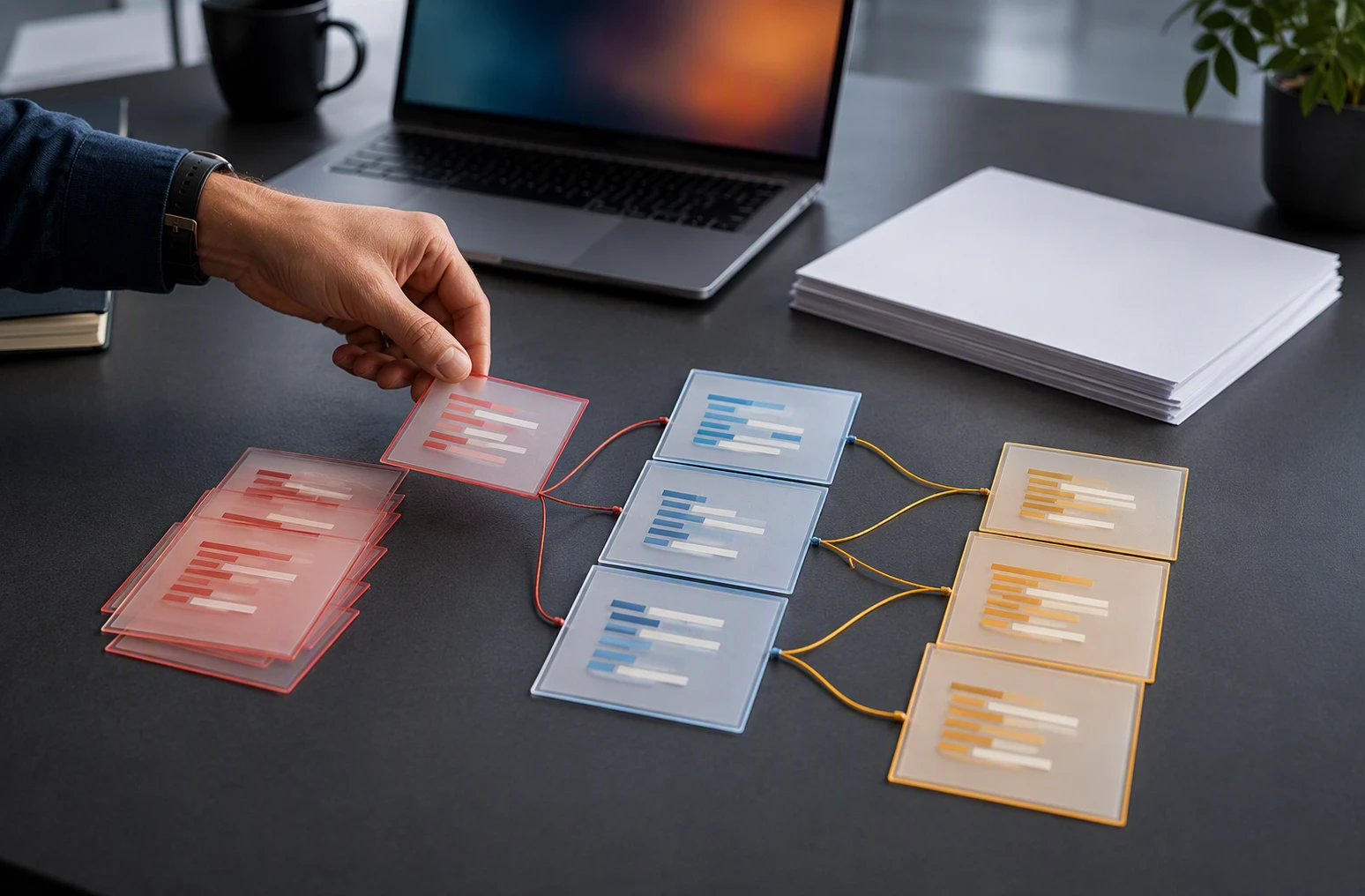
Tip: Treat a changed public contract as high priority, even if tests pass.
Keep the Scope Narrow Enough to Review#
Create one docs task per feature or service. Include:
- The merged files and changed symbols
- The affected page links
- A short reason for each flag
| Drift type | Review action |
|---|---|
| New endpoint | Update API reference |
| Default changed | Update setup guide |
Also Read: Living Documentation Best Practices for Agile Teams
Step 3: Generate a Reviewable Update Instead of Overwriting Human Context#
Automate Facts, Not Judgment#
Generate a pull request, never a silent overwrite. Let MoxieDocs update changed endpoints, flags, and file links. Keep human-written trade-offs, incident lessons, and product intent intact.
NIST's AI RMF treats accountability and transparency as core trust goals.
Treat generated text as a proposal. A maintainer still owns what becomes team knowledge.

Review the Proposed Documentation Pull Request#
Make the PR easy to judge:
- Show the source commit and affected docs.
- Highlight added, removed, and uncertain claims.
- Ask the code owner to approve domain details.
| Check | Reviewer action |
|---|---|
| API facts | Match code and tests |
| Human context | Preserve rationale and warnings |
| Scope | Reject unrelated rewrites |
- Merge only after a named owner approves.
- Send approved context to AI agents through MCP.
Also Read: Living Documentation and AI Documentation: A Comparative Overview
Step 4: Deliver the Updated Context to AI Coding Agents Through MCP#
Verify That the Agent Uses Current Repository Context#
Connect your agent to an MCP server that exposes approved repository docs as resources. MCP resources give AI apps read-only context from files, APIs, or other sources, while update notices can signal that content changed according to the MCP server guide.
Before approving generated code, check:
- The context points to the latest merged commit.
- The agent can retrieve the changed service, API, and runbook docs.
- Drifted pages are marked or withheld until review.
- The agent reports which resources it used.
| Check | Pass condition |
|---|---|
| Commit match | Context SHA matches the default branch |
| Doc freshness | Updated page shows the latest merge |
| Traceability | Agent names the source resources |
Tip: MoxieDocs can publish reviewed updates through MCP, so agents use trusted context instead of stale markdown.
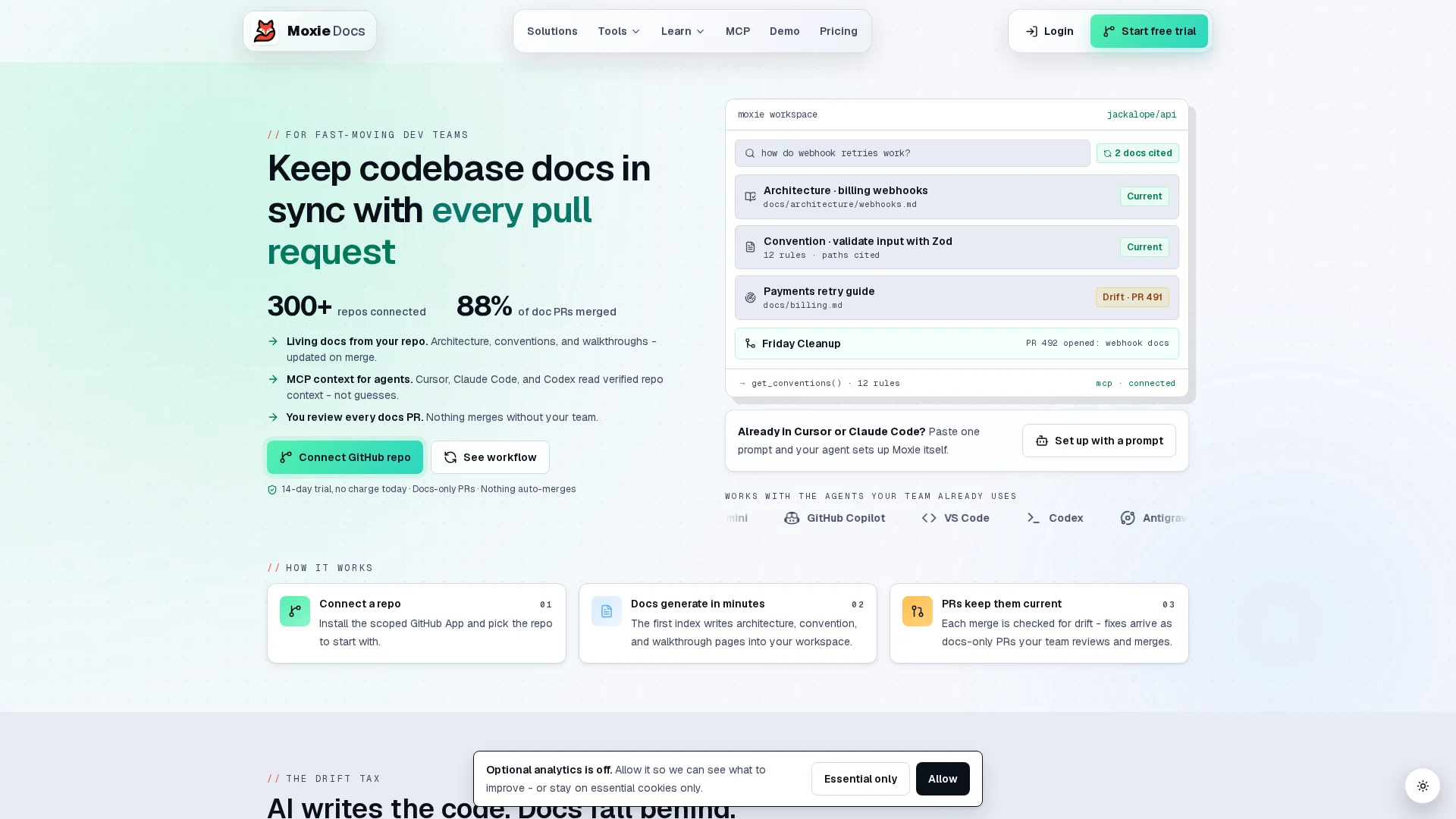
Keep docs honest as code changes. Try MoxieDocs to detect drift, update docs after merges, and feed AI agents current context.
Frequently Asked Questions#
Q1: How does MoxieDocs automatically update documentation to match code changes?#
MoxieDocs checks each merged change, finds affected docs, flags drift, and prepares updates for review. Teams can approve scoped changes instead of hunting through every page.
Q2: What are the biggest challenges of maintaining living documentation?#
The hard parts are unclear ownership, hidden code links, stale examples, and rushed reviews. Set owners, track drift after merges, and treat doc changes as part of delivery.
Q3: How can AI coding agents benefit from real-time codebase context via MCP?#
MCP gives agents current architecture, APIs, and rules. They make fewer wrong guesses, use fewer tokens, and produce changes that fit the repository.
Conclusion#
Keep docs tied to code changes, scope each update, and review it. This matches NIST guidance on controlling and monitoring configuration changes. Feed approved context to AI agents, not drafts.
Republish or cite this article
You're welcome to republish this piece in full or in part. We just ask that you credit the original with a link back. See our republishing guidelines.
Attribution snippet
<p>This article was originally published on <a href="https://moxiedocs.com/blog/living-documentation-how-to-keep-it-relevant-with-continuous-updates">Moxie Docs</a>.</p>Cite this article
The Moxie Docs team. "Living Documentation: How to Keep It Relevant with Continuous Updates." Moxie Docs, August 14, 2026, https://moxiedocs.com/blog/living-documentation-how-to-keep-it-relevant-with-continuous-updates.
Read next
Managing AI Agent Context Without the Bloat
Static rule files like .cursorrules get stale fast. We look at how to serve fresh codebase context to AI agents via Model Context Protocol without eating your token limits.
MoxieDocs vs DeepDocs: Which Fits Lean Startup Teams Better?
Struggling to keep docs up-to-date with a tiny team? Compare MoxieDocs and DeepDocs to see which AI docs generator saves your engineers time without sacrificing clarity—so you can ship faster.