
MCP Documentation Server: Complete Setup and Use Guide
Learn how to set up and utilize the MCP Documentation Server to streamline your documentation workflows, improve collaboration, and support AI-driven projects with detailed, step-by-step guidance.
- Documentation
- MCP
- developer-tools
Quick Summary: An MCP documentation server connects AI tools to current, trusted docs, reducing outdated answers and hallucinations. It fetches relevant resources, code samples, and references in real time, improving code generation and enterprise trust. Proper setup, security, and source management are key to maximizing its benefits for AI workflows.
If your Copilot, Claude, or custom agent keeps suggesting old Azure or .NET APIs, the issue is usually stale model knowledge. MCP Documentation fixes that by connecting the model to current official docs, examples, and Code Documentation at answer time.
This guide tackles the main problem teams face: AI tools sound confident, but they often cite outdated methods, missing params, or old package paths. A good Documentation Server gives the model fresher ground truth, so answers match the docs you actually use.
You will learn what MCP Documentation is, how an MCP Documentation setup works, where it helps, and where it falls short. This guide is built for developers, technical writers, and AI tool builders who need a practical view of MCP Documentation before they adopt it.
What an MCP Documentation Server Does#
An MCP documentation server gives an AI tool a controlled way to read docs, expose useful actions, and return the right context at the right time. MCP itself is an open standard for connecting AI apps to outside systems, and servers can expose resources, tools, and prompts according to the official MCP docs. In plain terms, a documentation server turns scattered docs into something an AI client can reliably use.
In an AI workflow, the server sits between the model and your source of truth. The host app connects to the server, asks what it can access, then pulls the docs or actions needed for the task. That could mean fetching API references, product docs, changelogs, or repo knowledge before the model answers. For teams using living docs platforms like MoxieDocs, this matters because the AI can work from current repo context instead of stale copied text.
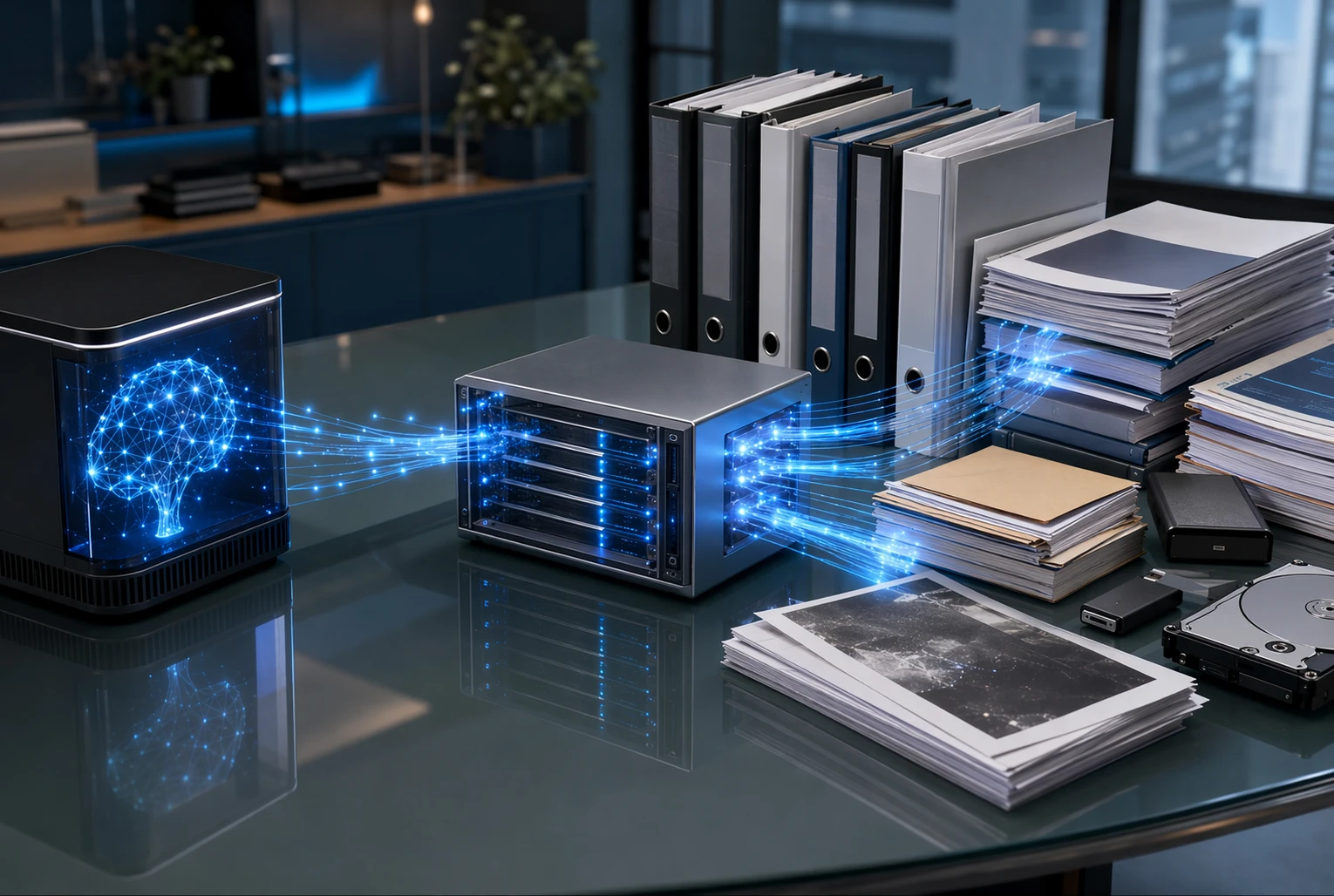
Generic search tries to find likely matches across broad content. An MCP documentation server does something tighter. It serves known documentation sources with structure, permission boundaries, and defined capabilities. The MCP architecture separates hosts, clients, and servers, which helps keep access scoped and predictable, as described in the MCP architecture overview.
Key point: search gives possibilities. A documentation server gives governed, task-ready context.
Also Read: Ultimate Guide to Auto Documentation for Development Teams
Why Teams Use It for Code Documentation#
Teams use a documentation MCP server because AI coding tools guess when they lack fresh context. That guesswork leads to fake APIs, stale setup steps, and answers that sound right but break fast. Microsoft showed this clearly: the same agent picked a deprecated Azure path without grounding, then produced a working script on the first try when it could query current docs through MCP Microsoft’s example.
Reducing hallucinations and outdated answers#
Live documentation cuts a common failure mode. The model stops leaning only on old training data and starts checking the source of truth at runtime. That matters most when libraries, SDKs, or internal guides change often.
- Fewer made-up methods and flags
- Less drift between docs and shipped code
- Better trust in AI answers during review
Research on code comprehension also found that grounded retrieval can sharply improve citation accuracy and remove hallucinated references in repo-level answers Auburn-led arXiv study.
Improving code generation and troubleshooting#
Grounded docs help the agent write better code and debug with less wandering. It can pull the right version, the right parameter, and the right workflow before it starts generating.
- The agent checks current docs.
- It writes against real interfaces.
- It troubleshoots with known guidance, not guesses.
That is useful for:
- API wrappers
- onboarding docs
- migration tasks
- runbook updates
For teams using MoxieDocs, this gets stronger because the agent can read living repo docs that update with each merge.
Why it matters in enterprise workflows#
Big teams need more than helpful answers. They need answers they can trace, review, and trust. A docs MCP server supports that by grounding outputs in approved sources instead of model memory alone.
| Workflow need | Why MCP helps |
|---|---|
| Consistency | Agents use the same current documentation |
| Auditability | Teams can inspect the source behind an answer |
| Speed | Engineers spend less time re-checking AI output |
Also Read: How We Dogfood A Continuous Documentation Workflow To Keep Code Docs And Ai In S
Core Capabilities and Supported Tools#
An MCP documentation server is most useful when its tools stay narrow and readable. In practice, the core set usually comes down to search, fetch, and code sample lookup.
- Search documentation semantically
A good server should find meaning, not just keywords. That means a search for “auth flow” can still surface pages about tokens, sessions, or OAuth setup. OpenAI’s MCP guide says servers that support research-style use should expose a read-only search tool, while MCP itself treats tools as standard, discoverable functions models can call through
tools/listandtools/callin the MCP tools spec.
- Best output: short result lists
- Include: title, ID, and source URL
- Avoid: dumping full pages in search results
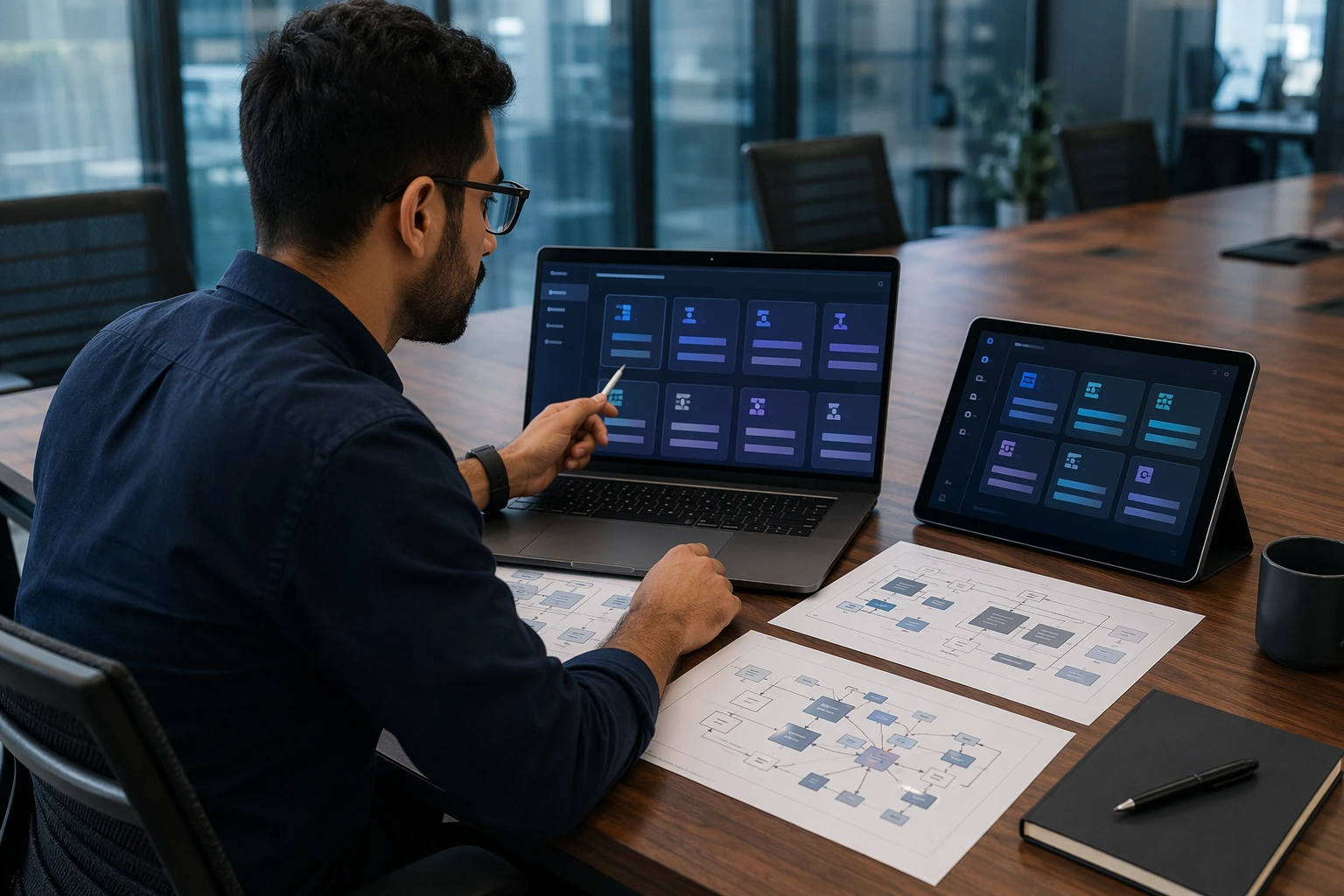
- Fetch a full article for deeper context Search finds the page. Fetch brings back the full article when the model needs detail. OpenAI’s MCP documentation explicitly calls out paired search and fetch tools for documentation and company knowledge workflows in its MCP integration guide. This split keeps answers fast and cuts token waste.
- Use search first
- Fetch only the top match or two
- Return clean text plus metadata
- Keep the source URL attached for traceability
Tip: If your server always returns the full page first, your AI client gets slower and more expensive.
- Search official code samples Docs answer “what.” Samples answer “how.” A strong documentation server should index official snippets, starter repos, and runnable examples alongside prose docs. This matters because MCP servers expose tools, resources, and prompts, but developers often need concrete usage patterns, not theory alone.
- Prioritize official examples over forum posts
- Group results by SDK or language
- Show file path, framework, and version when possible
- If you use MoxieDocs, live repo-aware context can make sample lookup more accurate as code and docs change together
How to Connect the Server in Your Client#
Add the remote endpoint#
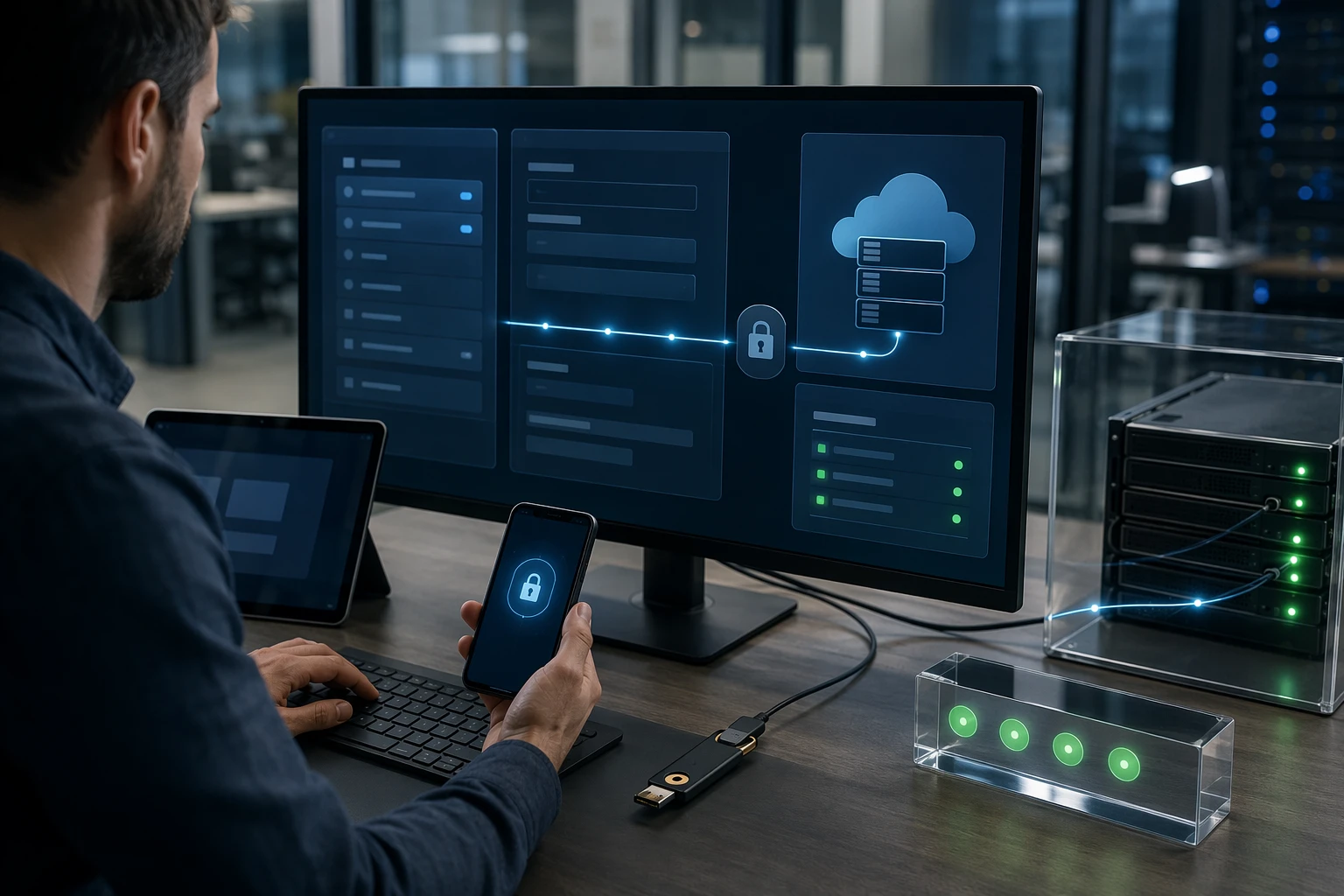
Start by adding the server URL inside your MCP client settings. Most clients ask for a server name, transport type, and the remote endpoint. If your server uses HTTP, keep in mind the MCP spec says HTTP-based transports should follow the protocol’s authorization flow, while stdio setups usually pull credentials from the local environment, per the MCP authorization spec.
Use this quick checklist:
- Enter the exact endpoint URL
- Give it a clear, unique server name
- Save any auth method tied to that endpoint
Choose user-level or workspace-level setup#
Pick the scope before you connect. A user-level setup works across many projects. A workspace-level setup stays tied to one repo or team space. That second option is safer when different projects need different docs, tokens, or access rules.
A simple comparison helps:
| Setup scope | Best use | Main risk |
|---|---|---|
| User-level | One person using the same server everywhere | Wrong server context in another project |
| Workspace-level | Team repos with separate docs or auth | More setup to maintain |
If your MCP server points at live docs, pick workspace-level when project boundaries matter.
This matters even more for remote auth. A 2026 Claude Code issue showed workspace binding can become unclear across multiple client environments, which can create real data-boundary risk in shared setups documented here.
Verify the connection and tool availability#
After saving the server, test it right away. A healthy client should connect, initialize a session, and show available tools or resources. The MCP docs note that clients discover callable functions through tools/list, then invoke them with tools/call.
Check for these signs:
- The server status shows connected
- Tool names appear in the client UI
- A simple read-only action returns a result
- Errors mention auth or endpoint issues, not silent failure
If you use MoxieDocs, verify that the client can see the docs-related tools you expect before you trust answers from the model.
Use client-specific install options when available#
Some clients offer one-click install flows, preset auth screens, or workspace templates. Use them. They reduce manual mistakes and speed up repeat setup.
Look for:
- Import from URL
- Per-project config
- Built-in OAuth handling
Also Read: A Comprehensive Guide to GitHub Documentation for Development Teams
How to Use It for Better AI Answers#
Start by making the model show its work. Retrieval-augmented generation, or RAG, improves answers by pulling in outside documents before the model writes, which helps reduce unsupported claims according to Wikipedia’s RAG overview. Ask for:
- an answer based on retrieved docs
- cited sources or quoted passages
- a clear "I don’t know" if support is weak
If the answer matters, require evidence first and prose second.
Search is for finding likely pages. Fetch is for reading the actual page or chunk. Google’s grounded-answer docs note that systems can use dynamic retrieval and specific grounding sources when needed for better support Google Cloud’s grounded answers guide. In practice:
- Search when you need breadth
- Fetch when a result looks relevant
- Ask the agent to answer only after it reads the fetched text
That one shift cuts a lot of guesswork.
For build tasks, use code sample search instead of plain doc search. You want examples, not just concept pages. Prompt for:
- the most relevant sample
- the minimum version or API details
- a short explanation of why that sample fits
This works well when your docs and code stay in sync. Tools like MoxieDocs help because the agent can pull live repo context, not stale snippets copied from old docs.
Last, add tool rules to the system prompt so the agent behaves the same way every time:
- Search docs first
- Fetch the top matching sources
- Prefer code samples for setup questions
- Cite or quote support
- Refuse unsupported claims
Good answers come from good retrieval habits, not smarter guessing.
Also Read: How To Sync Documentation With Github And Keep It Alive As Your Codebase Evolves
Limits, Freshness, and Security Considerations#
Know your server boundary first. An MCP documentation server is only as good as the sources it can reach. If it indexes product docs but not runbooks, tickets, or private repos, the model will miss key context. List included sources, excluded sources, and permission limits in plain terms. That keeps users from treating partial answers like full truth.
Freshness matters because stale docs create confident wrong answers. Set a clear update cadence for each source, such as on merge, hourly sync, or daily crawl. Track last indexed time and show it in the client when possible. NIST frames AI risk work as a lifecycle practice, not a one-time task, in its AI Risk Management Framework. MoxieDocs fits well here because drift checks only help if teams trust the timing.
Security needs more than access control. MCP servers can expose sensitive systems, and Google Cloud notes they may let agents take actions that are hard to reverse in its MCP security guidance. Review these basics before rollout:
- Use least-privilege credentials
- Separate read-only and write tools
- Isolate tenant and user context
- Log tool calls and document reads
- Require approval for risky actions
Treat retrieved content as untrusted input, not safe instruction text.
| Risk area | What to check | Practical guardrail |
|---|---|---|
| Coverage gaps | Missing sources | Publish source scope |
| Staleness | Slow syncs | Show last update time |
| Oversharing | Broad context reuse | Segment by user and team |
| Unsafe actions | Write-capable tools | Add human approval |
How to Evaluate Whether It Fits Your Stack#
Best fit scenarios#
MCP fits best when your AI app needs a standard way to reach docs, tools, and live context. The spec defines shared primitives like resources, prompts, and tools, plus client-server capability negotiation in the MCP specification. That helps if you want one pattern across IDE agents, internal assistants, and docs workflows.
- Good for multi-repo teams
- Good for AI copilots that need current docs
- Good when you want less custom glue code
When you may need something else#
You may need a different approach if your stack is simple, static, or highly locked down. MCP adds protocol work, trust review, and consent design. The spec also warns that tool access can create real security and privacy risk, so hosts must control data sharing and tool use under MCP security guidance.
If your agent only needs a fixed FAQ file, MCP may be too much.
Adoption checklist#
Use this short test before you commit:
- Do you have changing docs or code context?
- Do your agents need tools, not just text retrieval?
- Can your host enforce auth, consent, and logging?
- Do you need one protocol across several clients?
- Can your team support server upkeep and version changes?
If most answers are yes, MCP is likely a strong fit. If docs drift is your main pain, MoxieDocs is a practical signal because it keeps repo docs current while exposing that context through MCP.
Also Read: Mcp For Agentic Programming Practical Ways Ai Helps Dev Qa And Product
Common Questions About the MCP Documentation Server#
Yes, usually the protocol itself is free to use. MCP is described as an open-source standard for connecting AI apps to outside systems in the official intro docs and Anthropic’s launch post official MCP intro and Anthropic announcement.
That said, “free” depends on what layer you mean:
- The MCP spec - free
- Many SDKs and reference projects - free to inspect and use
- Your own server build and hosting - not free if you pay for infra
- The AI client or model behind it - often paid
- Managed documentation products - may charge for setup, sync, governance, or team features
If you build a small local documentation server for testing, your cost can be close to zero. If you run one in production, costs show up fast:
- Hosting and storage
- Auth and security work
- Logging and monitoring
- Model usage fees
- Maintenance time
Free protocol does not mean free operations.
For teams that want documentation-grounded AI without stitching everything by hand, a product like MoxieDocs may be a paid choice, but that cost can replace hidden labor spent fixing doc drift, token waste, and bad context.
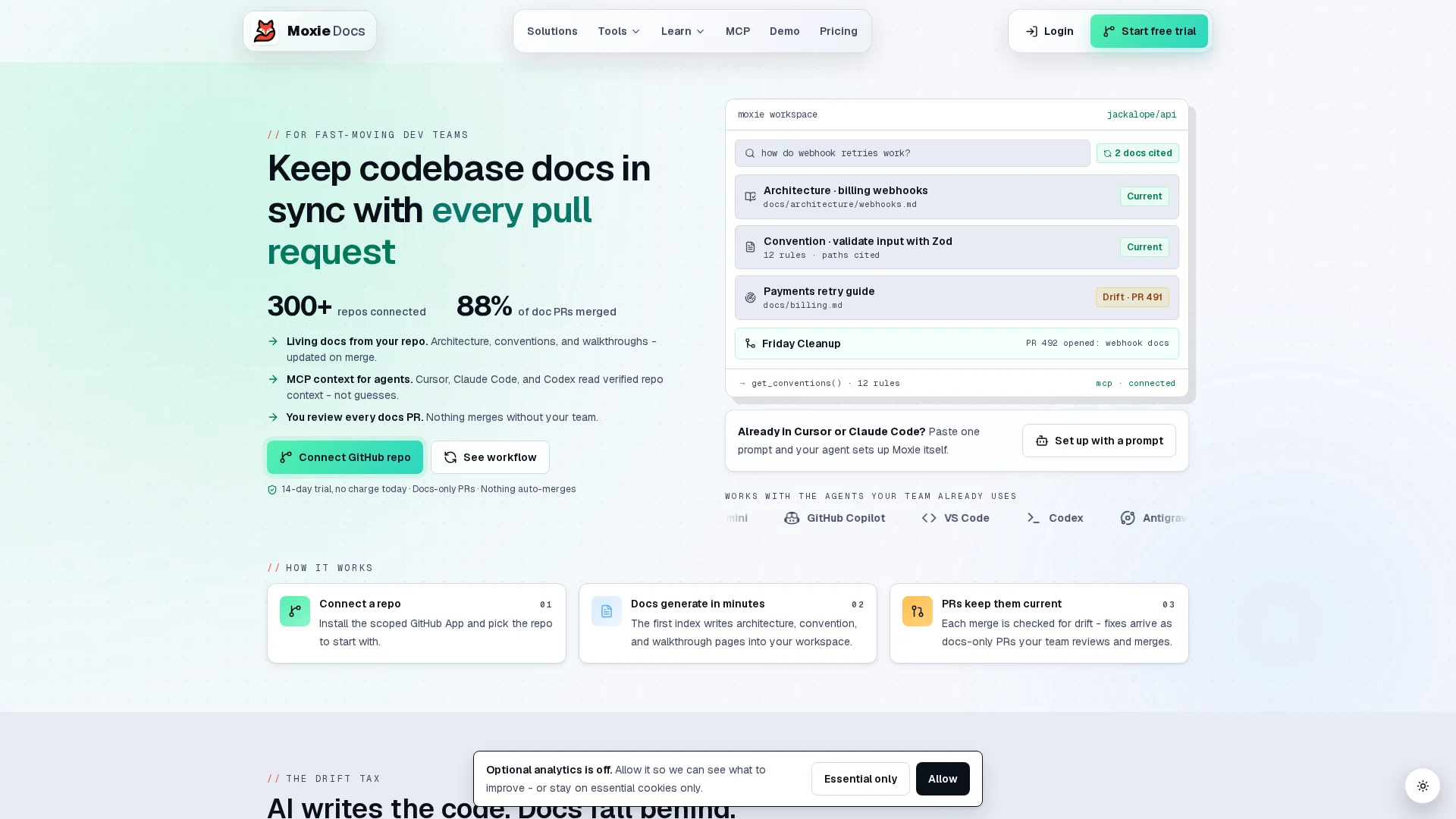
If you want an MCP documentation workflow that stays useful after setup, look at MoxieDocs. It keeps GitHub docs in sync with code, flags drift, and gives AI agents real-time repo context through MCP. Start there if you want fewer stale answers, less token waste, and less manual doc upkeep.
Frequently Asked Questions#
Q1: What are the key steps to set up the MCP Documentation Server for seamless integration?#
Start by picking your doc source, access rules, and client tools. Then connect the server to your repos or knowledge base, map permissions, test retrieval quality, and verify your AI client can request grounded answers without stale content.
Q2: How does MoxieDocs ensure documentation stays accurate as code evolves with MCP?#
MoxieDocs watches GitHub changes, updates living docs after merges, and flags drift when docs no longer match code. That gives MCP clients fresher context, lowers bad answers, and reduces wasted tokens spent on guessing missing implementation details.
Q3: What are the benefits of using MCP Documentation Server in enterprise AI workflows?#
It gives teams a controlled way to feed current docs into AI tools. That improves answer quality, supports audit needs, reduces context switching, and helps teams scale AI use without letting every assistant invent its own source of truth.
Q4: Do I need to rebuild my documentation before using MCP?#
No. Most teams start with the docs they already have, then improve gaps over time. MCP works best when content is organized, current, and permission-aware, but you do not need a perfect documentation system on day one.
Q5: What should I evaluate before choosing a documentation server?#
Check freshness, access control, source coverage, search quality, update speed, and client compatibility. Also review how it handles drift, citations, and multi-repo context, since those issues usually decide whether the system helps or creates extra review work.
Conclusion#
MCP documentation servers matter because they give AI tools a clean, shared way to read trusted docs, expose resources, and call the right tools. As the official MCP specification shows, the protocol centers on hosts, clients, servers, and clear capability rules. This guide covered the full path: what a documentation server is, how to set one up, how clients connect, where it adds value, and where it can fail. The main lesson is simple: good results depend less on hype and more on scope, consent, security, and content quality. MCP is growing fast as an open standard, but careful evaluation still wins.
Republish or cite this article
You're welcome to republish this piece in full or in part. We just ask that you credit the original with a link back. See our republishing guidelines.
Attribution snippet
<p>This article was originally published on <a href="https://moxiedocs.com/blog/mcp-documentation-server-complete-setup-and-use-guide">Moxie Docs</a>.</p>Cite this article
The Moxie Docs team. "MCP Documentation Server: Complete Setup and Use Guide." Moxie Docs, July 26, 2026, https://moxiedocs.com/blog/mcp-documentation-server-complete-setup-and-use-guide.
Read next
MCP Security Risks Explained: Tool Poisoning, Confused Deputies, and the Lethal Trifecta
MCP servers introduce a new attack surface: tool poisoning, rug pulls, confused deputy, and the lethal trifecta. What is real, and how to mitigate it.
What Is an Architecture Decision Record? A Complete Guide
An Architecture Decision Record (ADR) clarifies key technical choices for engineering teams. Learn how to document decisions that shape your system’s future—without endless meetings.