
MoxieDocs vs DocuWriter.ai: Best Living Docs for GitHub
GitHub documentation tools matter—especially for teams using docs as code. This comparison cuts through the noise to show which tool, MoxieDocs or DocuWriter.ai, keeps your docs in sync with your codebase *without* the hassle.
Quick Summary: MoxieDocs excels at keeping GitHub documentation in sync with code by detecting drift after merges and triggering reviewable pull requests-critical for teams where docs must stay accurate with every change. It integrates tightly with GitHub workflows and feeds AI agents real-time repository context via MCP, making it ideal for development teams relying on up-to-date codebase knowledge. DocuWriter.ai, by contrast, focuses on broad AI-generated documentation and centralized knowledge spaces, better suited for teams prioritizing quick drafts or architecture diagrams over continuous sync. The choice hinges on whether your priority is living docs tied to GitHub’s native processes (MoxieDocs) or fast, one-off generation (DocuWriter.ai).
MoxieDocs catches doc drift after pull requests and sends reviewable updates to GitHub. DocuWriter.ai suits teams that need broad AI output, Spaces, API references, and UML diagrams. This expert comparison tests docs as code GitHub workflows, GitHub documentation tools, living documentation software, and AI documentation tools for reliable agent context.
MoxieDocs vs DocuWriter.ai: GitHub Living Docs at a Glance#
| MoxieDocs | DocuWriter.ai | |
|---|---|---|
| Primary workflow | Continuous GitHub indexing and living documentation | AI generation organized in collaborative Knowledge Spaces |
| Code-change synchronization | Re-checks docs on merges and surfaces gaps or drift | Repository Sync and Autopilot suggestions for changes |
| GitHub review model | Scoped documentation proposals and reviewable pull requests | Reviewable documentation suggestions through repository workflows |
| AI-agent context | MCP context for conventions, docs, gaps, and verified commands | MCP integrations and platform AI search |
| Architecture and UML diagrams | Architecture diagrams and Mermaid-based workflows | Generated class, sequence, and component diagrams |
| Best fit | GitHub-native teams prioritizing accuracy and agent context | Teams wanting broad generation and centralized publishing |
How MoxieDocs and DocuWriter.ai Compare#
MoxieDocs#
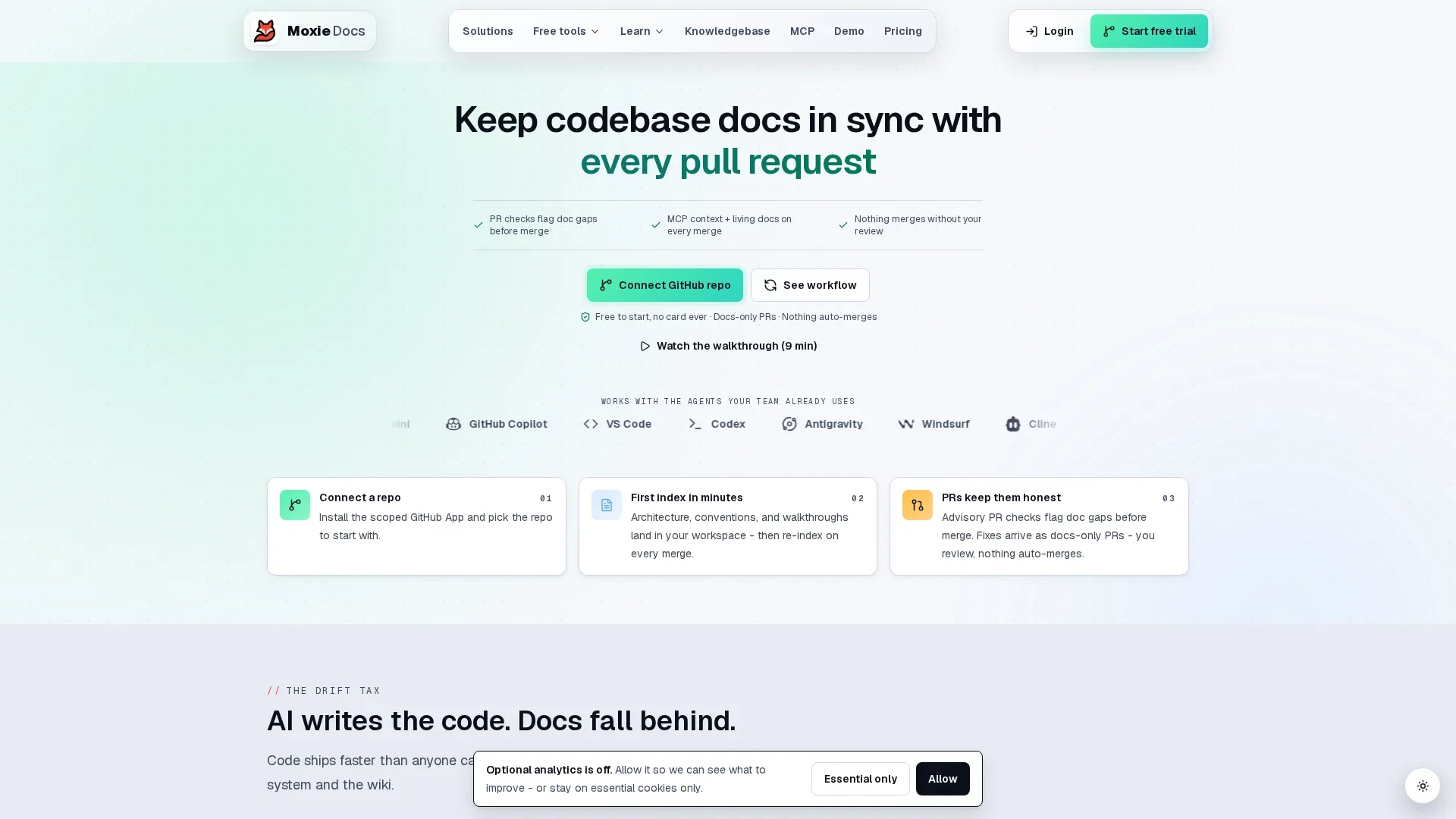
MoxieDocs is built for GitHub-native teams that need docs as code GitHub workflows. It tracks drift after merges and feeds agents repository context.
DocuWriter.ai#
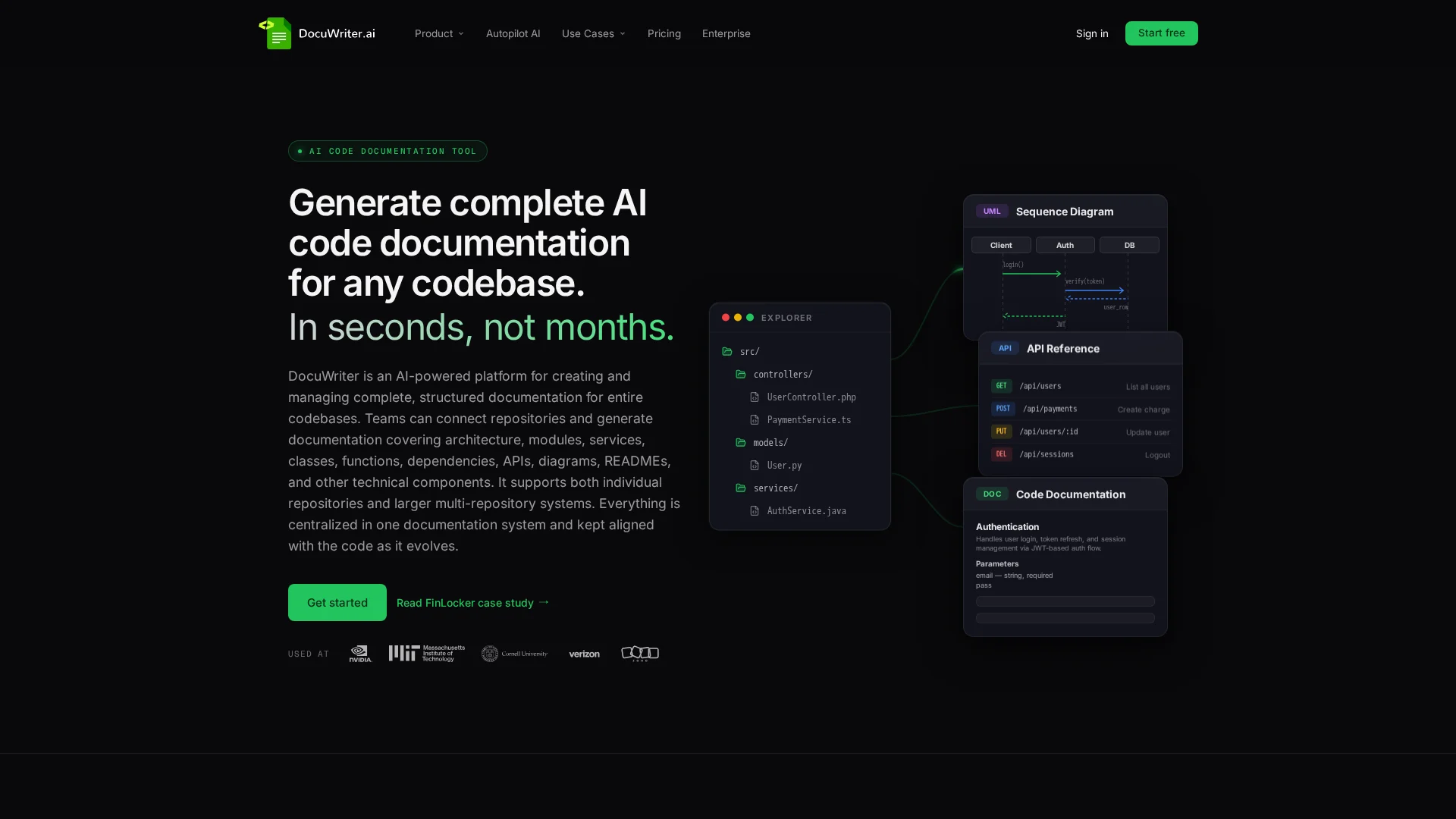
DocuWriter.ai serves teams that want broad generation and shared knowledge spaces. Its MCP tools support docs, search, and repository sync work.
Keeping GitHub Documentation Current After Code Changes#
Generation, Synchronization, and Drift Are Different Jobs#
Generation drafts docs once. Synchronization updates them after each merge. Drift checks whether existing claims still match code. Strong GitHub documentation tools do all three, not just write a first draft. MoxieDocs ties these jobs to repository changes, so docs as code GitHub stays useful between releases.

| Job | Result |
|---|---|
| Generation | First documentation draft |
| Synchronization | Updated docs after merges |
| Drift detection | Flags stale claims |
Why Reviewable Pull Requests Matter for Docs as Code#
Treat doc updates as pull-request changes, not silent edits. GitHub lets reviewers comment, approve, or request changes before merge in its pull request review workflow. That gives docs as code GitHub a clear audit trail.
Require a docs check when APIs, config, or architecture files change.
- Assign a code owner for key guides.
- Review generated diffs.
- Merge only approved updates.
Also Read: MoxieDocs Review: AI-Powered Documentation for Modern Dev Teams
Which Tool Gives AI Coding Agents Better GitHub Context?#
MCP Access Versus a Separate Documentation Workspace#
MoxieDocs gives agents a stronger fit when they need current repository context inside their coding flow. Its MCP access can surface living docs alongside the code an agent is changing. MCP is built to connect AI apps with external data, tools, and workflows through a standard interface, according to the official MCP overview.

| Need | Better approach |
|---|---|
| Agent needs current repo facts | MoxieDocs MCP context |
| Writer needs a separate drafting space | DocuWriter.ai workspace |
Prefer GitHub documentation tools that pull context at task time, not copied notes that can drift.
- Use MCP for code-aware agent work.
- Use a workspace for long-form editing.
Also Read: A Comprehensive Guide to GitHub Documentation for Development Teams
Architecture Docs, UML Diagrams, and Repository Understanding#
One-Time Diagram Export Versus Continuously Checked Architecture#
A UML export gives a useful snapshot. UML supports visualizing and documenting system structure, according to the Object Management Group. But it becomes stale after a merge unless someone checks it.
| Approach | What happens after code changes |
|---|---|
| One-time export | Team must update diagrams by hand |
| MoxieDocs | Docs can flag drift and refresh with merges |
- Map services, key flows, and dependencies.
- Review each pull request against that map.
- Treat mismatches as architecture debt.
A diagram is only trustworthy when it tracks the repository, not last quarter's release.
Also Read: Living Documentation Best Practices for Agile Teams
Which Should You Choose: MoxieDocs or DocuWriter.ai?#
Choose MoxieDocs if your docs must stay tied to every GitHub merge. It fits teams that need drift alerts, pull-request governance, architecture context, and live MCP context for AI agents.
Choose DocuWriter.ai if you mainly need fast, one-time documentation drafts from existing code.
| Your priority | Better fit |
|---|---|
| Living docs that track repository changes | MoxieDocs |
| Quick generated docs for a code snapshot | DocuWriter.ai |
| AI-agent codebase context | MoxieDocs |
GitHub reviews can approve or request changes before merge, making them a useful control point for documentation updates, as GitHub explains.
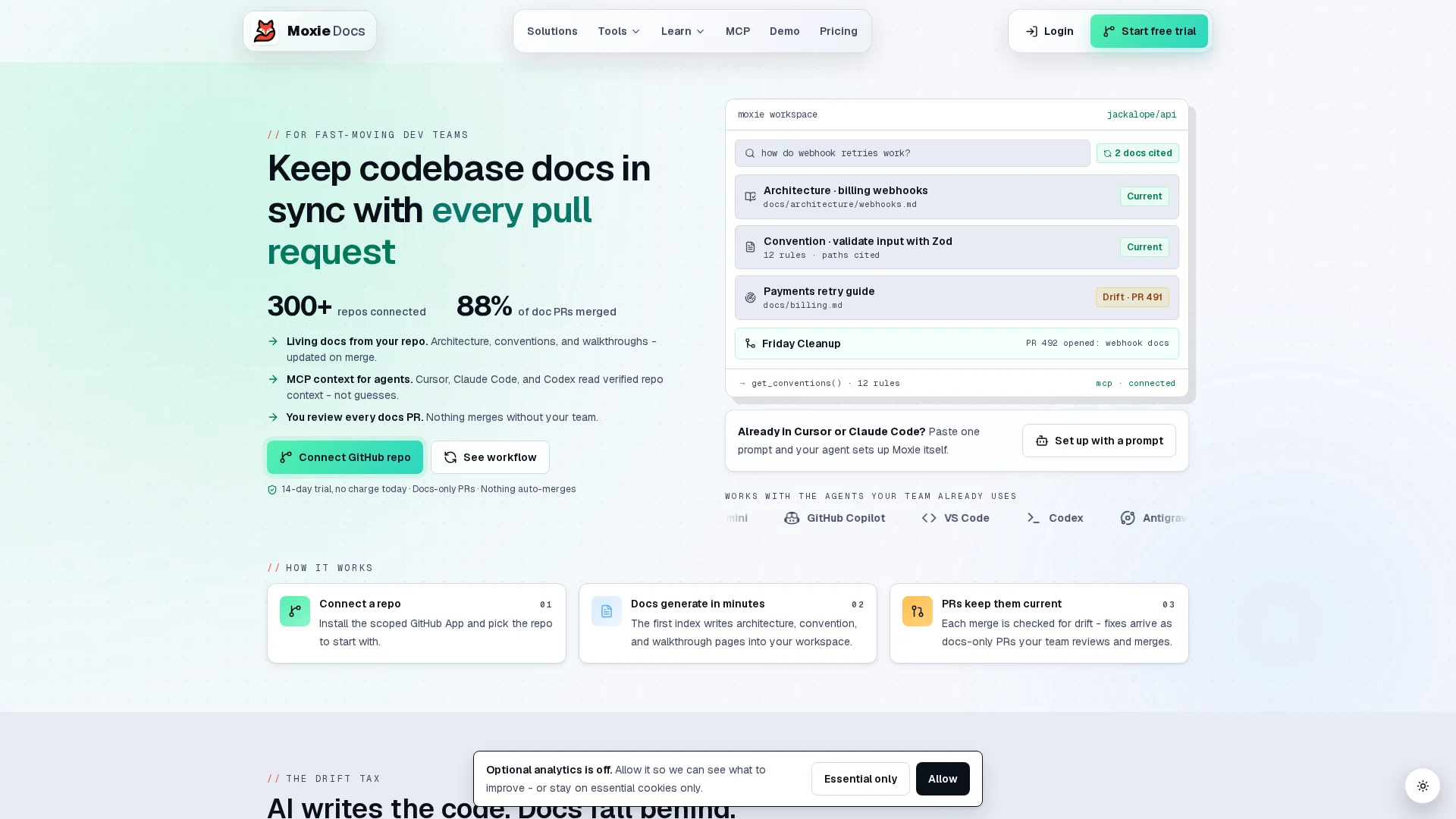
Keep GitHub docs accurate after every merge. Try MoxieDocs to flag drift and feed AI agents live code context.
Frequently Asked Questions#
Q1: What is the best living docs tool for GitHub?#
MoxieDocs suits teams that need docs to stay aligned after each merge. Choose based on PR controls, drift alerts, and whether AI agents need current repository context.
Q2: How does MoxieDocs automatically update GitHub documentation when code changes?#
It tracks merged code changes, flags doc drift, and updates affected content. Teams can review changes through their normal GitHub workflow.
Q3: What makes MoxieDocs better than DocuWriter.ai for AI coding agents?#
MoxieDocs provides current codebase context through MCP, helping agents use fewer tokens and make choices based on the latest repository state.
Q4: Can MoxieDocs generate UML diagrams from GitHub repositories?#
Yes. It can create architecture-focused documentation and diagrams from repository structure, helping maintainers explain service links and code paths.
Conclusion#
Choose MoxieDocs when GitHub sync, PR review, and AI context matter most. GitHub supports reviews before merge, making governed living docs the safer fit.
Republish or cite this article
You're welcome to republish this piece in full or in part. We just ask that you credit the original with a link back. See our republishing guidelines.
Attribution snippet
<p>This article was originally published on <a href="https://moxiedocs.com/blog/moxiedocs-vs-docuwriter-ai-best-living-docs-for-github">Moxie Docs</a>.</p>Cite this article
The Moxie Docs team. "MoxieDocs vs DocuWriter.ai: Best Living Docs for GitHub." Moxie Docs, August 20, 2026, https://moxiedocs.com/blog/moxiedocs-vs-docuwriter-ai-best-living-docs-for-github.
Read next
MoxieDocs vs DeepDocs: Which Fits Lean Startup Teams Better?
Struggling to keep docs up-to-date with a tiny team? Compare MoxieDocs and DeepDocs to see which AI docs generator saves your engineers time without sacrificing clarity—so you can ship faster.
Documentation Debt: How to Measure It, Track It, and Pay It Down
Documentation debt compounds like tech debt but almost nobody tracks it. Learn where it comes from, how to score it, and how to set up a ratchet that keeps docs from rotting again.