
AutomaDocs Pricing: Plans, Limits, and Value for Teams
Explore detailed documentation pricing options for teams, including plans and limits. Find out how AutomaDocs can optimize your technical documentation costs and efficiency.
Quick Summary: AutomaDocs offers tiered plans where the main differences are repo limits, team controls, and security features, not just price. It suits small to mid-size teams aiming to reduce manual documentation work and keep costs predictable. The platform is most valuable for teams with many repos, frequent updates, and onboarding needs, but may be less ideal for larger teams requiring dedicated support. For teams needing continuous, synced documentation, Moxie Docs might provide even better value. If your team wants AutomaDocs to cut doc upkeep without surprise AI fees, the first limit that matters is usually not price alone. It is Documentation Pricing tied to repos, seats, and control features. This review breaks down Documentation Pricing, Team Documentation Plans, and Living Documentation Costs so you can see what fails first. I focus on plan limits, team fit, and real value, not marketing claims or vague Documentation Pricing summaries.
Plan breakdown: where the Free, Pro, Team, and Custom limits actually matter#
The real split is not just price. It is how fast your repo count, chat use, access needs, and buying process get painful. AutomaDocs lists Free, Pro, Team, and Custom clearly on its pricing page, but the useful question is where each limit starts blocking work.
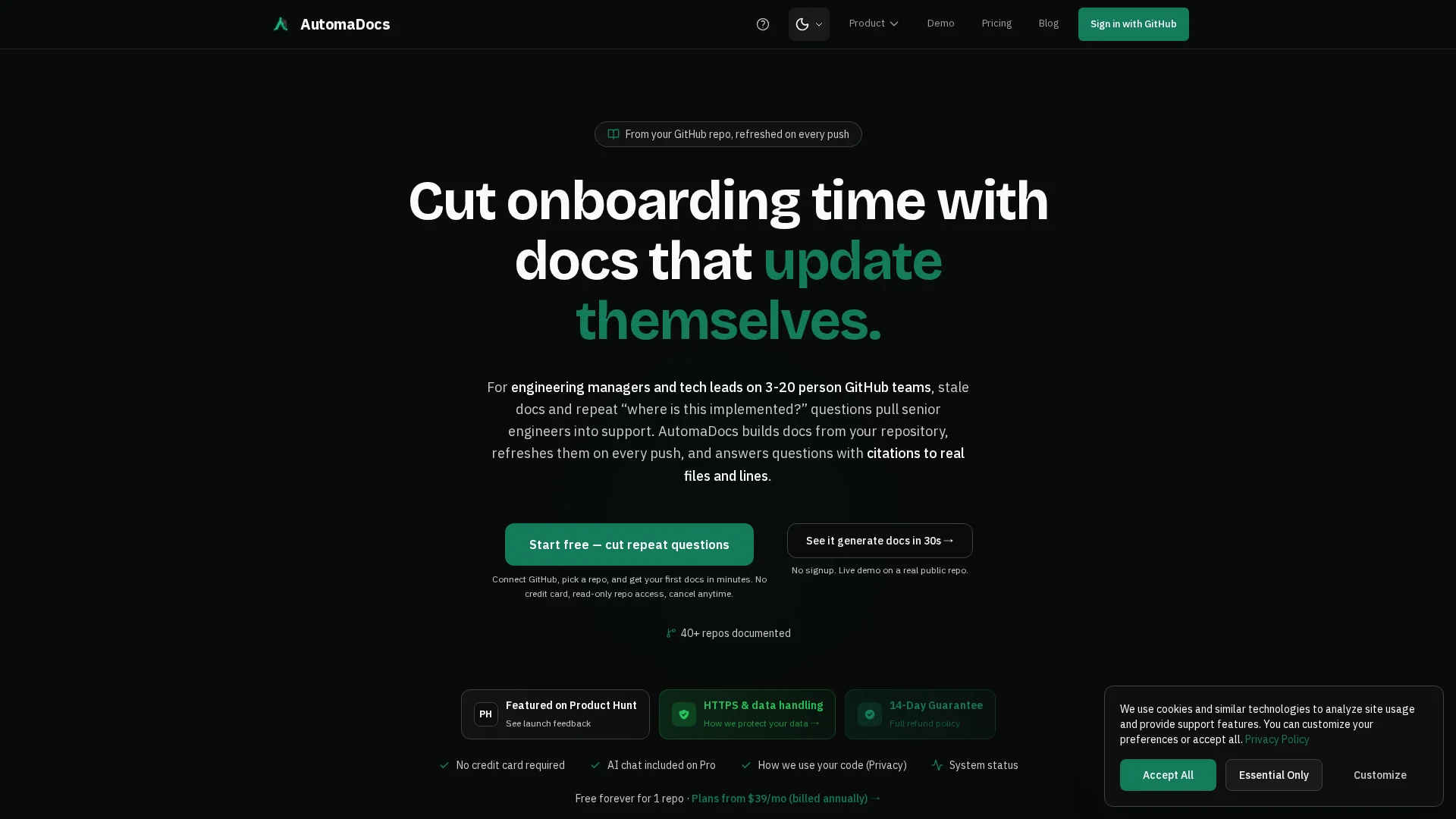
Free vs Pro: Free works for one public repo and light testing. It breaks once you need private work, more repos, or regular AI help. Pro matters when one engineer or a small team wants predictable cost, 20 repos, unlimited chat, and API plus MCP access.
Why Team exists: Team is not just "more." It adds shared controls that growing groups need. According to the FAQ, Team includes custom domains, while pricing adds 10 seats, SSO, audit logs, and unlimited repos. That matters when security review, identity management, and traceability start slowing adoption.
Custom pricing: Custom is for finance and procurement friction, not extra product depth. You get the same Team platform, but with annual invoicing, volume discussion, and a different buying path.
Pick by workflow risk: Free for trial, Pro for speed, Team for governance, Custom for purchasing constraints.
Also Read: Moxie Docs Review: AI-Powered Documentation for Modern Dev Teams
Value for engineering teams: predictable spend versus doc-maintenance savings#
You are not just paying for generated docs. You are paying to remove repeat work: hunting for context, fixing stale pages, and answering the same Slack questions. Stripe found developers spend over 17 hours a week on maintenance work in its Developer Coefficient report.
- Fewer manual doc updates
- Less reviewer time on missing context
- Lower risk from stale internal docs

Predictable pricing matters because finance teams can approve a known monthly cost faster than open-ended internal labor. Atlassian’s 2025 DevEx report says 50% of developers lose 10+ hours weekly to workflow friction and non-coding work in The State of Developer Experience in 2025.
The best pricing plan is often the one that caps surprises, not the one with the lowest sticker price.
ROI is strongest when your team ships often, maintains many repos, or supports onboarding at speed. That is where tools like Moxie Docs can beat manual upkeep.
Also Read: Moxie Docs vs DeepDocs: Which AI Documentation Tool Wins?
Pros and cons of AutomaDocs pricing for team documentation#
What stands out
AutomaDocs keeps pricing simple. The paid plans avoid per-message AI fees, and Pro plus Team include unlimited chat according to the pricing page. That helps teams budget fast. Team also bundles 10 seats, unlimited repos, SSO, audit logs, and custom domains in one plan, which is useful for shared internal docs and access control.

Where the model is less ideal
The jump from Pro to Team is big if you only need a few seats but more than 20 repos. Support is also self-serve and async, with no SLA or dedicated rep, as the FAQ explains. That may be fine for startups, but less ideal for larger teams with strict vendor review or urgent doc workflow issues.
Also Read: 8 Top AI Documentation Tools for Engineering Teams in 2026
Is AutomaDocs worth it for your team?#
Best fit by team profile: AutomaDocs fits small to mid-size GitHub teams that want docs to update on every push, not by hand. The pricing page shows Pro at $39 monthly billed annually, while Team adds 10 seats, SSO, audit logs, and unlimited repos.
Final recommendation: It is worth it if your pain is stale internal docs, repeat Slack questions, and slow onboarding. It is less compelling if you mainly need a polished public docs site. The team page makes the value clear for shared internal reference work.
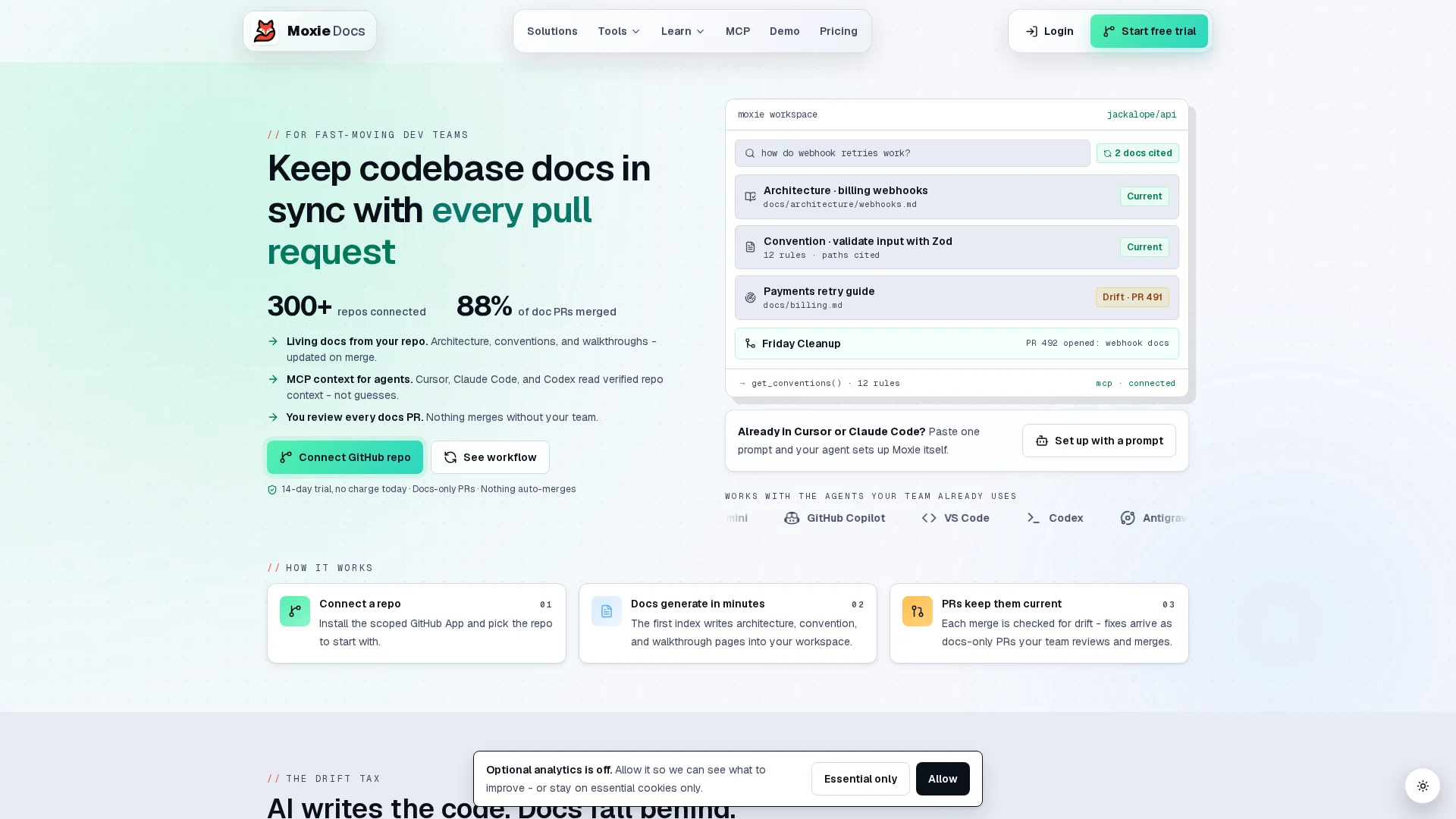
If AutomaDocs limits feel tight, try Moxie Docs to keep GitHub docs current automatically, cut drift, and scale team knowledge without manual cleanup.
Frequently Asked Questions#
Q1: What are the main differences between AutomaDocs plans and their limits for team documentation?#
Free fits testing. Pro suits one user with higher usage caps. Team adds shared seats, collaboration, and admin control. Custom is for larger orgs needing negotiated limits, support, security review, and procurement help.
Q2: How does Moxie Docs pricing compare to competitor AI documentation tools in 2026?#
Moxie Docs stands out when your docs must track live GitHub changes, not just generate drafts. That can cut review time and stale docs cost. Compared with AutomaDocs, value depends on drift detection, repo context, and team workflow depth.
Q3: What is the value of Moxie Docs for engineering teams managing evolving GitHub documentation?#
Moxie Docs helps teams keep docs synced with code after every merge. That matters most for fast-moving repos, AI-generated code, and small teams with little doc time. The real gain is fewer outdated pages and less manual cleanup.
Conclusion#
AutomaDocs is strongest when you want clear limits and predictable cost. The pricing page shows Free for testing, Pro for API access, and Team for shared control, while the FAQ confirms upgrade flexibility and refund terms.
Republish or cite this article
You're welcome to republish this piece in full or in part. We just ask that you credit the original with a link back. See our republishing guidelines.
Attribution snippet
<p>This article was originally published on <a href="https://moxiedocs.com/blog/automadocs-review-ai-documentation-tool-tested-by-experts">Moxie Docs</a>.</p>Cite this article
The Moxie Docs team. "AutomaDocs Pricing: Plans, Limits, and Value for Teams." Moxie Docs, July 20, 2026, https://moxiedocs.com/blog/automadocs-review-ai-documentation-tool-tested-by-experts.
Read next
8 MCP Documentation Servers to Speed Up Setup
Discover 8 MCP documentation servers that streamline setup for developers, AI tool builders, and technical teams. Improve efficiency with targeted solutions for coding assistants.
AI Documentation: A Comprehensive Review of the Top 5 Platforms
Discover the best AI documentation platforms tailored for software teams, technical writers, and AI developers. Find the ideal tool to improve clarity and collaboration in your projects.